


Web browser issue

Since the last update for Firefox browser (Version 138.0.3 64-bit), I have been unable to access my default search engine which is startpage (https://www.startpage.com/). This is very annoying. I checked my extensions, and the extension is not disabled. I also haven't inadvertently blocked startpage. So this appears to either be a coincidence and issue with the startpage going down, or Mozilla Firefox have blocked the site. Looking for advice to resolve the access issue.
すべての返信 (2)

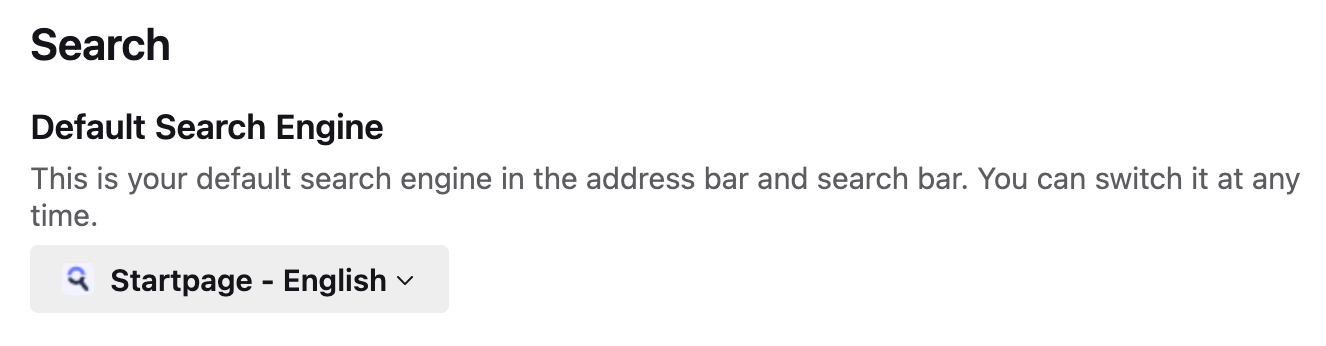
In about:preferences#search, is Startpage chosen as the default search engine?
選ばれた解決策
Mark said
In about:preferences#search, is Startpage chosen as the default search engine?
Yes I changed the settings so Startpage is my default search engine. Since posting this question however, I can report that startpage now appears to be back up. So the issue appeared to be a temporary outage at their end.