


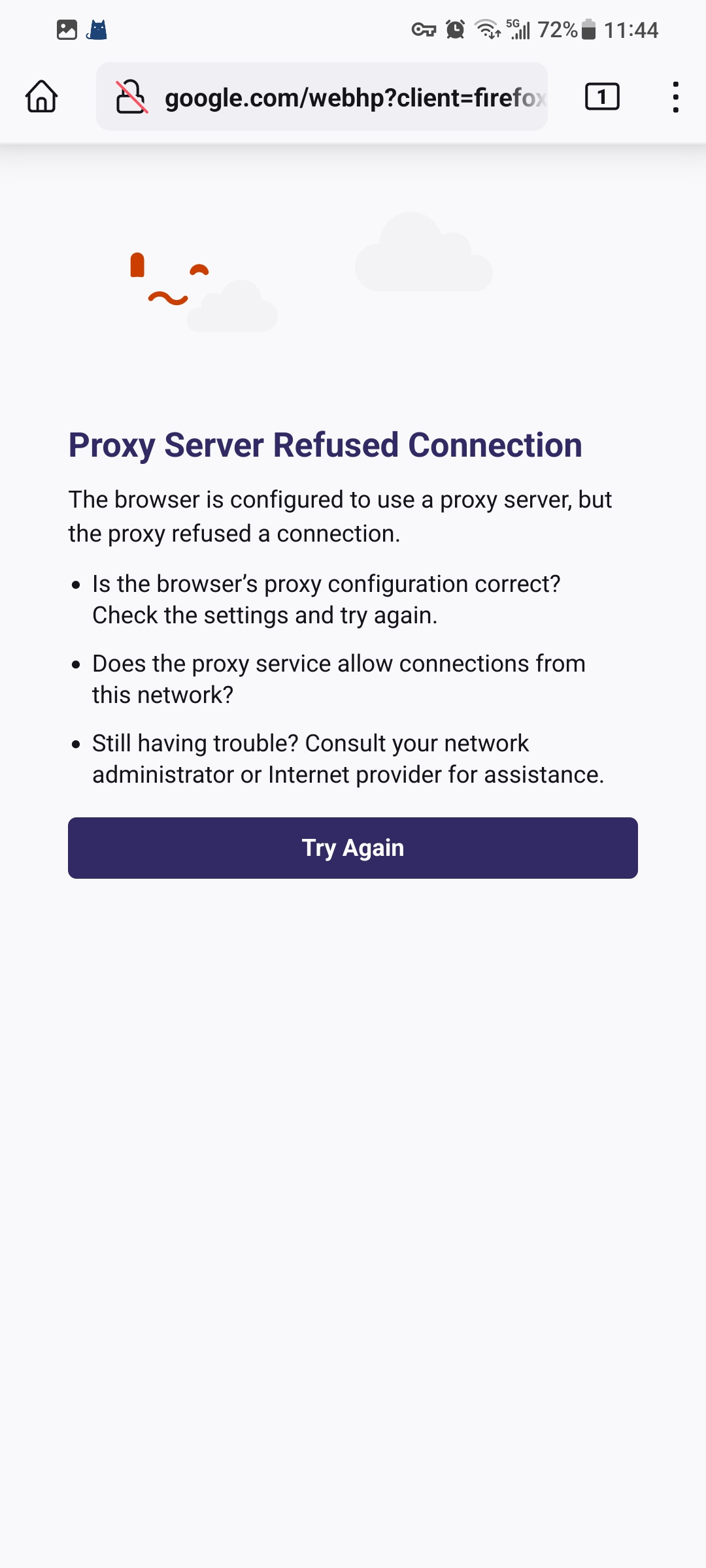
Using a proxy server to visit the website shows that the connection is denied.

You can teach me how to open the website normally when using a proxy server (Android). Thank you for you help.
選ばれた解決策
I have the same issue. It broke in version 119
The problem is that Firefox is connecting to the wrong port for the proxy server, connecting to port 80 rather than the port configured in android settings.
Easiest work-around for now - switch over to Firefox Beta. Version 120 fixes the issue.
Alternatively, if you control the proxy server, configure the proxy to also listen on port 80. Or if you have a firewall that can do it, configure it to redirect traffic to the correct port on the proxy.
この回答をすべて読む 👍 1すべての返信 (3)
please,I need help

選ばれた解決策
I have the same issue. It broke in version 119
The problem is that Firefox is connecting to the wrong port for the proxy server, connecting to port 80 rather than the port configured in android settings.
Easiest work-around for now - switch over to Firefox Beta. Version 120 fixes the issue.
Alternatively, if you control the proxy server, configure the proxy to also listen on port 80. Or if you have a firewall that can do it, configure it to redirect traffic to the correct port on the proxy.
Just FYI, it's now working for me in the stable release, with version 119.1.1