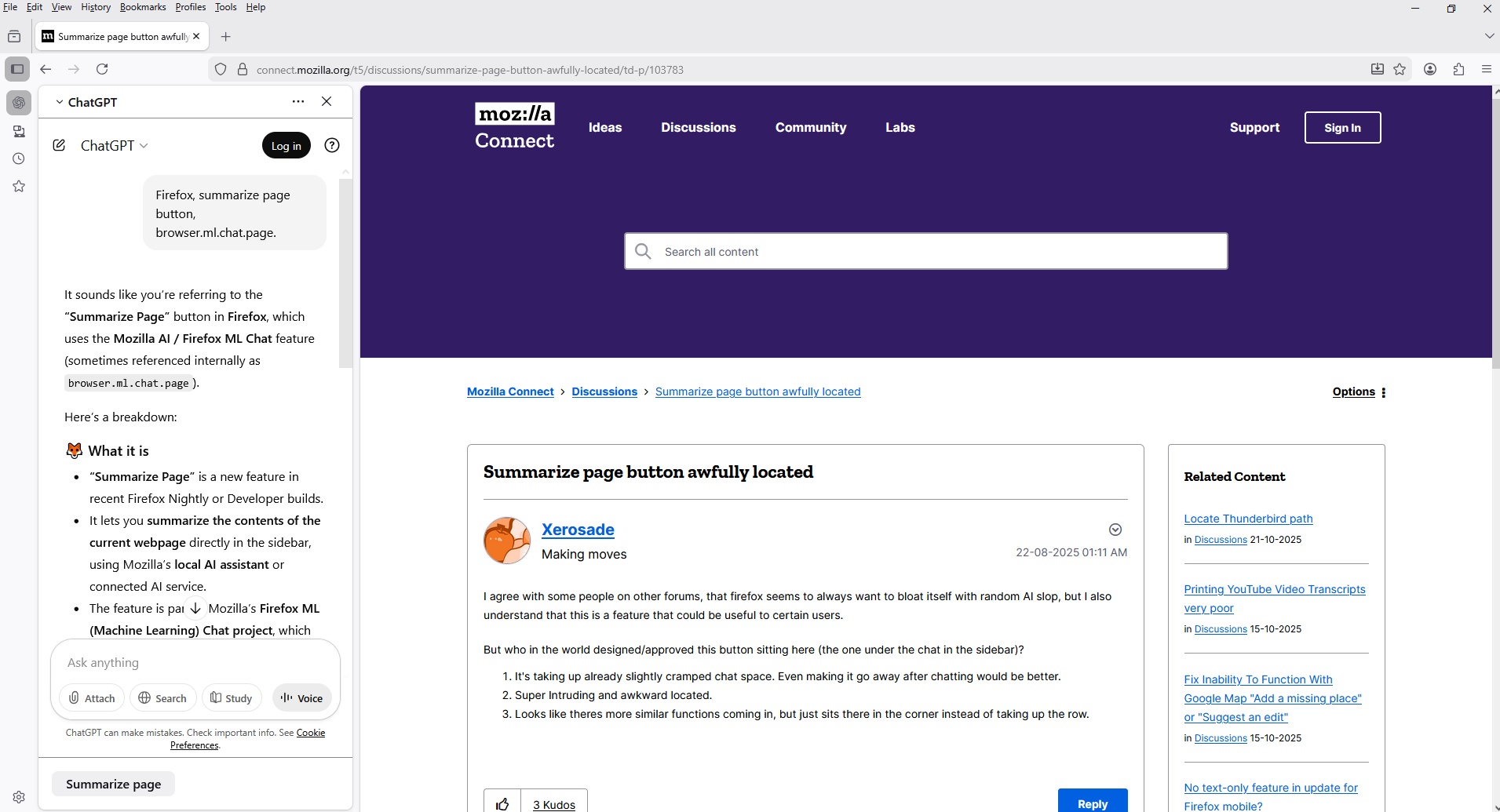
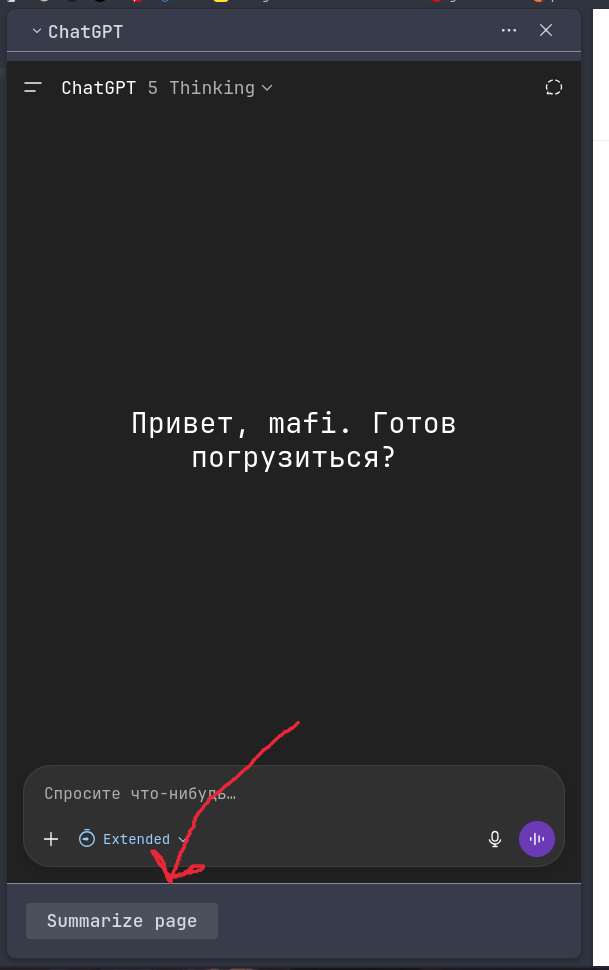
Issue with the “Summarize page” button

I want to remove this banner with the button, but I can’t find any settings that would let me do that.
Svi odgovori (2)
Hello
For information purposes. Firefox advanced customization and configuration options. https://support.mozilla.org/en-US/kb/firefox-advanced-customization-and-configuration
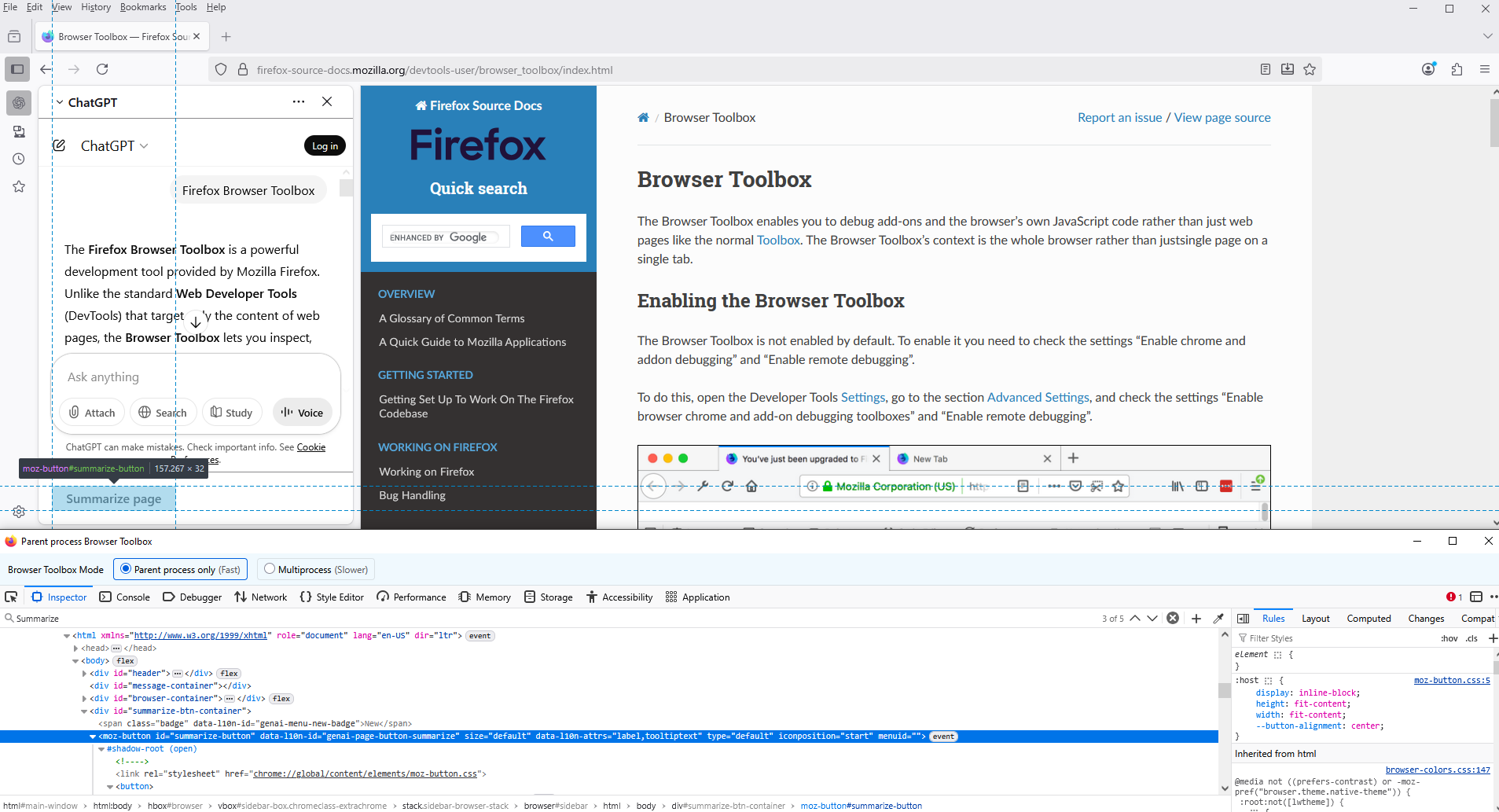
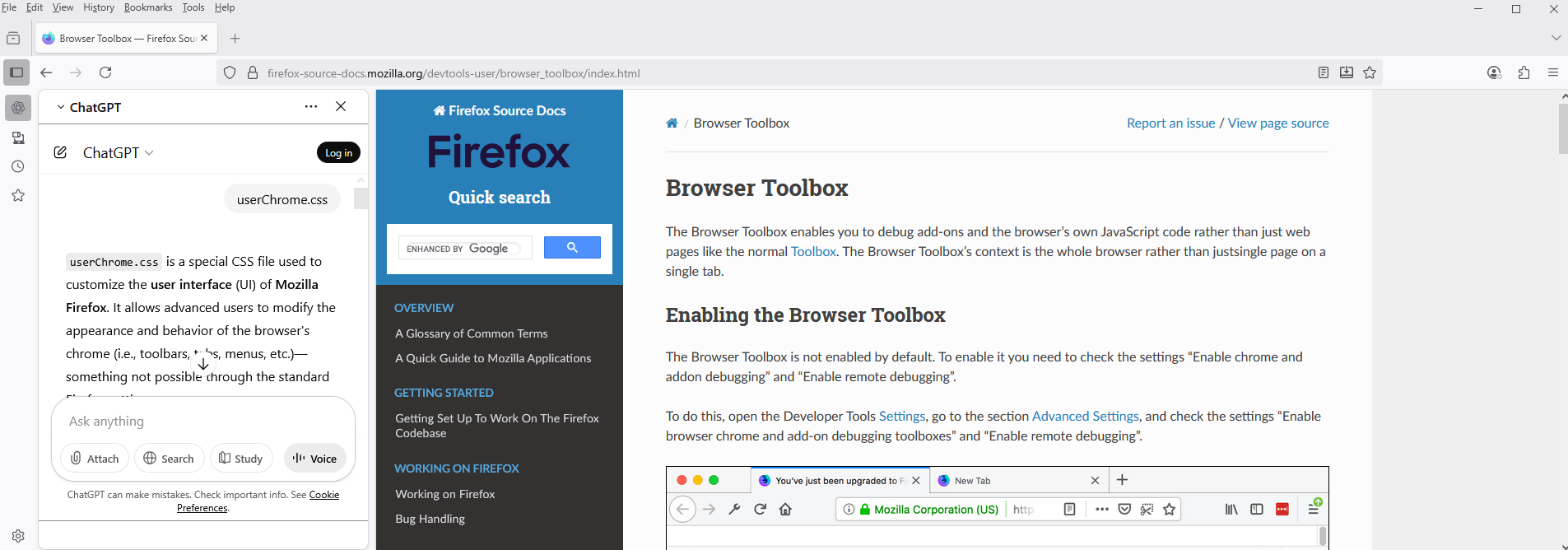
With the help of Browser Toolbox. If you wish to test an code, userChrome.css.
#summarize-button{display:none!important;}
Hello
Mozilla Connect. https://support.mozilla.org/en-US/kb/what-mozilla-connect
A similar discussion. https://connect.mozilla.org/t5/discussions/summarize-page-button-awfully-located/td-p/103783
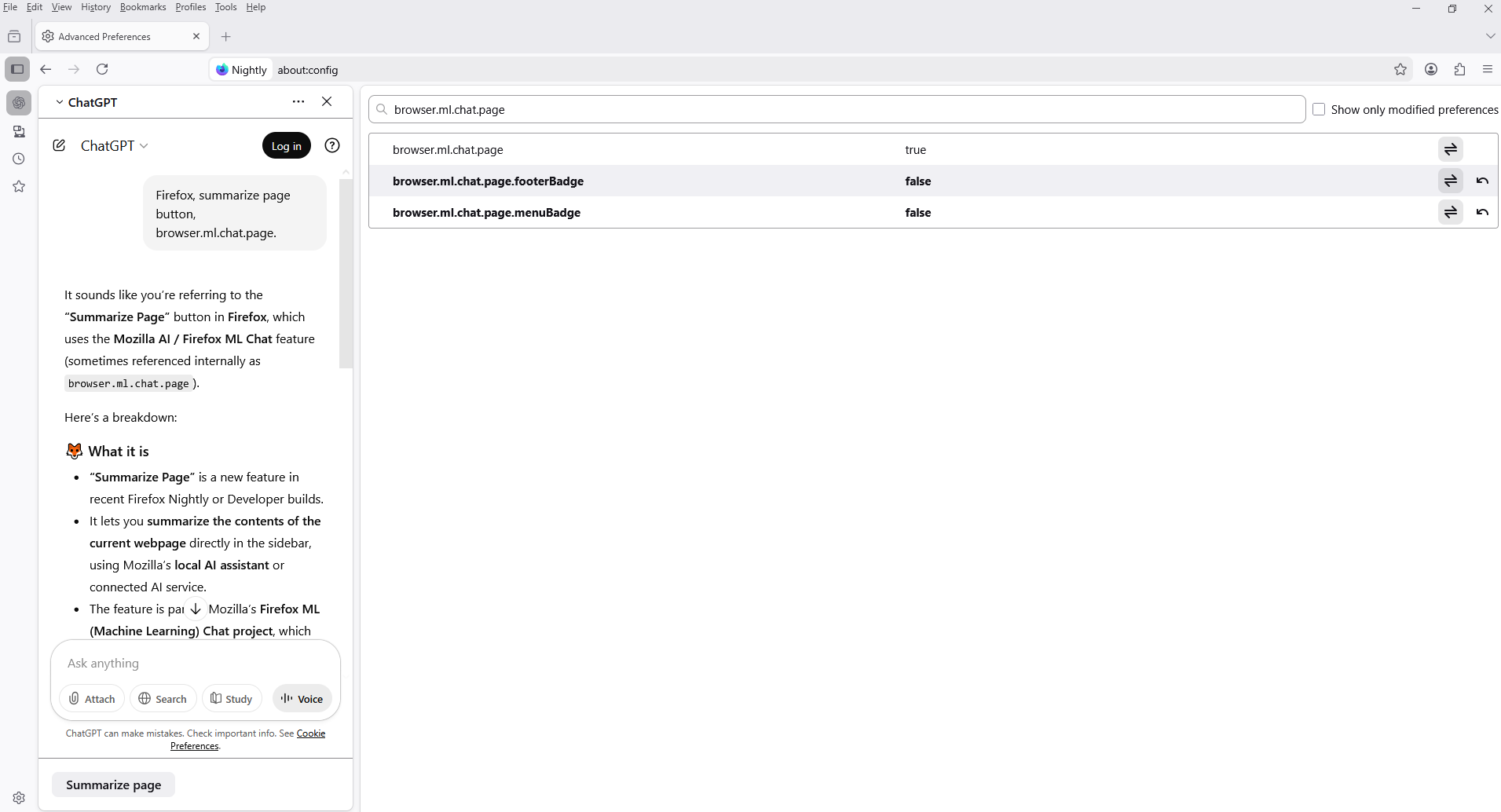
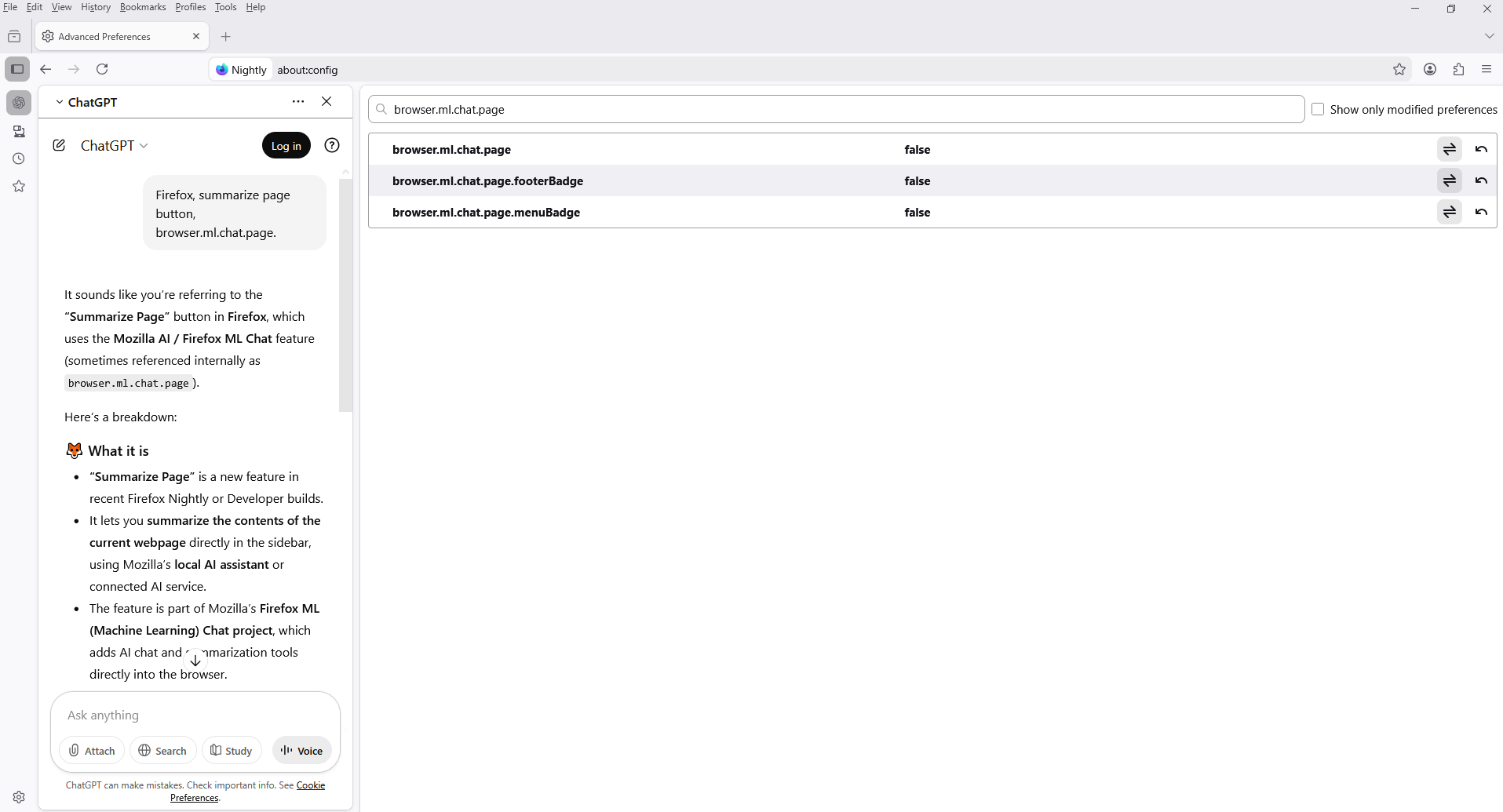
You can try, if you wish. 1 - Go to configuration editor for Firefox https://support.mozilla.org/en-US/kb/about-config-editor-firefox 2 - Enter a search term browser.ml.chat.page You can double-click on the preference to set the value to false