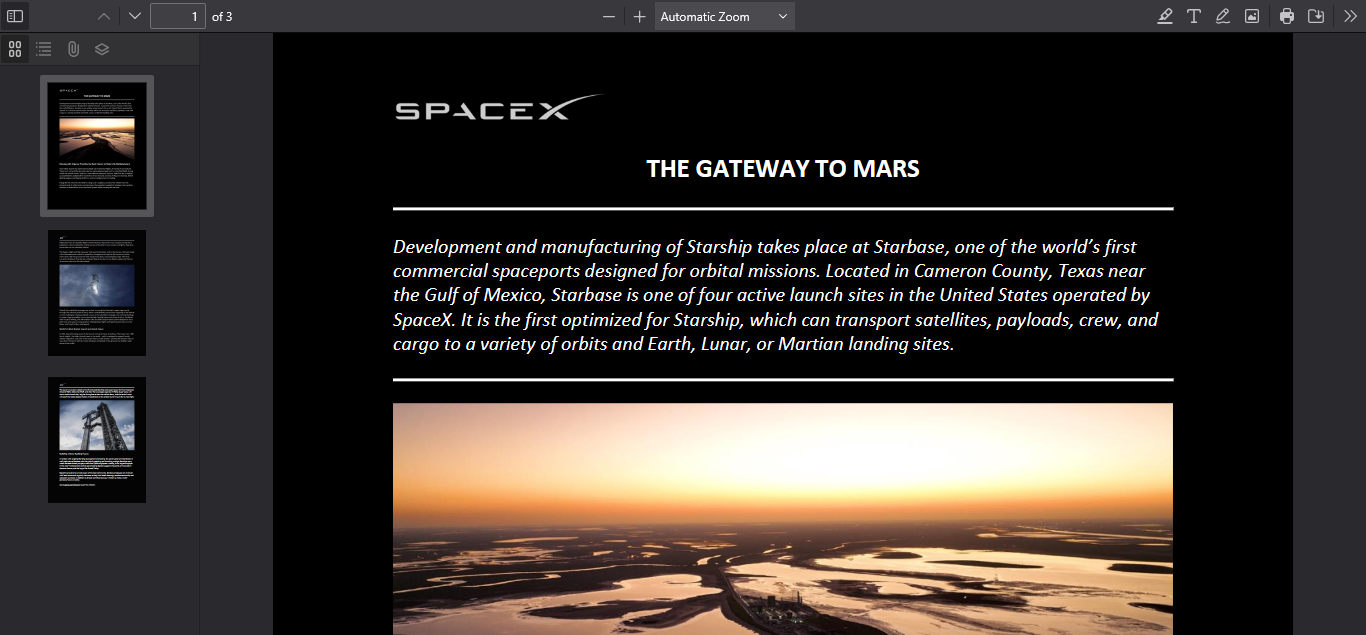
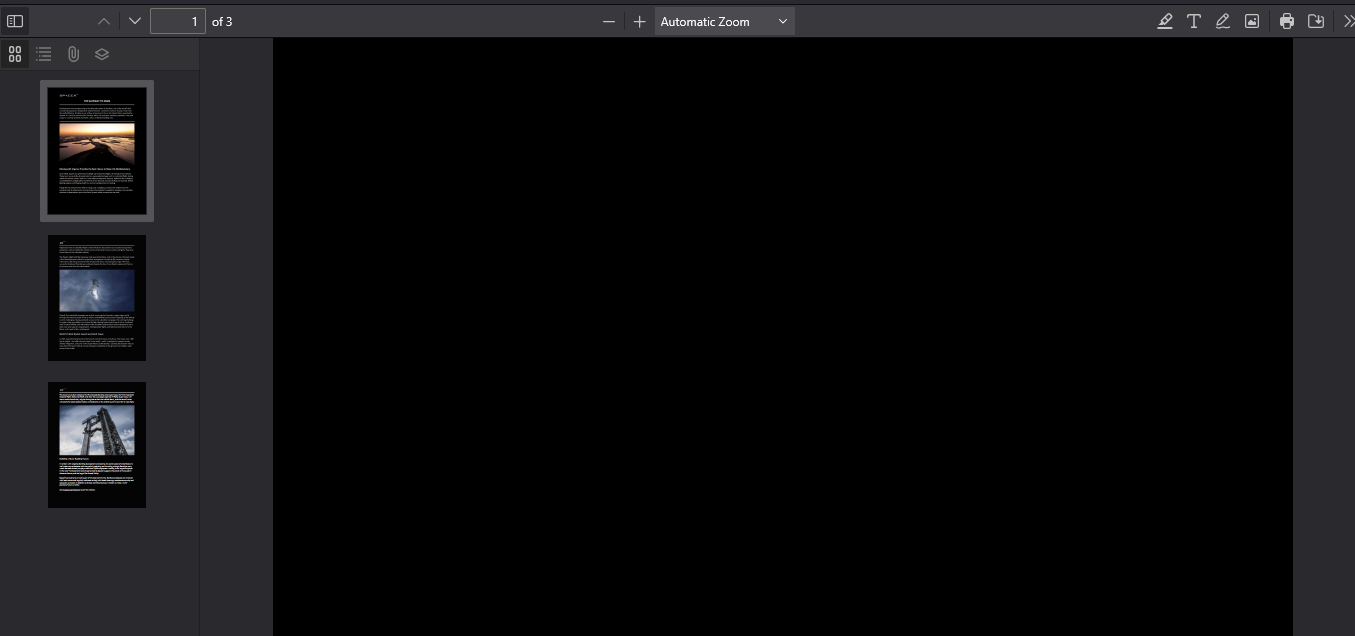
pdf pages show black

after the most recent update (136.0.4) an occasional pdf page will how black; one 15 pdf document was 15 black pages
כל התגובות (3)

Firefox can only present what it receives. pdfs are images. It cannot correct pdf errors and there are many broken/garbage pdfs out on the net. You need to refer to the producer of the pdf. - you may check and see if you had a bad download of the file, that happens.

I get the same issue - black pages. mostly from docs downloaded from Google Docs, but also a google doc downloaded to OPenOffice then exported to PDF.
I have the same issue, when i open them in other programs they load correctly, but Firefox wont load them. It does show a tiny version of each page correctly when i open the contents tab on the left, and a screenshot i took through Firefox's right click menu shows the page correctly