


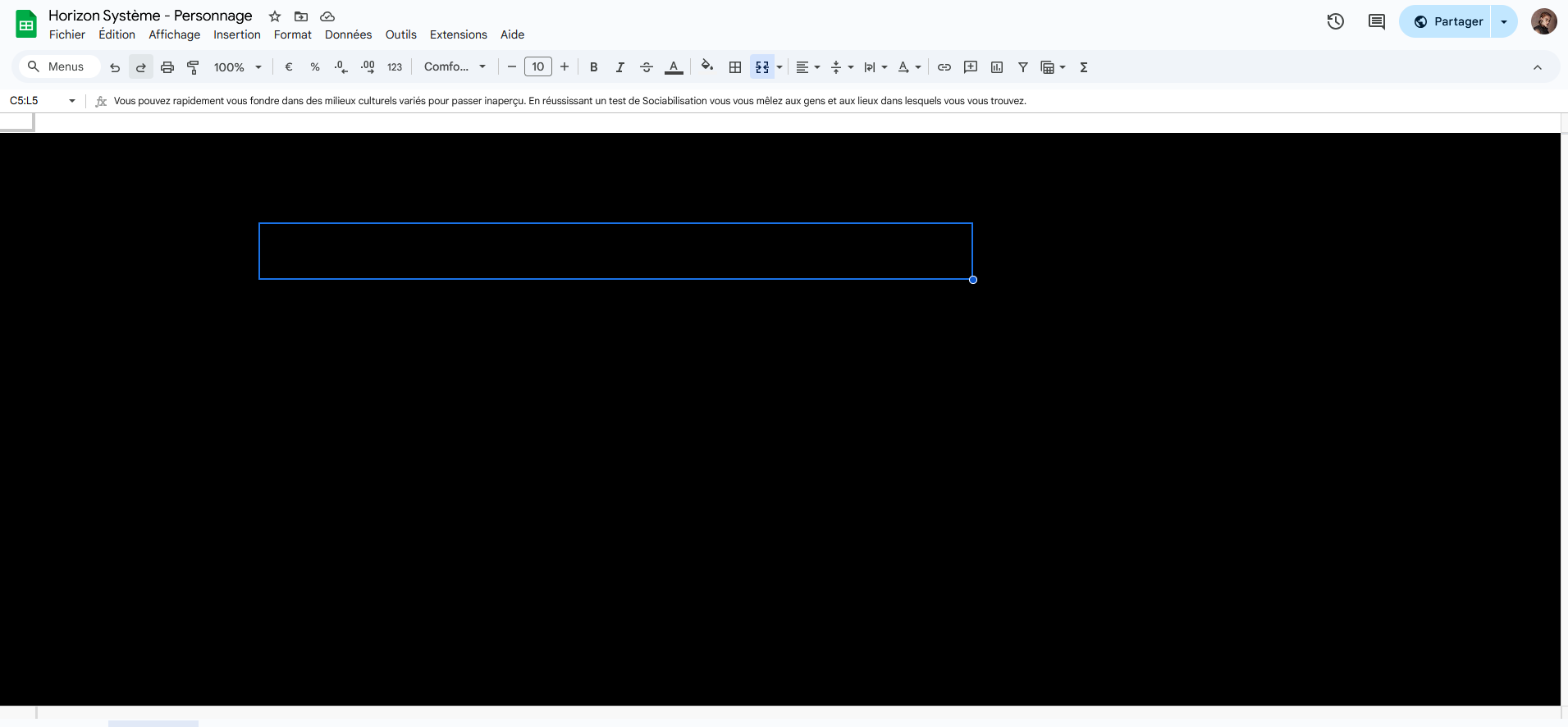
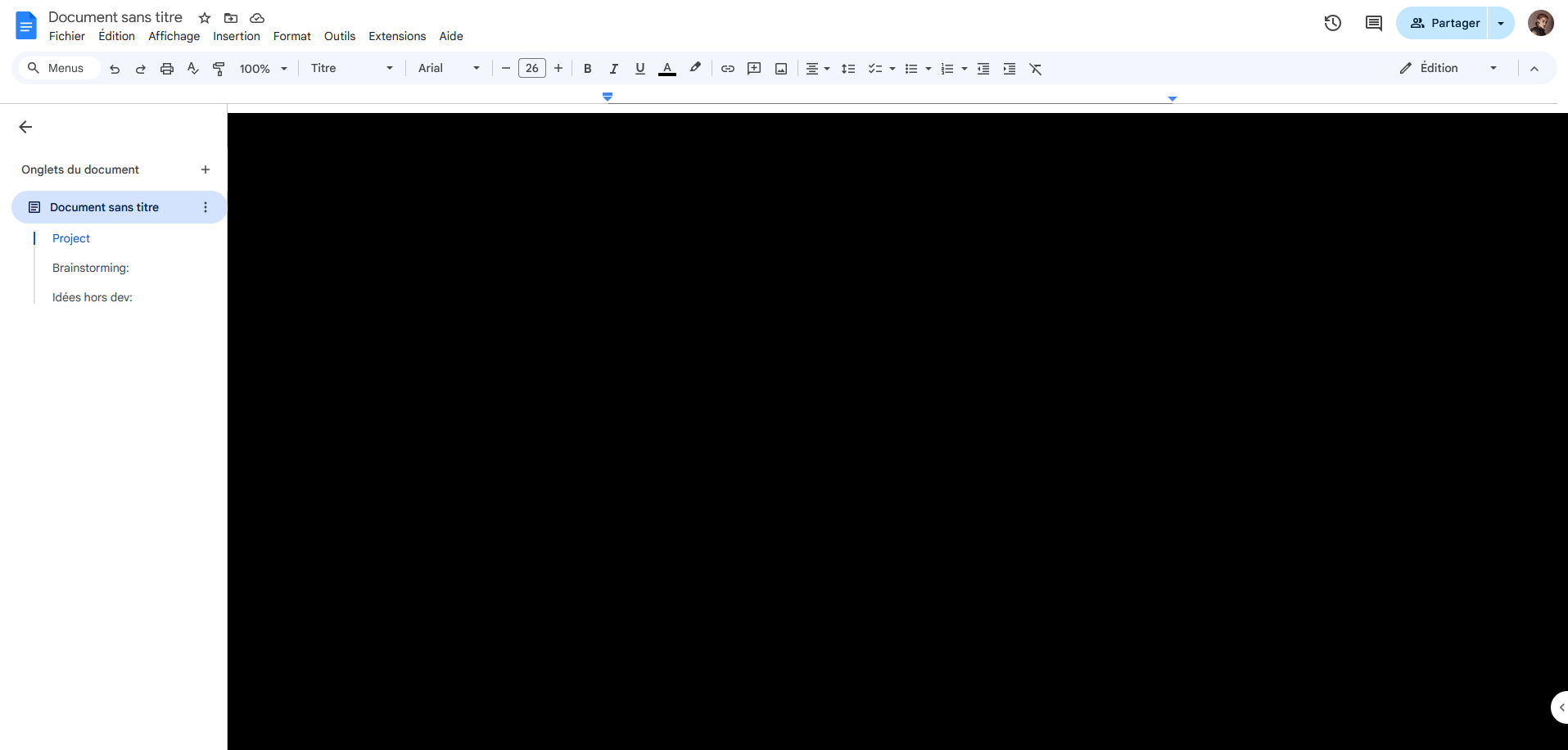
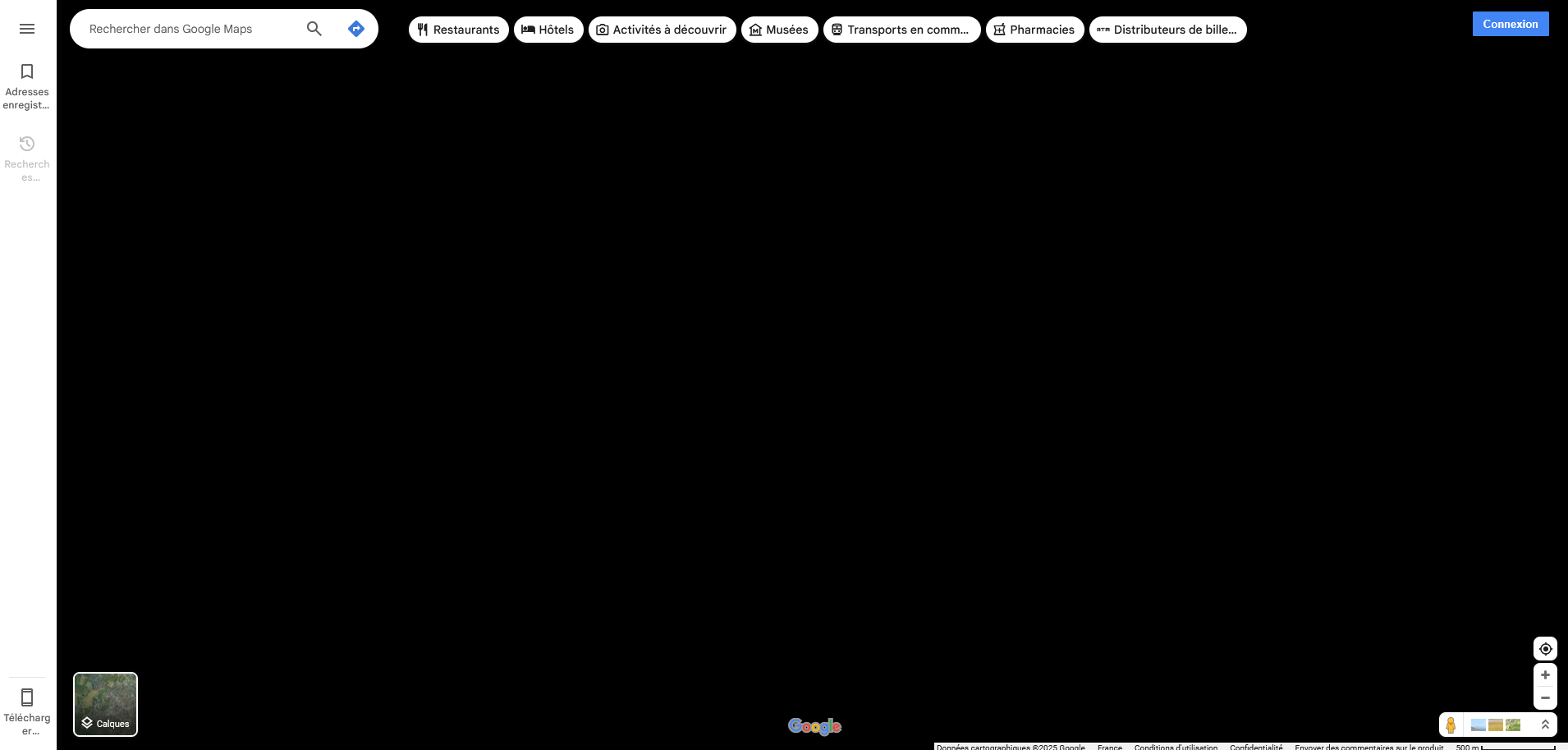
Most Google tools are unusable because the content appears completely black.
Hello,
For a few days now I've been unable to use Google tools via Firefox (I can't tell if this is due to an update or not).
As soon as a document (usually an editable or navigable area) is opened on the page, it appears completely black. Interactions work correctly at first glance (it's possible to click, write, interact with content that isn't displayed. The problem seems to be purely visual.
I've encountered the problem in all Google Sheet or Docs documents (including when I'm making a new one) and on Google Maps, regardless of location (in the case of Google maps, a notable point is that the map is displayed and then turns black after one or two seconds).
I don't have this problem on another browser, I have it in PM.
Do you have any ideas on how to find the cause and fix the problem?
Have a nice day!
פתרון נבחר
Hi Myra, in case this is a problem with Firefox's "Website Appearance" setting, could you make sure that is set to "Light". The following article has the steps: Change website appearance settings in Firefox.
One thing those pages and the built-in PDF viewer have in common is that they generate an HTML canvas as a background image, and you interact with the page in front of that image. Maybe there is a new graphics compatibility problem. Could you try disabling Firefox from using hardware acceleration? This is a potential workaround for incompatibilities between Firefox and your graphics card/chipset driver software. This article describes where to make that change: Firefox's performance settings. This will take effect the next time you exit Firefox and start it up again. Any difference?
(Since hardware acceleration improves the appearance of fonts and animations, you may want to check whether graphics card/chipset driver updates are available for your system. This article suggests safe ways to do that: Upgrade your graphics drivers to use hardware acceleration and WebGL.)
Read this answer in context 👍 2כל התגובות (4)
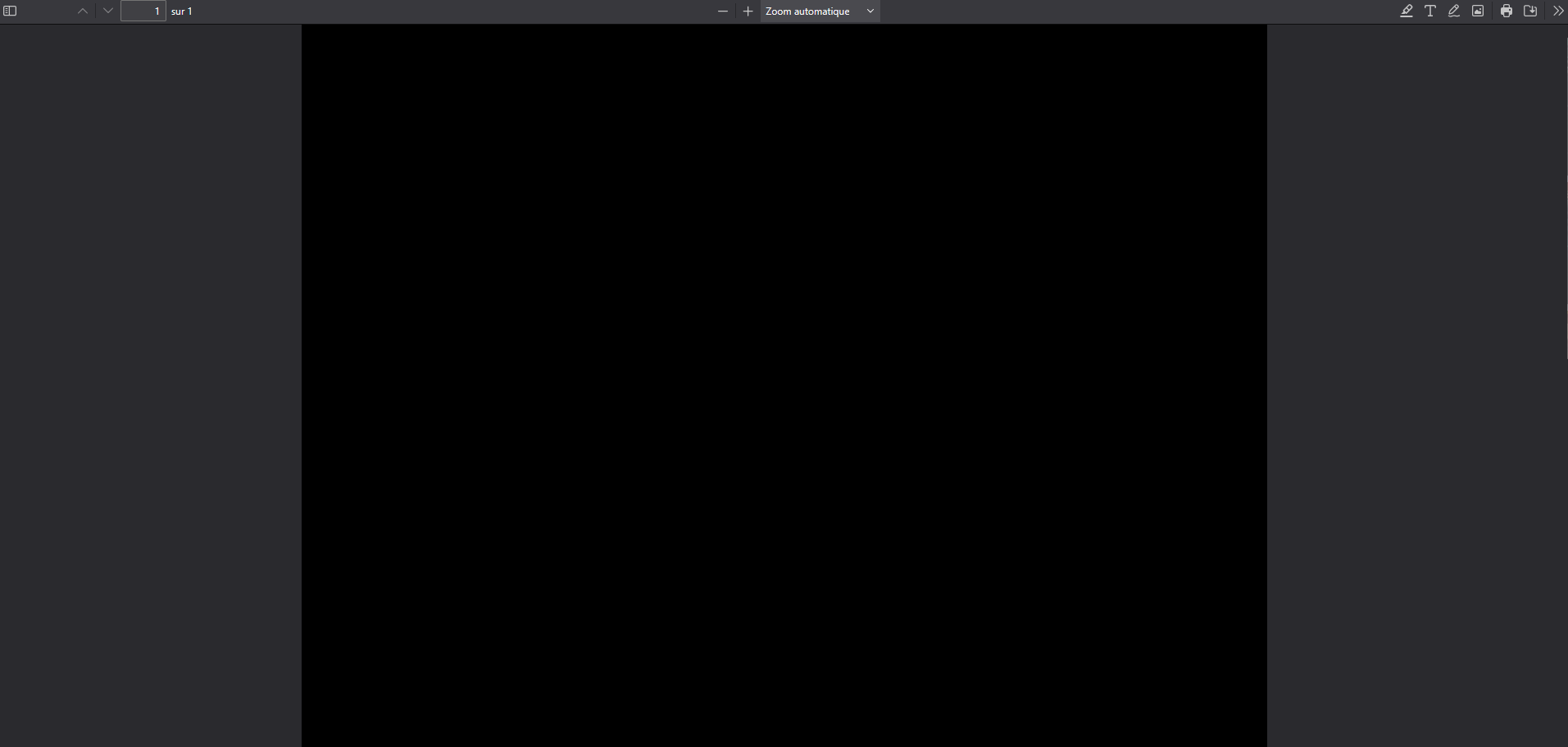
I've just noticed that this also happens in the pdfs I open.

If your using google tools or app or online software it's best to use in in Chrome to insure the functions are working.
פתרון נבחר
Hi Myra, in case this is a problem with Firefox's "Website Appearance" setting, could you make sure that is set to "Light". The following article has the steps: Change website appearance settings in Firefox.
One thing those pages and the built-in PDF viewer have in common is that they generate an HTML canvas as a background image, and you interact with the page in front of that image. Maybe there is a new graphics compatibility problem. Could you try disabling Firefox from using hardware acceleration? This is a potential workaround for incompatibilities between Firefox and your graphics card/chipset driver software. This article describes where to make that change: Firefox's performance settings. This will take effect the next time you exit Firefox and start it up again. Any difference?
(Since hardware acceleration improves the appearance of fonts and animations, you may want to check whether graphics card/chipset driver updates are available for your system. This article suggests safe ways to do that: Upgrade your graphics drivers to use hardware acceleration and WebGL.)
jscher2000 - Support Volunteer said
Hi Myra, in case this is a problem with Firefox's "Website Appearance" setting, could you make sure that is set to "Light". The following article has the steps: Change website appearance settings in Firefox.
Thank you! In my case I was actually on auto mode and my Windows being in dark mode it must have come from that. Forcing light mode solves the problem.