


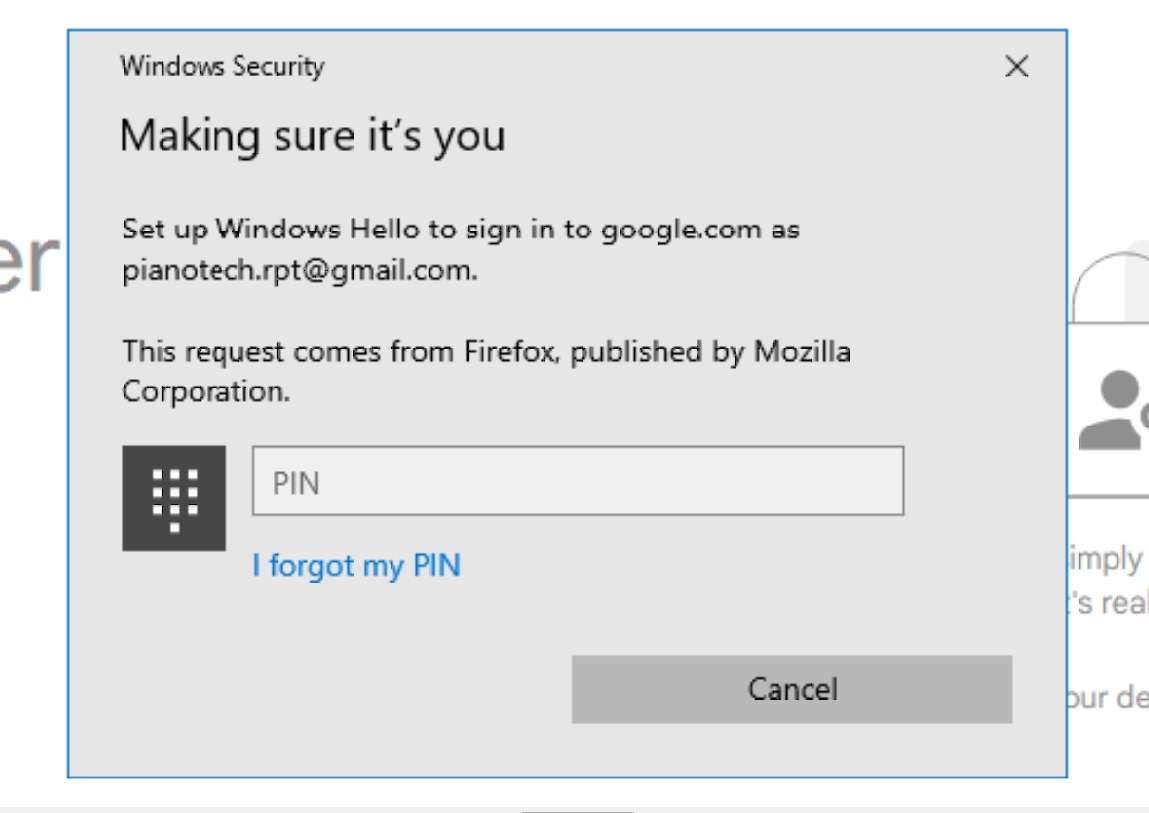
annoying pop up

Why Am I getting these pop-ups? I can't find anything in the settings about "Windows Hello". How do I turn this OFF? Thanks, Sheffey [redacted email]
Bewurke troch James op
Alle antwurden (2)

@GreggII - FYI- Your screenshot shows your full email address. So you may want either to delete the screenshot, or -at the least- edit it to hide your address for your own protection. If you can't fix it, maybe you can get a moderator to delete it.
Sorry, I don't have an answer to why you're getting that Windows Hello message...

That’s Windows Hello doing the asking, not Firefox itself. Google is trying to use a passkey for the account, and Windows is bringing up that PIN window to verify it’s really you. I’d hit Cancel and try signing into Google with your regular password instead. If the popup keeps coming back, check your Google account’s passkeys and remove the one for that computer if you don’t want to use it. I wouldn’t go disabling Windows Hello altogether. It’s probably just that Google and Firefox are trying to use a passkey you don’t actually want to use.