


Desktop icons

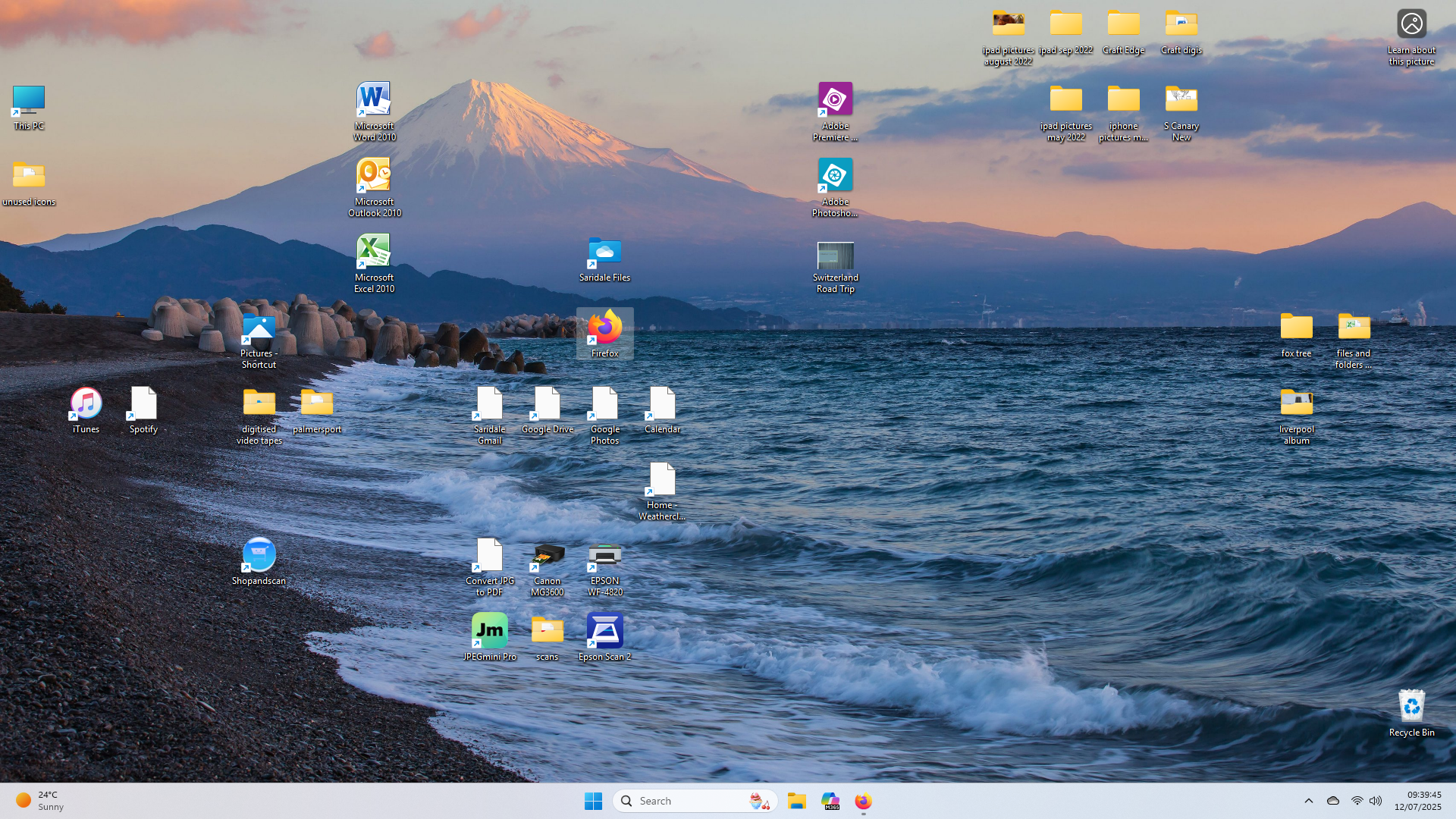
All the firefox shortcut icons on my desktop have lost their images. Acess to relavent pages still works but no 'pictures'
Toutes les réponses (18)
Nice pic of Fujisan. You will need to fix them by just creating new ones.
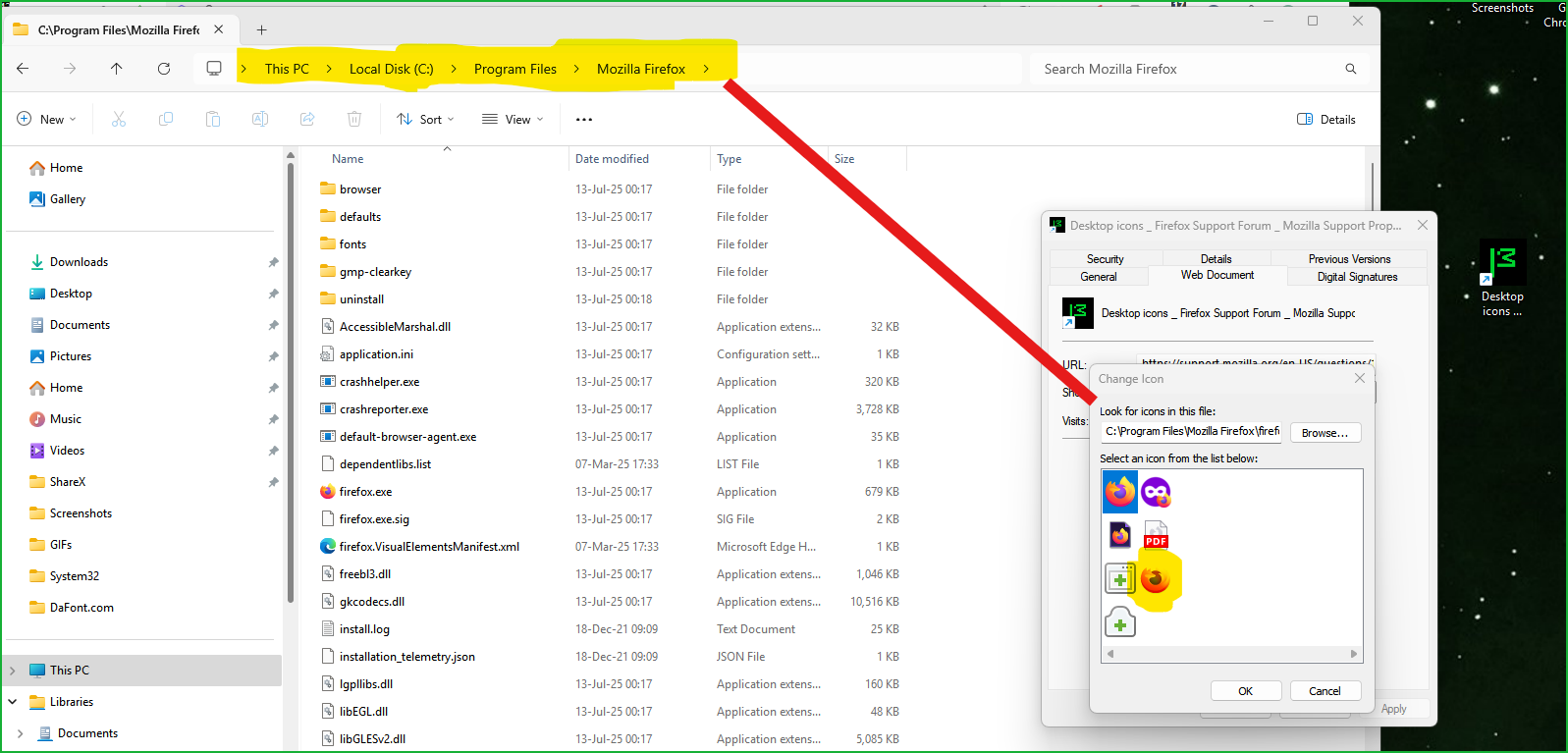
In windows now, if you right click on the icon and then go to properties. You should see this option. see screenshot
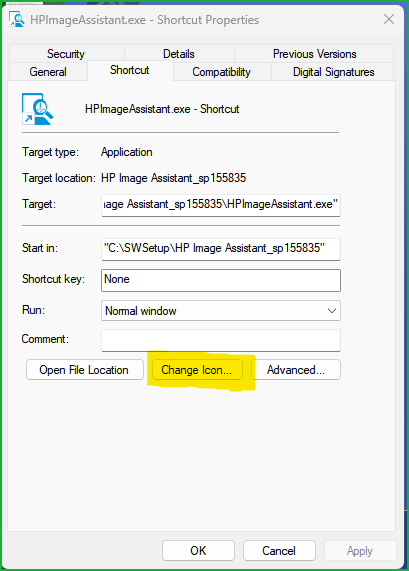
ive got that far, but the generic icons are very basic, and when I go broswe I cant find any icon files
You will need to browser to the Firefox.exe file, but the easiest way is to just click on start, type firefox, and then drag and drop the icon.
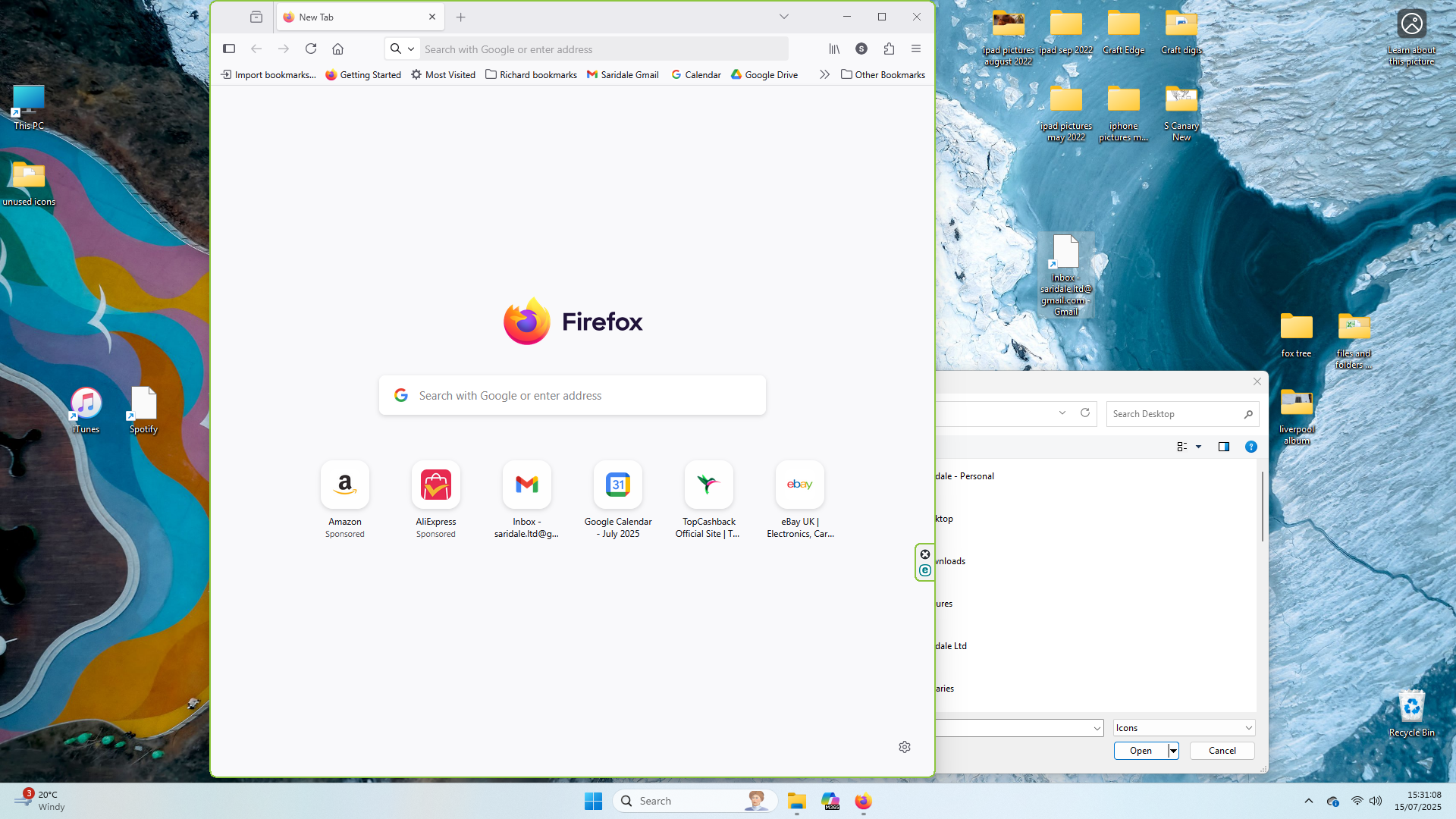
thanks for all the pointers so far just done the firefox 'app' bit and dragged the gmail inbox icon to the desktop. RHS you can see its there but still just blank
Just to go spotify website and then drag the icon to the desktop. see screenshot
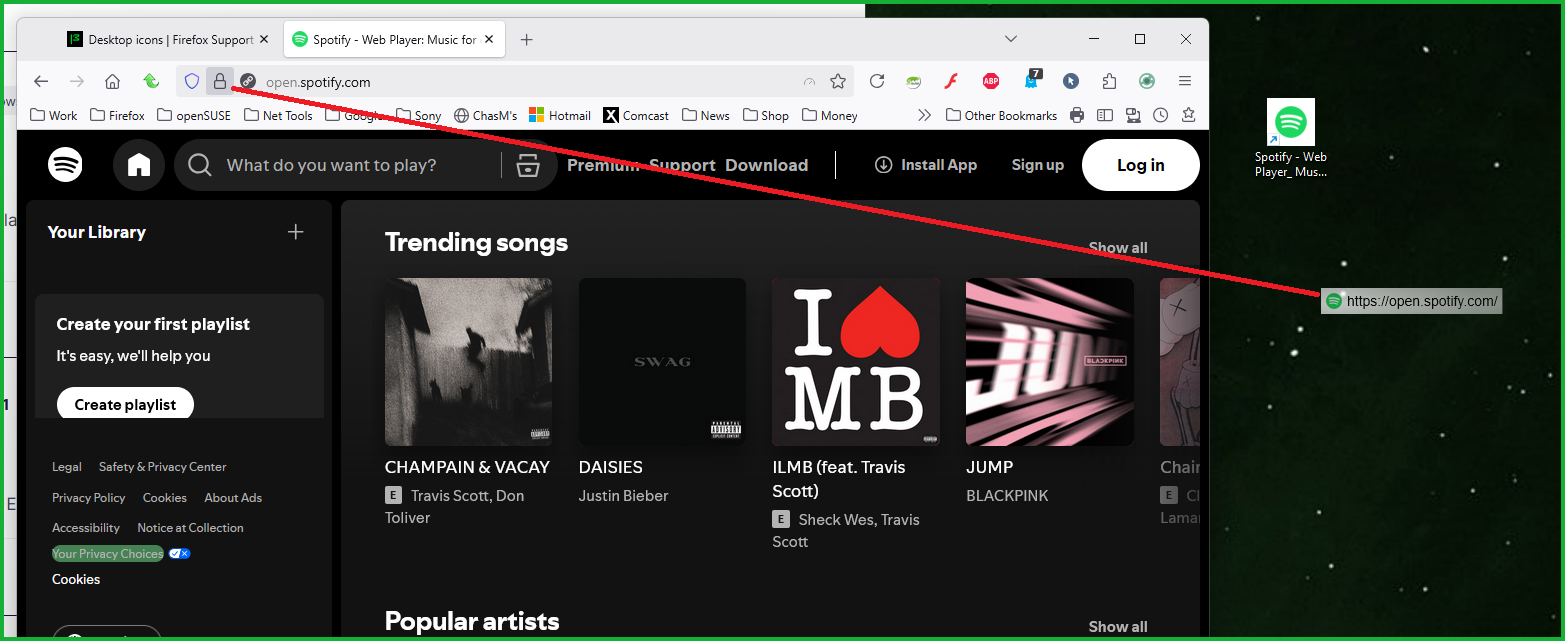
Sorry, I'm being a pain I know. But Ive done that, dragged it. Its the same, the icon is there, and the link works, but no image????????
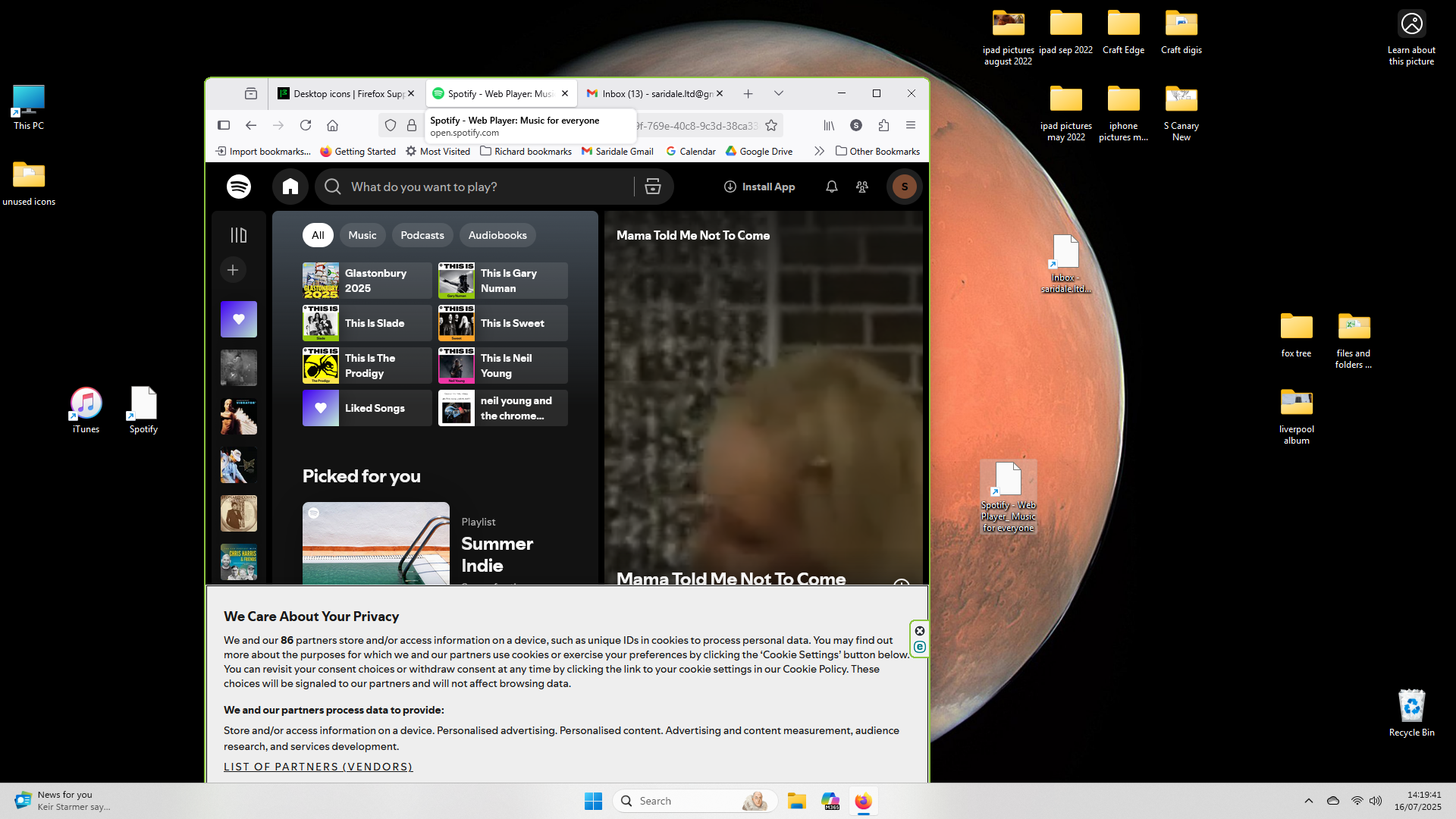
Interesting... I'm in linux now, but can you right click on it and see if the option to open with is there. If so, select Firefox and if there make default.

Got it... In windows now... Open Windows Explorer, go to your desktop, and look at the files in detailed view. Then you can right click on the shortcut with no icon, then open with, and then click Firefox. I was trying to get a screenshot, but snip tool go BOOM.
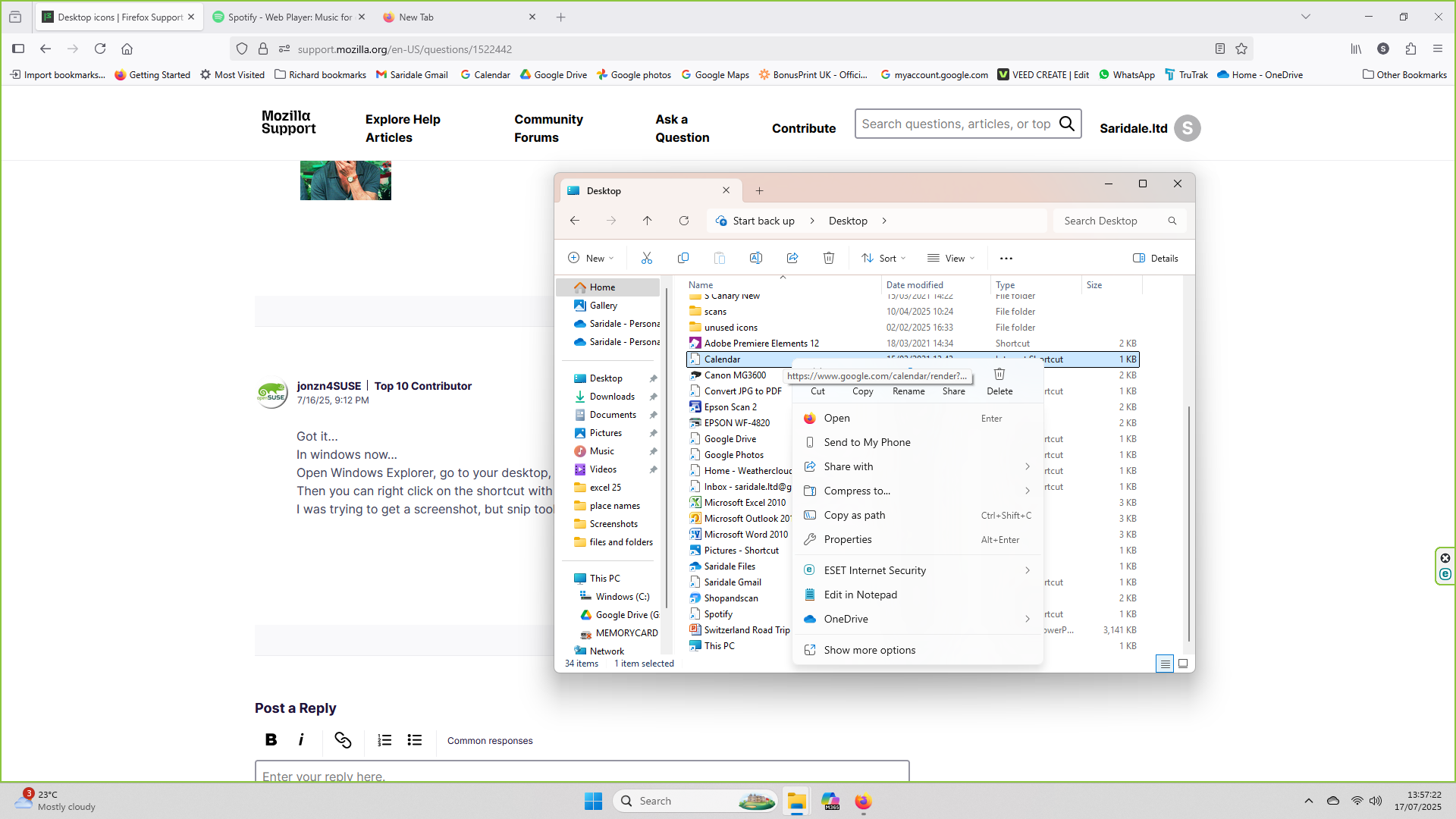
Your screenshot shows that it's already associated with Firefox. Now just right click on the icon, click properties, and then click on the tab Web Document. Then you should see the button to change the icon and then browse to the Firefox directory. see screenshot
Modifié le par jonzn4SUSE

Ok thanks Im there. But that only gives me a limited number of options as shown in your attachement. No option for gmail, google photos, spotify etc?
Saridale.ltd said
No option for gmail, google photos, spotify etc?
Those sites will show the Firefox icon with links to those sites on your desktop. You can go fish for those icons if you really want them. All done?
OK. Will draw a line there, but its not what I really wanted. The icons used to be specific google ones relavent to mail, drive etc then the spotify one as well. But dont worrk, we can stop now. Ill live without them
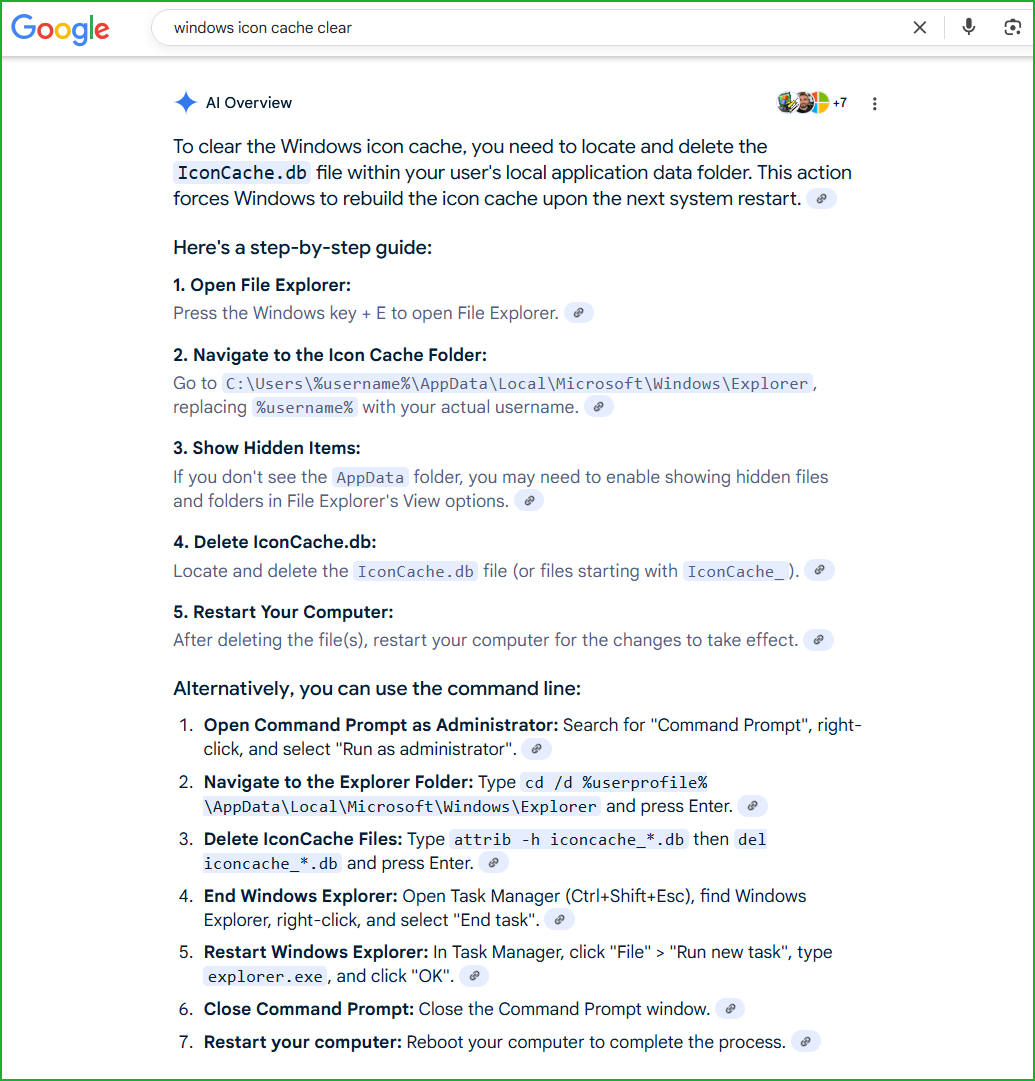

I have this same problem that started about 2 months ago after a Firefox update ... all of my web page icon links (.url) saved web pages on my desktop turned to blank white pictures rather that the icon of the web page. I have deleted and recreated the Windows icon cache as suggested above but the problem still exists. I have also run the Windows system file checker (SFC) and the Windows restore health (DISM) but the problem still exists. I am using Windows 10 home version and it is up-to-date, and my NVIDIA graphic card drivers are up to date as well.
I read that Firefox has its own icon file in the About:profiles folder. There are three of them in my profile: Favicon.sqlite, and two others. Some web info says that if I delete these files, Firefox will create them. However, I get an error message when I try to delete any of them...the error message says that I need admin permissions from a profile. I am logged into Windows using my profile that has admin privileges. Does anyone one have a solution to the blank/white icon issue or how to delete the Favicon.sqlite file from my Firefox profile so that it can be rebuilt?