


Screenshot not downloading after selecting "save visible"

The screenshot function seems to have a bug. The function works as far as selecting "save full page" or save visible" but the image download never happens. Version is up to date and I have restarted but the issue persists.
Solution choisie
Hmm, is it a super-long or super-wide page? I notice there is a long delay on a wide page, but the preview image and button bar come up eventually.
I guess actually I should break #3 down between displaying a preview image and having a button bar on that image. Do you get the preview?
Toutes les réponses (6)
Hi, the flow usually is:
(1) Trigger the overlay using either right-click > Take Screenshot or Ctrl+Shift+S
(2) Click Save full page or Save visible, or draw a selection with the mouse
(3) Firefox displays a button bar with "X" "Copy" and "Download" buttons
Are you getting the button bar in #3? But Download doesn't actually save?

The options prompts asking where to download. see screenshot Check your settings for download location and I would suggest checking the option to always ask. see screenshot
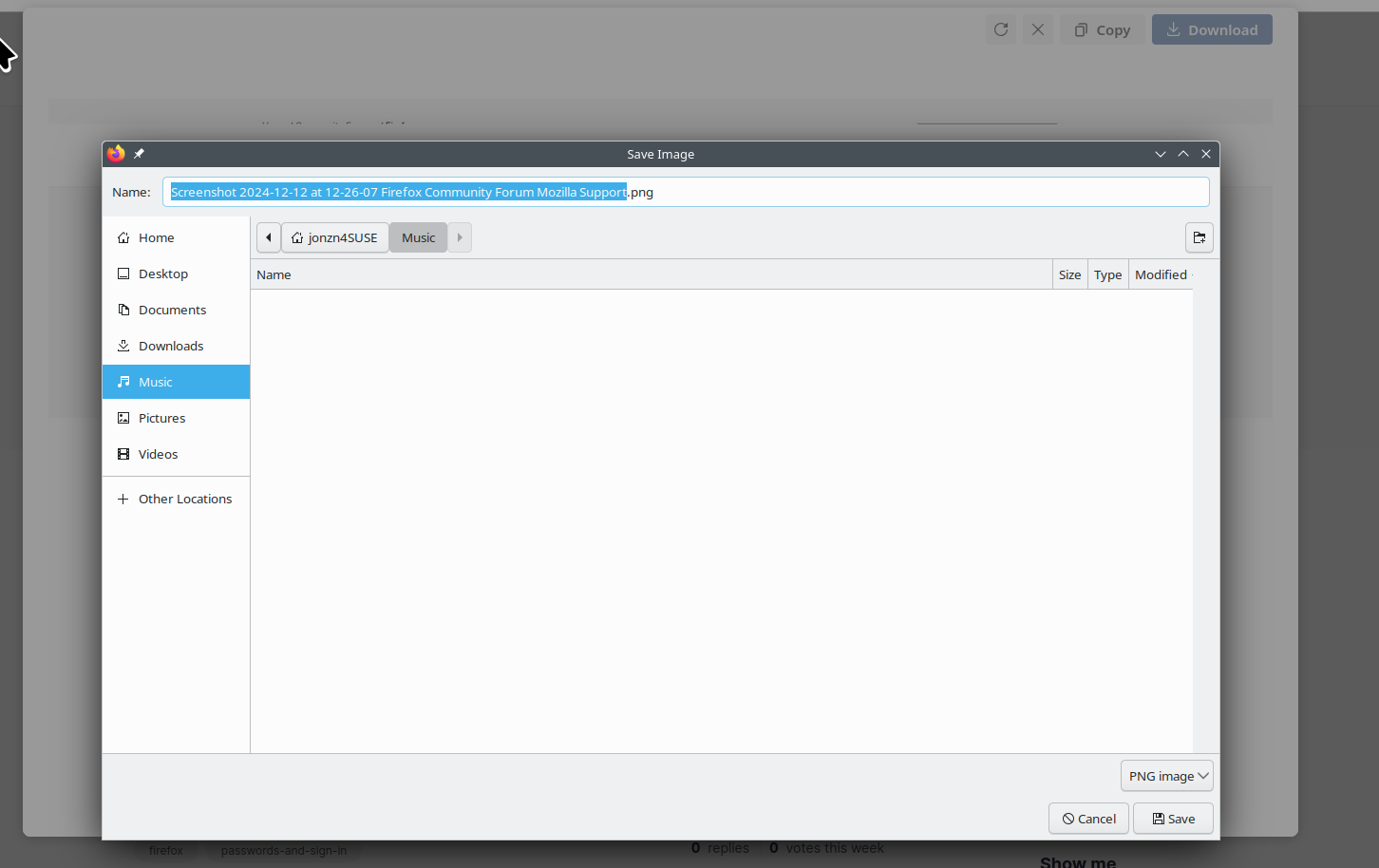

@jscher2000: Correct. The third step in the flow is not appearing anymore. This function has worked for years until this week. No settings were changed on my end. The drag and click option is the only workaround I have found at this time.
@jonzn4SUSE: Changing the setting works for the screenshots. Unfortunately, I fear it will add an extra step to other items being downloaded while working.
Solution choisie
Hmm, is it a super-long or super-wide page? I notice there is a long delay on a wide page, but the preview image and button bar come up eventually.
I guess actually I should break #3 down between displaying a preview image and having a button bar on that image. Do you get the preview?
It is a long page. I did not wait very long for the preview to appear. Thank you