


Web pages are illegible

1. Web pages load in gibberish, they aren't legible. 2. Web pages load with neon green blocks. 3. Firefox isn't allowing me to download an entirely new download.
I understand the gibberish could be a font problem but when I use right click for inspection options, I can't find any font info anywhere. Even if I could, what would I do then? Green blocks, have no idea. I used to use Firefox and have just now started again but would prefer a brand clean copy. Mozilla isn't giving me that option. Thanks.
Solution choisie
Figured it out. A couple folks mentioned drivers and I realized I hadn't updated mine from Lenovo in ages. I did it and solved both the font and green box problems. Thanks for all the responses and info!!
Lire cette réponse dans son contexte 👍 0Toutes les réponses (8)
Examples of the issue please.
About number 3: This could be about a new security feature that blocks unsafe downloads, but can interfere with downloading files. You can set dom.block_download_insecure => false in about:config to disable this feature.
You can right-click and select "Inspect" to open the built-in Inspector with this element selected.
- https://firefox-source-docs.mozilla.org/devtools-user/page_inspector/how_to/open_the_inspector/
- https://firefox-source-docs.mozilla.org/devtools-user/page_inspector/how_to/examine_and_edit_html/
You can check in the Rules tab in the right panel in the Inspector what font-family is used for selected text. You can check in the Fonts tab in the right panel in the Inspector what font is actually used because Firefox might be using a different font than specified by the website. If the Fonts tab is hidden, click the Down arrow at the right end.
Thanks, finally solved the font issue! Now the green box. It is random, on different sites and different shapes, always linear. Ideas?

Such a green block is usually a problem with a media player overlay. Firefox creates space for the media player as a green block and the media player is supposed to fit exactly in this block with no green visible. In your case the player doesn't fully fill this block what causes the not filled green area to show. You might be able to verify this by right-clicking in the space to left and in the green area to see where you end up in the DOM (page inspector) like I wrote above.
The example screenshot is from *store.usps.com* and does not seem to have a video overlay.
Try updating your graphics drivers from the manufacturer's site.
You might need to disable hardware acceleration.
Font: It solved the problem for a day, then today it's back. Can't even read the link about updating graphic drivers
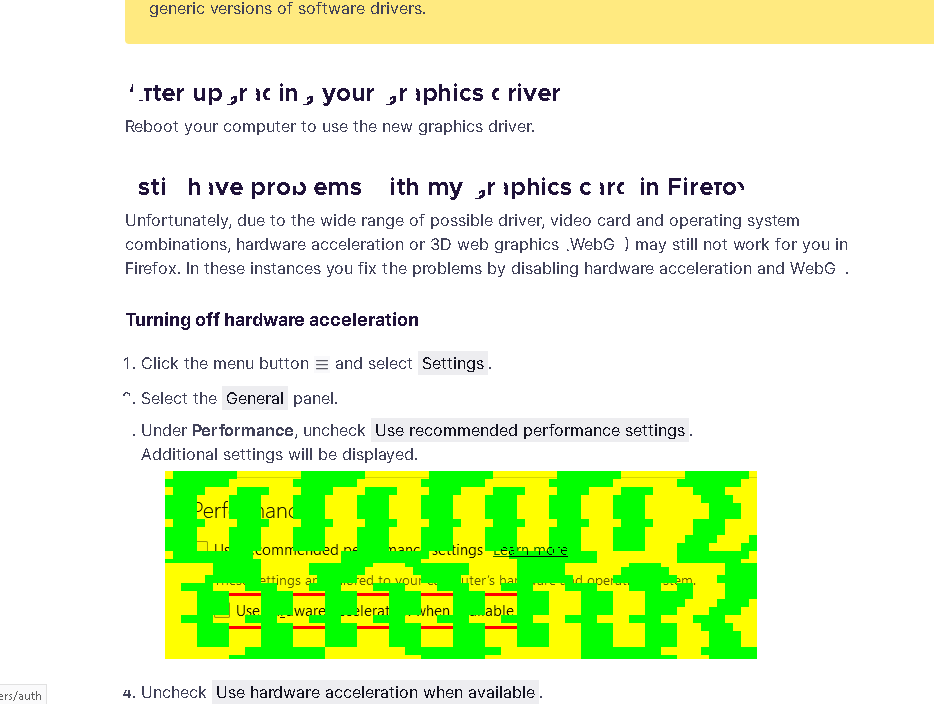
Does starting Firefox in Troubleshoot Mode or disabling hardware acceleration fix this or does it still happen? Maybe reboot the computer in case there is some memory corruption.
Solution choisie
Figured it out. A couple folks mentioned drivers and I realized I hadn't updated mine from Lenovo in ages. I did it and solved both the font and green box problems. Thanks for all the responses and info!!