- Locked
explore solution
''''''''''


''''''''''
Can not figure out how to set home page on Firefox for Android. It shouldn't be this difficult. What am I missing?
I'm running Samsung Dex and all the websites features are way too big on Firefox. I cant even see what im typing right now, all i see is a giant "support moz://a" It's 2… (read more)
I'm running Samsung Dex and all the websites features are way too big on Firefox. I cant even see what im typing right now, all i see is a giant "support moz://a"
It's 2024. Get it together Mozilla. There is no option to zoom out. There is no option for desktop pages by default. It's bad enough you are bending to the other corporate sites and limit what plugins we can use here.
But Firefox Mobile is too stupid to figure out it's on a full-size display and it's too retarded to have the settings requirednto resize it myself.
2.Plz the AI news Content is so Annoying is there any setting or Add-on for this yet ? 2. or is there a way to prevent Certain AI News Sites from appearing in searc… (read more)
2.Plz the AI news Content is so Annoying is there any setting or Add-on for this yet ? 2. or is there a way to prevent Certain AI News Sites from appearing in search results?
Hi I've been having an issue with adding bookmarks lately. I have a lot of Bookmarks as such I use a lot of bookmark folders, often multiple folders within one another. … (read more)
Hi I've been having an issue with adding bookmarks lately. I have a lot of Bookmarks as such I use a lot of bookmark folders, often multiple folders within one another.
The issue I have is that when I add a new bookmark on mobile Firefox displays all Bookmark folders all at once leading to a lot of scrolling in order to get to a specific folder. This can lead me to several minutes of searching as I try to find a specific folder.
This could be solved by implementing a drop down box to hide folders within folders.
Anyhelp is appreciated.
bold textMy apple I pad I could not restore my ID rajakesava46@gmail.com
Why is Firefox/Android not using the system wide voice typing feature? Instead it uses its own incomplete implementation. I need an English GUI with german voice typing. … (read more)
Why is Firefox/Android not using the system wide voice typing feature? Instead it uses its own incomplete implementation. I need an English GUI with german voice typing. This is no problem when using the system wide keyboard config. This runs smooth and perfect. But in Firefox it’s not possible to define such. Why?
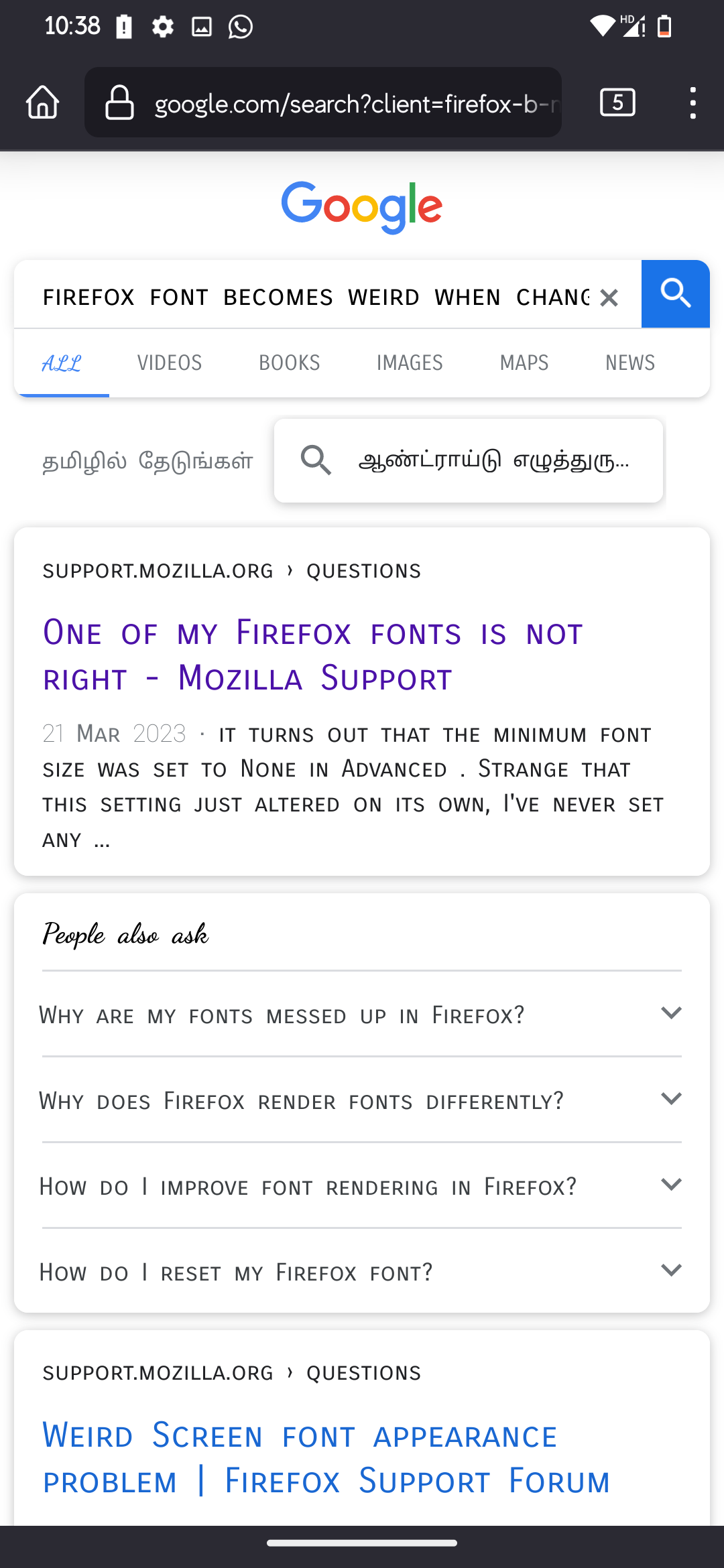
After I had changed the system wide font on my android, random fonts appear in all the websites that do not have custom website fonts. The fonts work properly on chromiu… (read more)
After I had changed the system wide font on my android, random fonts appear in all the websites that do not have custom website fonts.
The fonts work properly on chromium based browsers but this seems to be an issue with firefox. I had previously changed a setting in about:config to fix it but now I cannot find it.
Pls help.
Messed up fonts in Firefox: https://assets-prod.sumo.prod.webservices.mozgcp.net/media/uploads/images/2024-02-29-09-24-02-a90cb7.png https://assets-prod.sumo.prod.webservices.mozgcp.net/media/uploads/images/2024-02-29-09-23-50-26fa22.png
How it is supposed to look (Chrome): https://assets-prod.sumo.prod.webservices.mozgcp.net/media/uploads/images/2024-02-29-09-24-47-da049a.png https://assets-prod.sumo.prod.webservices.mozgcp.net/media/uploads/images/2024-02-29-09-24-50-1c9268.png
For several months, whenever I need something auto filled, the only thing that pops up is a button that reads "Unlock Firefox" instead of the appropriate saved info. This… (read more)
For several months, whenever I need something auto filled, the only thing that pops up is a button that reads "Unlock Firefox" instead of the appropriate saved info. This button does nothing when tapped and when held down, there is tactile click, but then nothing.
Android 11 Moto G Power 2021
I'm not talking about pinch-to-zoom, I want to be able to scale website contents like I can on desktop with Ctrl++ and Ctrl+- Is this possible? Is there maybe an extensi… (read more)
I'm not talking about pinch-to-zoom, I want to be able to scale website contents like I can on desktop with Ctrl++ and Ctrl+-
Is this possible? Is there maybe an extension that can dl it?
I've recently bought an Samsung Galaxy Tab S9 FE( as an replacment for my A- seriers). Model: SM- X516B. However even if this tablets has better hardware( better CPU,RA… (read more)
I've recently bought an Samsung Galaxy Tab S9 FE( as an replacment for my A- seriers). Model: SM- X516B.
However even if this tablets has better hardware( better CPU,RAM,Battery,Screen,etc), but when since the hardware is depending on it's software; the total result will be trash.
But what I can say about Samsungs A- seriers( tablets and smartphones), is that they are trash. It's more of an low budget Nokia phone back in the 1990's. Since neither of this models can/ is capable to multitask ( tabs and apps)
However what's the basic difference an Tab and Smartphone, is basicaly; 1. A bigger screen 2. Larger battery 3. In some cases better hardware,such as the screen,but also better CPU and RAM.
In wich the hardware is just junk,and that the software is also junk( unstable), but also that there are no compatibel apps ( besides the already pre- installed). But the most embaresment is that not even G- maps is compatibel( or neither of other basic Google services). Since I myself had tryed many navigation apps on ny device. I sadly found many of them incompatibel. But also in general terms.
But since this product family of tablets came in 5 different models. 1. S9 with an 11" AMOLED 2. S9+ with an 12.4" AMOLED 3. S9 Ulutra with an 14.6 " AMOLED 4. S9 FE with an 10.9 " LCD screen ( in wich I have) 5. S9 FE+ with an 12.4"LCD Screen ( wich is similar to the regular + model)
However since this models came with some extra features 1. An capacitive touch screen 2. An stylus( or an S- pen).
Since this model came with an stylus( capacitive touch screen), it means that I can use either my stylus or my finger( in wich is an standard today).
But as well since my stylus have some extra features( will not mention all,but it's quite easy to read more about this functions on Samsungs web). But what I can say is that there are not so many functions that are affected( incompatibel); Firefox simply don't understand this comands( ignores them).
Since this models( product family) is capable to multitask, but however it seems that Firefox isn't capable to do so.
However when I have an opend tab( in private mode); for an example a cast from youtube. And meanwhile I also would have another tab opend( just to read something else about an artist). What will happend is that the cast is muting/ pauses. However I can easy resume without start from beginning.
However it works fine with many other casts( mostly from local public service broadcast= radio or tv). For an example for me here in Sweden we have 2 tv casts and 1 radio ( www.svtplay.se, www.urplay.se, www.sr.se). Since the problem is with youtube( and also with similar cast that is casting music online).
Both of this cast can handle multitasking ( not only separare tabs,but aswell also multipel apps). Since I've also have experienced that when I'm entering Full Screen mode( in svtplay), that the app is shutting down( not crashing,but returing to the home menu,with all widgets). But stragly I can manage to resume my cast,but since the web adress is also missing( not physicaly,just an blank adress- field. So if go back in the menu,the web adress is there)
It's also incompatibel ( don't understand), that I also can type with my stylus. Because what's the problem ( lack of compatibility) is that when I would type in a new web- adress. ( in the web- adress field), firefox don't seems to understand this comand. It just ignores this comand,and activates other comands. However normaly the keyboard will show up. But what strange is if I do it the old fashion way( using my finger); the keybowrd is showing up. Then I can type what I will.
It's also annoying that when I copy something( for an example an e- mail adress,a phone nr,a zip code) etc I only can handle one copy at a time( like on normal PC). However it seem that there is an option to handle multipel once.
Hello there! I have an issue with the context menu, which appears on selecting a word on any web site (you can see it on the screenshot attached one after another as it a… (read more)
Hello there! I have an issue with the context menu, which appears on selecting a word on any web site (you can see it on the screenshot attached one after another as it appears)
The context menu is too long, and most frequent options like copy text are in the end (I should switch it many times to copy anything, it appears only on the third tap, and some weird functions like search in Edge appears before the really useful ones). How could it be fixed?
I want to update to the latest version but the "Text selection magnifier" is stopping me from updating firefox android. Because I find it pretty useless and very distract… (read more)
I want to update to the latest version but the "Text selection magnifier" is stopping me from updating firefox android. Because I find it pretty useless and very distracting when viewing text while selecting the text in a website/article. Please provide a toggle for it in the Settings.
I'm noticing some inconsistent (and irritating) behavior when tapping the urlbar in Firefox for Android. I have noticed 3 distinct options, either it will highlight the e… (read more)
I'm noticing some inconsistent (and irritating) behavior when tapping the urlbar in Firefox for Android. I have noticed 3 distinct options, either it will highlight the entire url as expected, will only highlight the tail end of the url (after the initial /), or it will not highlight anything.
Is there a setting to configure this behavior?
This concerns the "about:config" setting, namely "browser.tabs.loadDivertedInBackground", which was available for configuration in earlier versions of Firefox Mobile for … (read more)
This concerns the "about:config" setting, namely "browser.tabs.loadDivertedInBackground", which was available for configuration in earlier versions of Firefox Mobile for Android.
The process is probably best described here, but the solution is out of reach:
Open Links in the Background with Firefox for Android
Please, advise me whether it is indeed still possible to achieve the desired result, and how to do so?
Thank you.
Every now and then the screen if my phone gets blank and regains it's gorm may be it seems some overlapping issues through system interventions as I could see a shared br… (read more)
Every now and then the screen if my phone gets blank and regains it's gorm may be it seems some overlapping issues through system interventions as I could see a shared browser is present in my phone of wch I am not aware off. So I would request Mozilla to activate only the Mobile data as I am not connected with any wi-fi connection to my internet services so see to that no number is linked or overlapped especially the organisational ones Regards & Gratitude K S KRISHNANANDA PRABHU
Whenever I select 'don't open in app' Firefox remembers this and never ever asks me if I want to open i app again. Selecting always open in app still doesn't open in app.… (read more)
Whenever I select 'don't open in app' Firefox remembers this and never ever asks me if I want to open i app again. Selecting always open in app still doesn't open in app. I have reset Firefox and reinstalled it but that doesn't help.
After registering for Microsoft 365 I cannot use Microsoft Word !!!
After opening mobile FF browser on the Homepage, it shows some links feom my browsing history - Recently visited. And after 1 or 2 seconds suddenly block Jump back in ap… (read more)
After opening mobile FF browser on the Homepage, it shows some links feom my browsing history - Recently visited.
And after 1 or 2 seconds suddenly block Jump back in appears. I'm tired of mistapping on this block, when I'm trying to select Recently viewed link but in this moment Jump back in link appeared on its place!
Please fix this, it's a very bad experience...