I turned turned my bookmarks into pined aps, but now I have a gap on my window

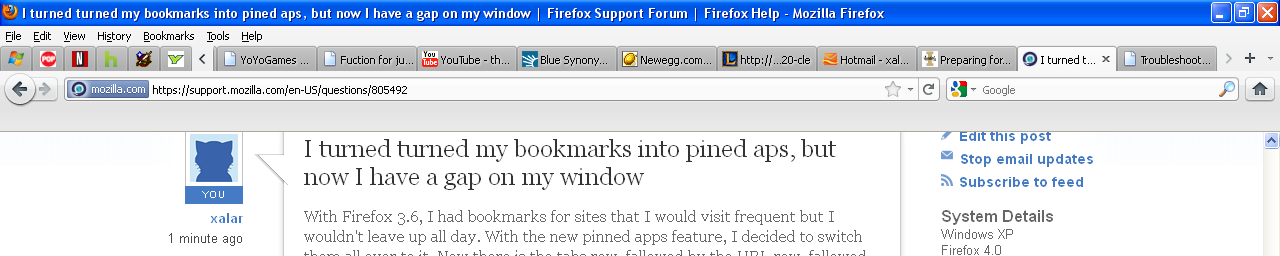
With Firefox 3.6, I had bookmarks for sites that I would visit frequent but I wouldn't leave up all day. With the new pinned apps feature, I decided to switch them all over to it. Now there is the tabs row, fallowed by the URL row, fallowed by a annoying gap, then there is my webpage. How do I get rid of the gap.
With Firefox 3.6, I had bookmarks for sites that I would visit frequent but I wouldn't leave up all day. With the new pinned apps feature, I decided to switch them all over to it. Now there is the tabs row, fallowed by the URL row, fallowed by a annoying gap, then there is my webpage. How do I get rid of the gap.
Modified by xalar
All Replies (1)
this is what it looks like