


Windows 10 reached EOS (end of support) on October 14, 2025. For more information, see this article.

Search Support

Avoid support scams. We will never ask you to call or text a phone number or share personal information. Please report suspicious activity using the “Report Abuse” option.

Learn More

Firefox won't launch, says it's trying to install a new helper tool (MacOS)

  • No replies
  • 0 have this problem
  • 7 views
more options

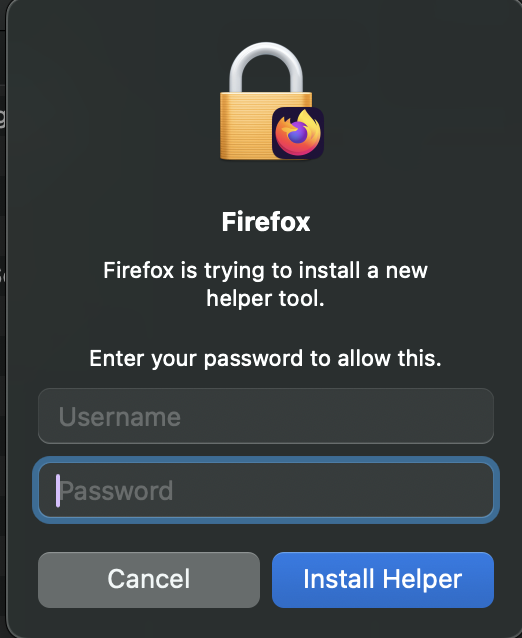
I got a random pop up on Firefox that I clicked without fully reading it, which closed Firefox and then prompted me for the administrator password (aka the password of that account on my laptop) so Firefox can install a helper tool. I did, and it did nothing. Every time I try to open Firefox I get the same pop up prompt and no matter how many times I give the password nothing happens, and I can't open the application. Clicking cancel on the prompt also does nothing.

I logged onto a different account on my laptop and can use Firefox like normal, but none of my settings/bookmarks/passwords from my other Mac account are saved here.

I would just delete and reinstall Firefox on the administrator account that is having this issue, but I don't know if I have anything properly backed up on Firefox, and I have a ton of things saved on there that I really don't want to lose. What do I do? Please help :(

Last screenshot is what happens when I try to launch Firefox and enter the password when the install helper prompt pops up
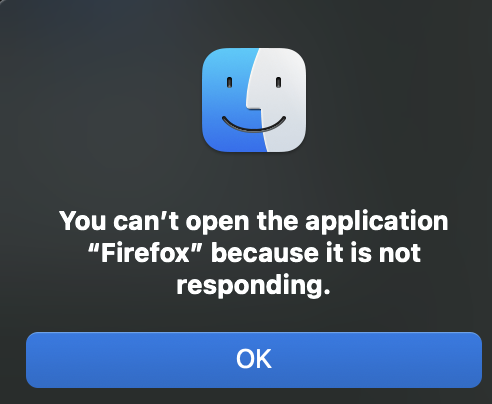
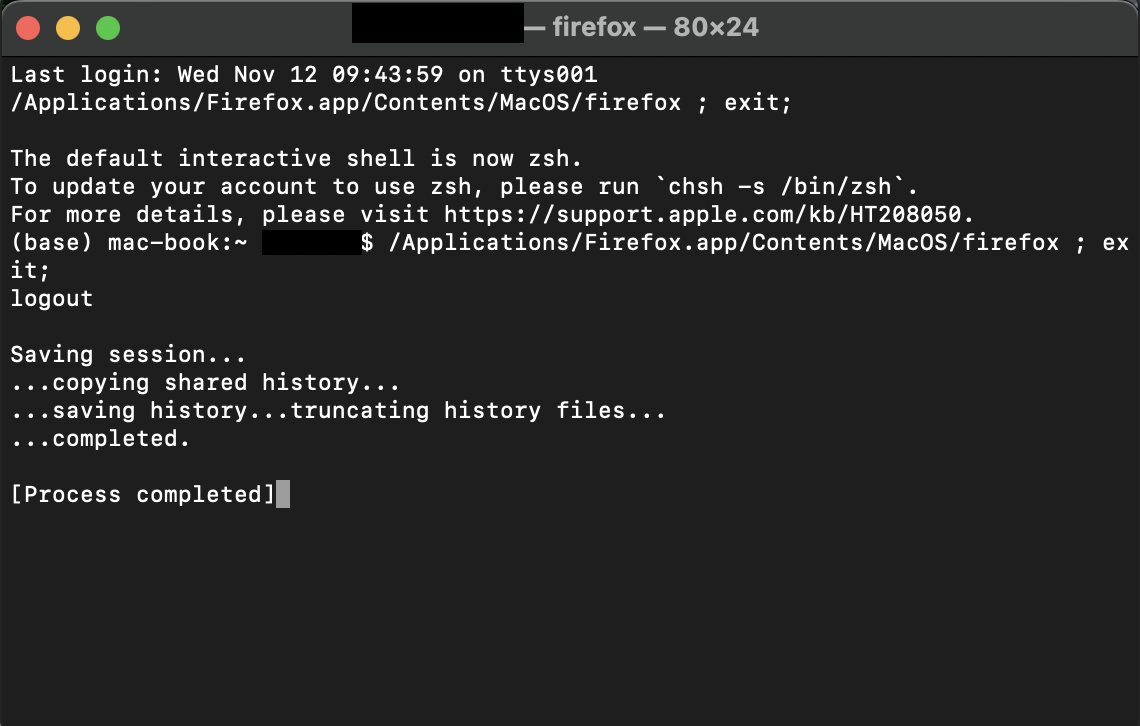
I got a random pop up on Firefox that I clicked without fully reading it, which closed Firefox and then prompted me for the administrator password (aka the password of that account on my laptop) so Firefox can install a helper tool. I did, and it did nothing. Every time I try to open Firefox I get the same pop up prompt and no matter how many times I give the password nothing happens, and I can't open the application. Clicking cancel on the prompt also does nothing. I logged onto a different account on my laptop and can use Firefox like normal, but none of my settings/bookmarks/passwords from my other Mac account are saved here. I would just delete and reinstall Firefox on the administrator account that is having this issue, but I don't know if I have anything properly backed up on Firefox, and I have a ton of things saved on there that I really don't want to lose. What do I do? Please help :( Last screenshot is what happens when I try to launch Firefox and enter the password when the install helper prompt pops up
Attached screenshots

You must log in to your account to reply to posts. Please start a new question, if you do not have an account yet.