


installing firefox

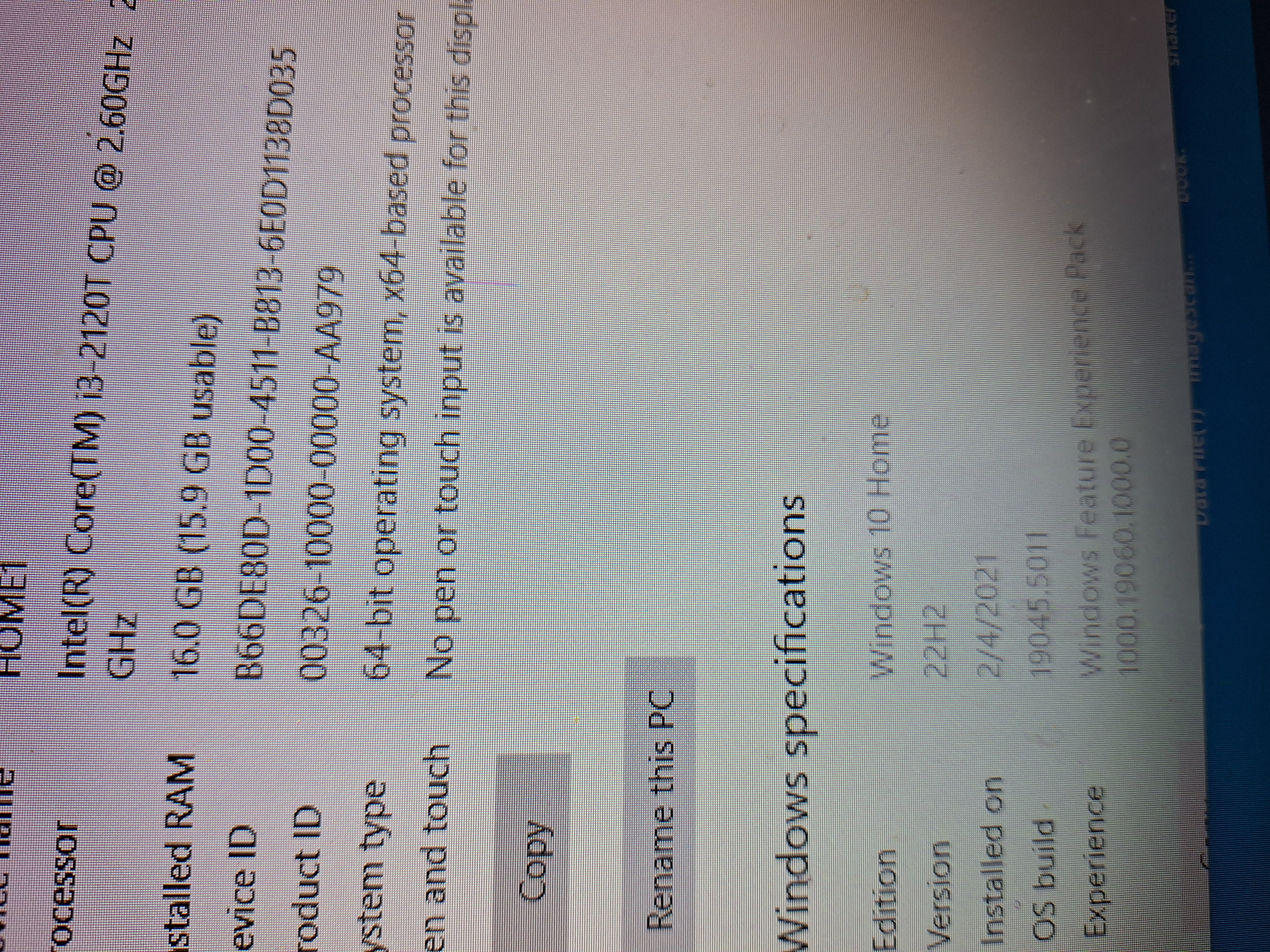
For some reason Firefox keeps telling me it won't install on Windows 8.x or lower. I have Windows 10 Home 64bit. What is the problem? What can I do to fix this. I have the latest updates for windows.
All Replies (1)
The UserAgent in your More system details on right appears to be a Firefox 115 ESR version on Windows 8. Mozilla/5.0 (Windows NT 6.2; Win64; x64; rv:109.0) Gecko/20100101 Firefox/115.0
The NT 6.2 is Windows 8 as NT 6.3 would be Windows 8.1.
Perhaps you are running Firefox in Windows 8 compatibility mode for some reason? ex: https://www.drivereasy.com/knowledge/how-to-install-or-run-a-program-in-compatibility-mode-in-windows-10-windows-8-1-windows-8/
Or perhaps your UserAgent has been modified in some way. https://support.mozilla.org/en-US/kb/how-reset-default-user-agent-firefox
Install or download Firefox? as these are two different things.
With a UA that shows as if you are using Firefox on Windows 8 while trying to download from a mozilla.org page like https://www.mozilla.org/firefox/all/ could explain the will not install on Windows 8.x or lower message.
You should be able to download the Firefox setup from below links as it does not pay attention to your browser though you should fix your Firefox useragent. https://archive.mozilla.org/pub/firefox/releases/131.0.2/win64/en-US/ other language locales https://archive.mozilla.org/pub/firefox/releases/131.0.2/win64/
Modified by James