


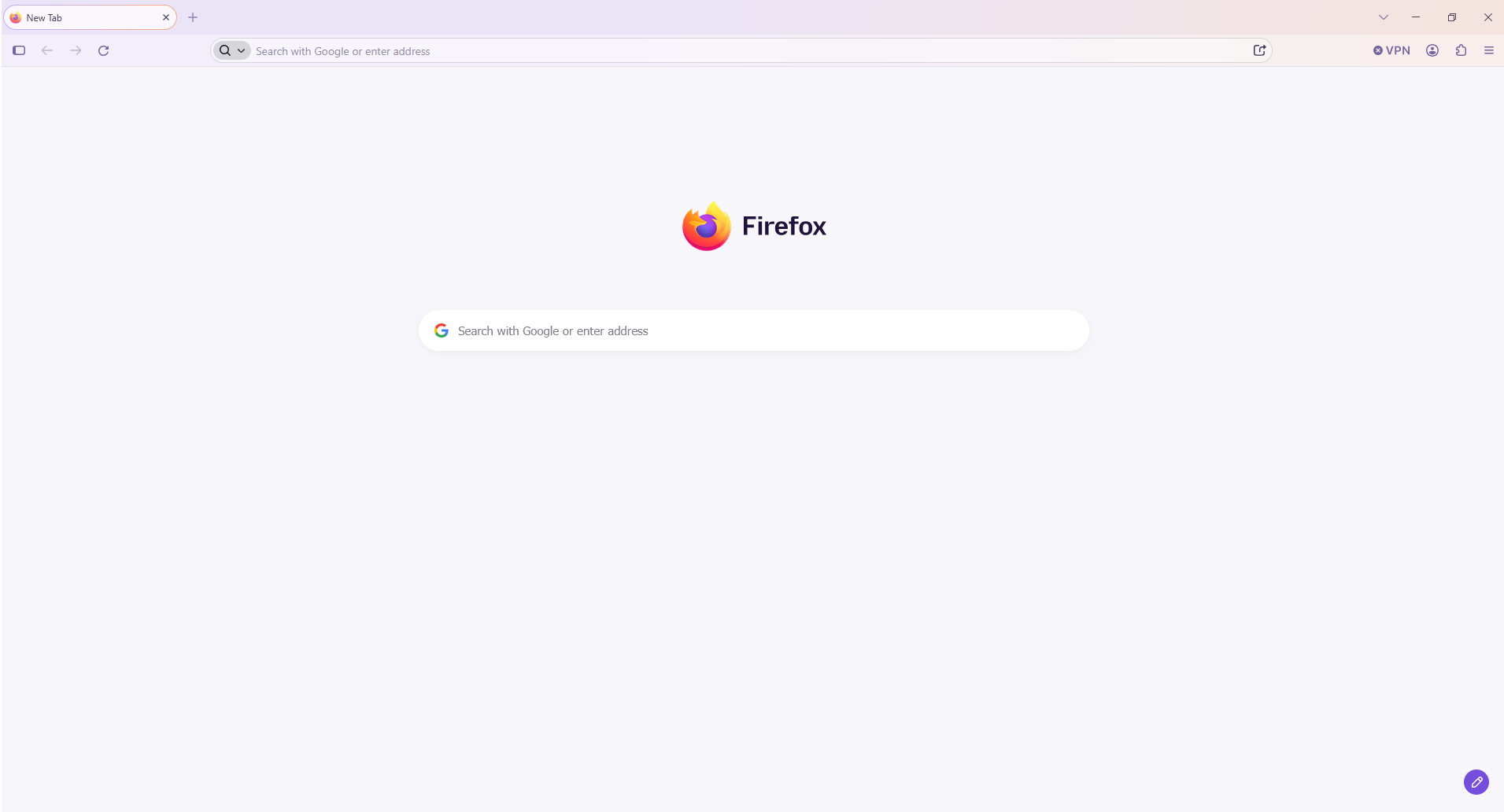
How do I turn off the stupid pink color on the top of my browser

How do I turn off the stupid pink color on the top of my browser
Όλες οι απαντήσεις (6)
Hello,
It is most likely because of a theme or a hardware acceleration glitch.
If the theme is causing it, go to menu (3 horizontal lines), select Extensions and Themes, then click on Themes on the left menu. Default light or dark theme to see if the pink color disappears.
Next, it is possible that hardware acceleration glitched. First, go to menu (again) >settings, then scroll down to performance, and uncheck : Use recommended performance settings and Use hardware acceleration when available,
It is also possible that extensions caused the problem. To test, open menu and go to help > troubleshoot mode or restart Firefox while holding shift key. Then, choose open to run Firefox with extensions temporarily disabled. If the pink bar goes away, extensions or CSS tweaks caused the problem.
Bonjour
A space for users to give product feedback https://support.mozilla.org/en-US/kb/what-mozilla-connect
https://www.reddit.com/r/FirefoxCSS/comments/1wndy2t/comment/pbgj6lz
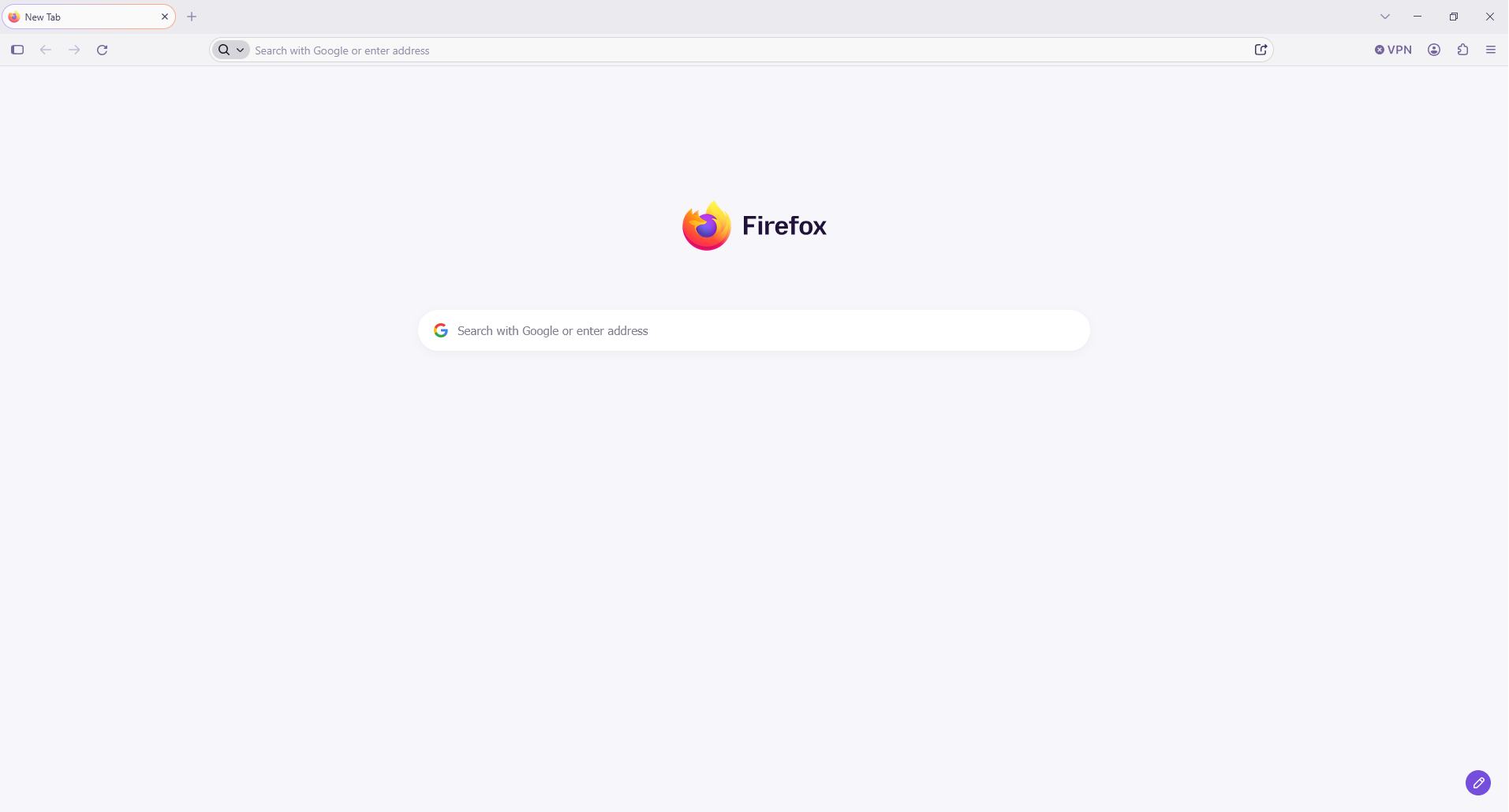
Screenshot 2 a test with userChrome.css Remove the gradient completely
:root:not([theme-image-in-toolbox]) body, :root[theme-image-in-toolbox] #navigator-toolbox { background-image: none !important;}
WARNING from the moderator team: This script is not provided by Mozilla and is not officially supported.
Firefox is a work in progress and, to allow for continuous innovation, Mozilla cannot guarantee future updates won’t impact your customizations. For this reason, Mozilla does not officially support style rules customization.
Please read Firefox advanced customization and configuration options to learn more.
Τροποποιήθηκε στις από τον/την Paul
The new Firefox design lands in today. This is what you can expect https://connect.mozilla.org/t5/discussions/the-new-firefox-design-lands-in-today-this-is-what-you-can/td-p/139524
Hi
You can install a theme of your choice that you like from https://addons.mozilla.org.

Paul said
Hi You can install a theme of your choice that you like from https://addons.mozilla.org.
Tha't not true, so stop scaring people with this funny warning message. CSS is not a script.

Solved it by installing Proton theme via Add-ons Manager. Nasty pink gradient is gone! Thanks for the guidance!