


Windows 10 reached EOS (end of support) on October 14, 2025. If you are on Windows 10, see this article.

Avatar for Username

Αναζήτηση στην υποστήριξη

Προσοχή στις απάτες! Δεν θα σας ζητήσουμε ποτέ να καλέσετε ή να στείλετε μήνυμα σε κάποιον αριθμό τηλεφώνου ή να μοιραστείτε προσωπικά δεδομένα. Αναφέρετε τυχόν ύποπτη δραστηριότητα μέσω της επιλογής «Αναφορά παραβίασης».

Μάθετε περισσότερα
Ανοικτό

after a Windows update, Mozilla my browser times out and won't load: "http://www.dailygammon.com/bg/login"

ildiko

After a Windows update, Mozilla my browser times out and won't load: "http://www.dailygammon.com/bg/login" It has been one of my bookmarks for years, I play Backgammon there every day. I have cleared my browser history and cache, it is still not loading. I tried with Edge and it loaded no problem. How do I fix this? Mozilla is my default browser.
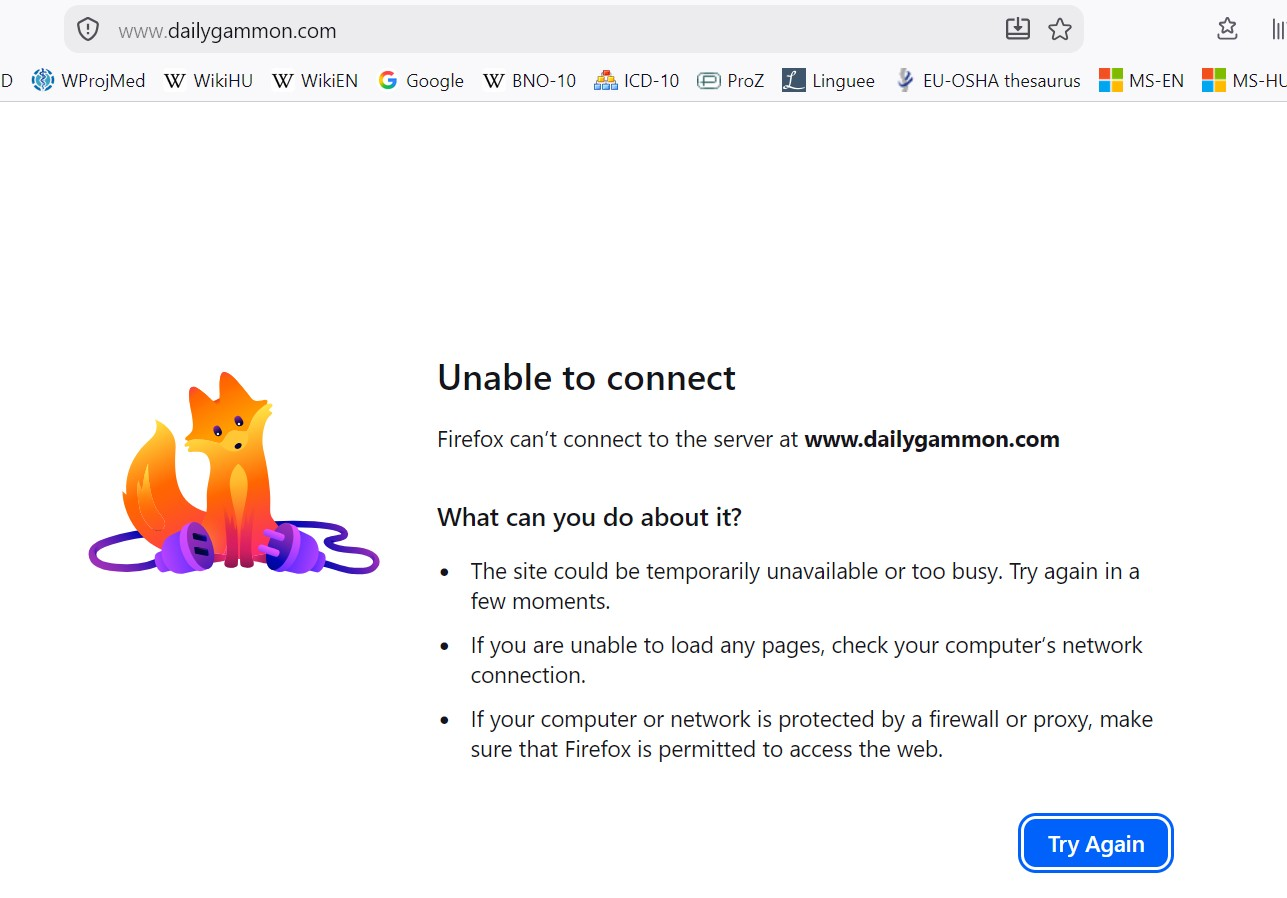
After a Windows update, Mozilla my browser times out and won't load: "http://www.dailygammon.com/bg/login" It has been one of my bookmarks for years, I play Backgammon there every day. I have cleared my browser history and cache, it is still not loading. I tried with Edge and it loaded no problem. How do I fix this? Mozilla is my default browser.
Συνημμένα στιγμιότυπα

Όλες οι απαντήσεις (2)

Old HTTP site, no HTTPS. https://support.mozilla.org/en-US/kb/https-only-mode-firefox-android Menu>Settings>HTTPS-Only Mode>(toggle off)

Ah, it might break even with the above switch "off" — I think if the HTTPS upgrade is driven by "DNS over HTTPS" enabled and this is new for you in v155.x, you might be affected by this as well: support.mozilla.org/questions/1603229?page=2 — there should be a fix shipping tomorrow to verify.

Υποβολή ερώτησης

Πρέπει να συνδεθείτε στον λογαριασμό σας για να απαντήσετε σε δημοσιεύσεις. Ξεκινήστε μια νέα ερώτηση εάν δεν διαθέτετε ακόμα λογαριασμό.