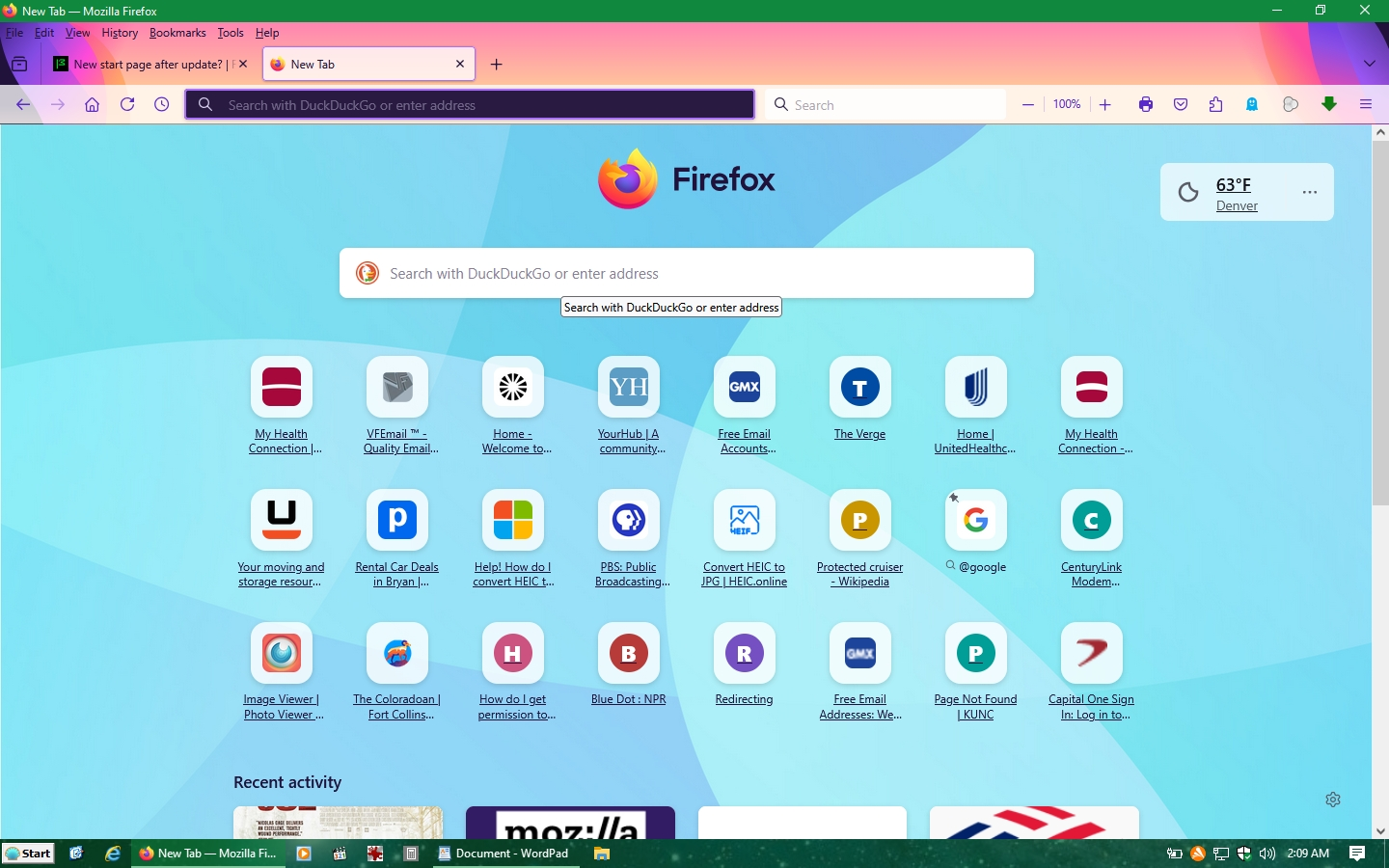
New start page after update?

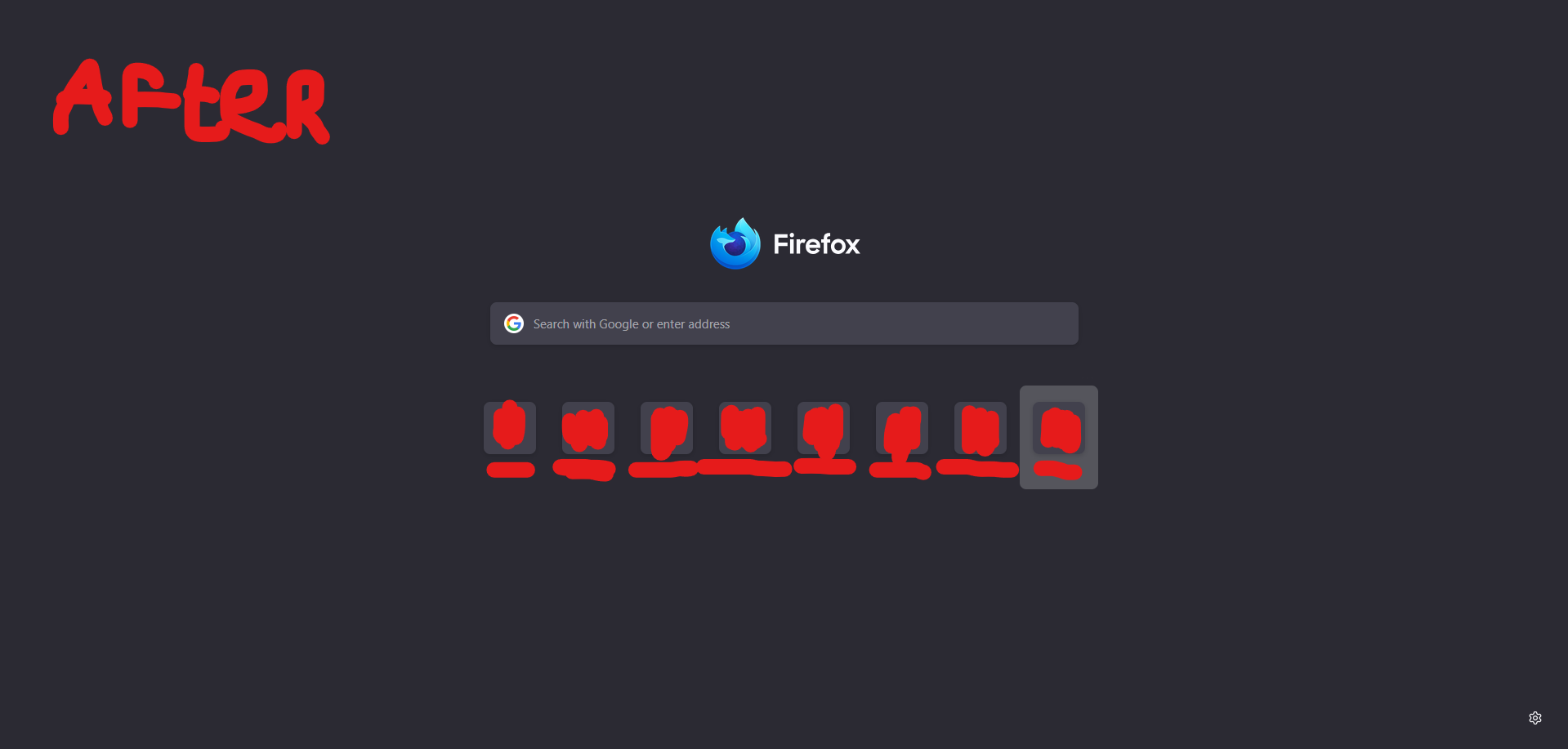
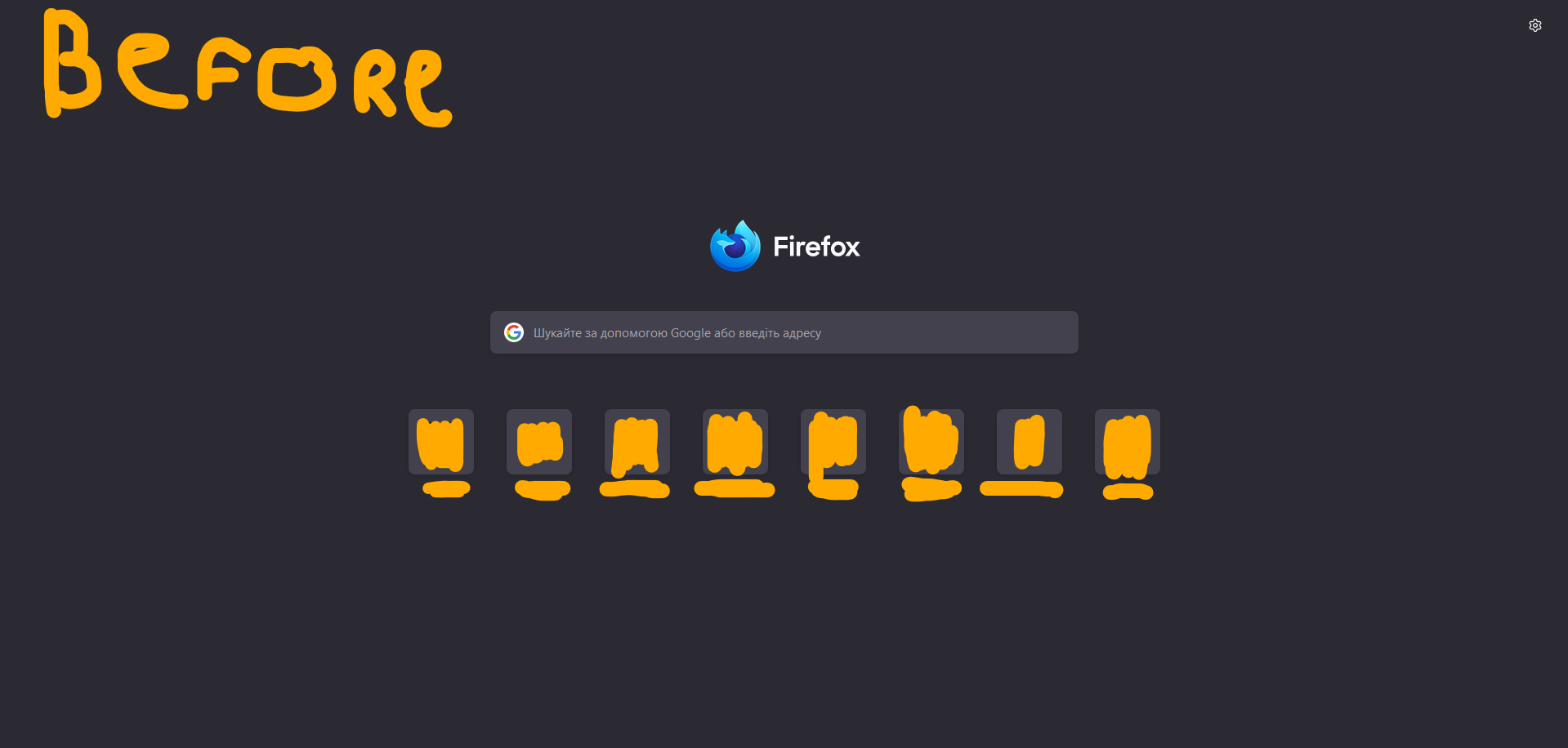
After firefox update, start page changed to first photo i added here, second photo is how it was before, is there any way to get it back? Before update i had version 131.0b9, now its 136.0b1
Επιλεγμένη λύση
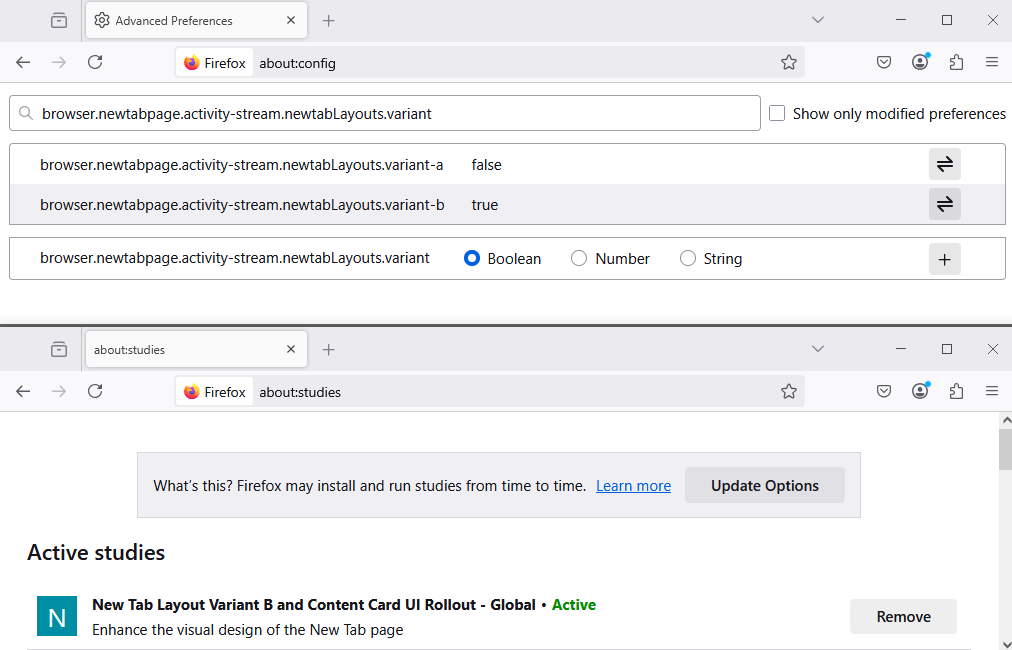
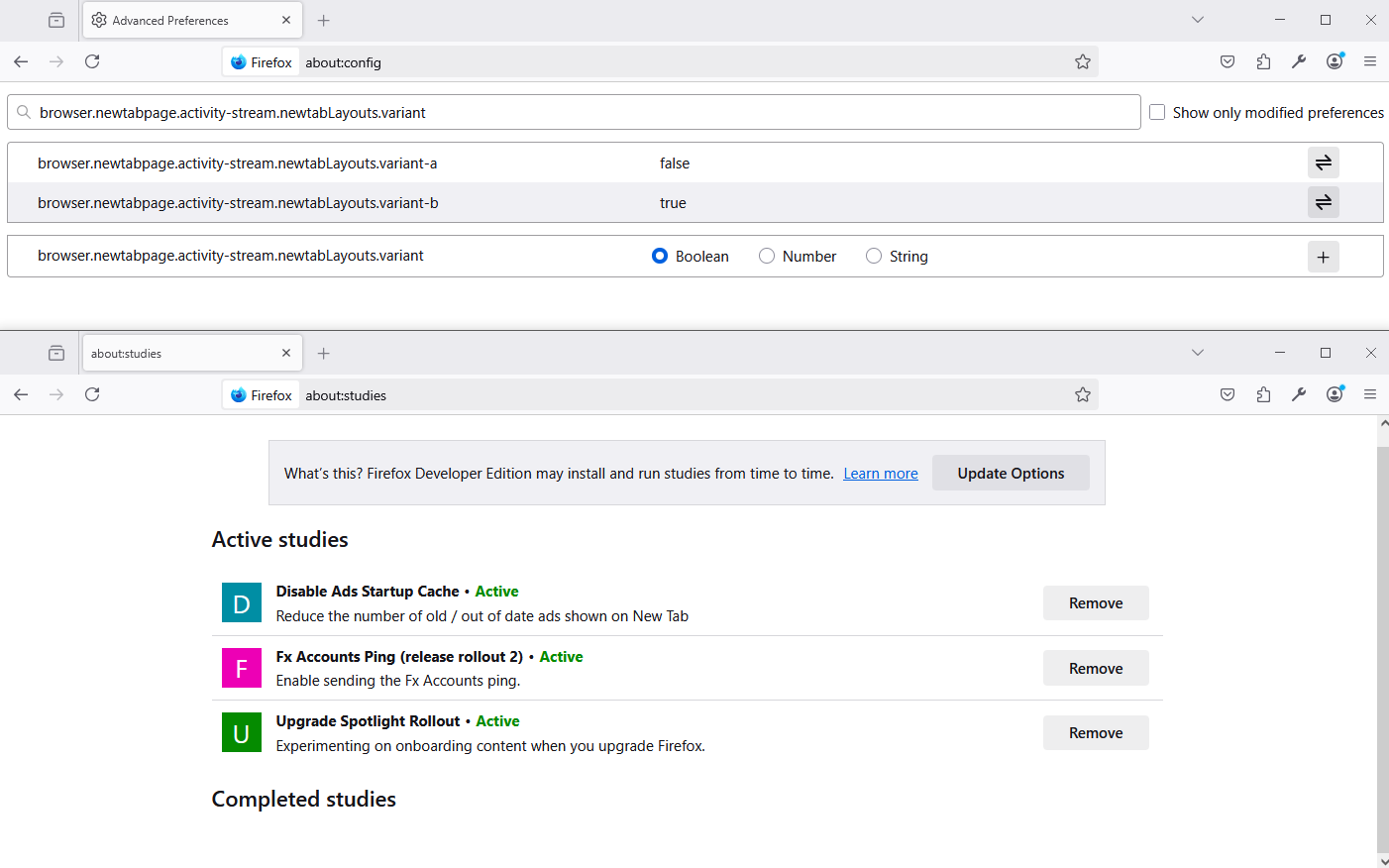
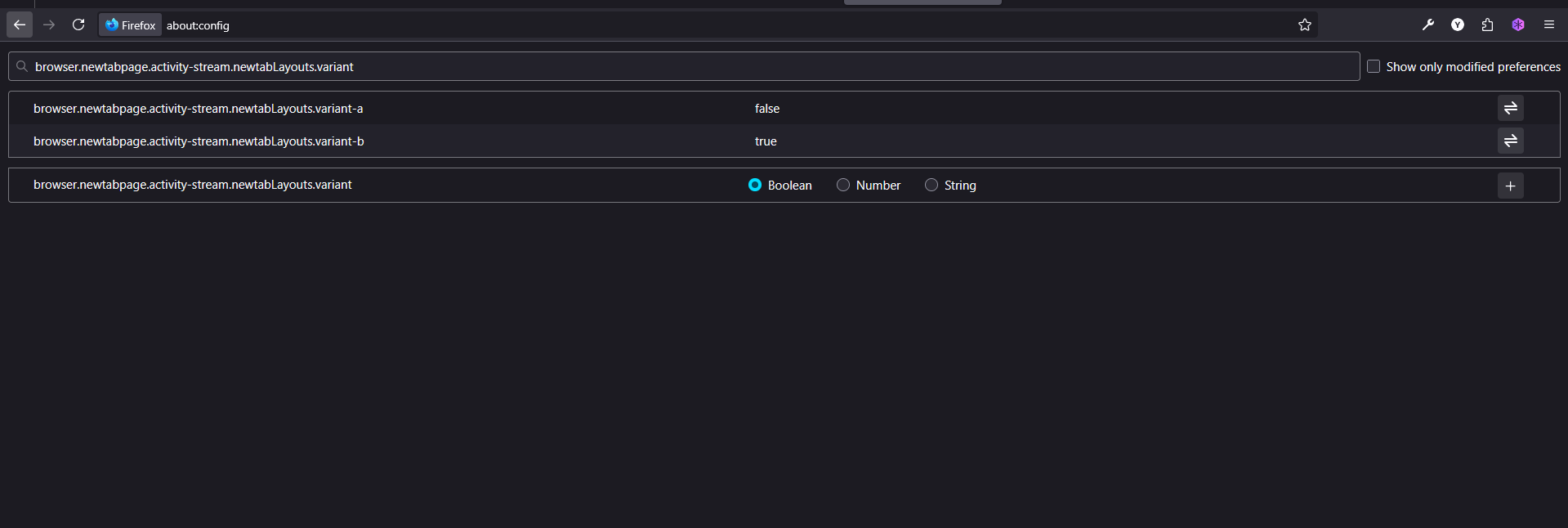
On the updated version i see browser.newtabpage.activity-stream.newtabLayouts.variant, and as i just found, if i make it false on variant_a and variant_b its back to normal! Thanks for reply, never would've thought to search for this specific term
Προβολή απάντησης εντός συζήτησης 👍 8Όλες οι απαντήσεις (5)
Hello
And, Uncentered homepage shortcuts, according to your screenshot. Take a look at https://bugzilla.mozilla.org/show_bug.cgi?id=1937177 1 - Go to Configuration Editor for Firefox https://support.mozilla.org/en-US/kb/about-config-editor-firefox 2 - Enter a search term browser.newtabpage.activity-stream.newtabLayouts.variant What do you see?
Perhaps you are under Studies https://support.mozilla.org/en-US/kb/shield Type about:studies into your address bar to see a list of your studies.
First screenshot under Firefox Beta Second screenshot under Firefox Developer
Τροποποιήθηκε στις από τον/την Agent virtuel
Επιλεγμένη λύση
On the updated version i see browser.newtabpage.activity-stream.newtabLayouts.variant, and as i just found, if i make it false on variant_a and variant_b its back to normal! Thanks for reply, never would've thought to search for this specific term
Τροποποιήθηκε στις από τον/την yariknesterenko9
Agent virtuel said
And, Uncentered homepage shortcuts, according to your screenshot. Take a look at https://bugzilla.mozilla.org/show_bug.cgi?id=1937177 1 - Go to Configuration Editor for Firefox https://support.mozilla.org/en-US/kb/about-config-editor-firefox 2 - Enter a search term browser.newtabpage.activity-stream.newtabLayouts.variant What do you see?
 Thank you SO much for posting this!! I did not like the new Homepage Links smaller tiles and wider spaces after the recent update (136.0 64bit) either and using this info and selecting False for variant-a & b reverted them back to before the update.
 HUGE thanks for posting this!!
Come on! Why does this have to be so techie crypto? Why not make things EASY?
It's really basic: The FF 139.0 default font size for Shortcuts, Tabs, Menus on the start/home page of my 1440 x 900 laptop appears to be about size 4. See attached sample. Note scale is 100%. Further, I verify my "Settings > General > Font" size for search results is 16 (which appears to have no effect on the issue here). Give us in "Settings > General > Font", settings for start/home page font sizing. Give us settings for tab and search bar font sizing. This is internal to Firefox. I don't want to reset any of my Windows 10 system font settings just for Firefox. I spent plenty of time on that stuff already and it's not the issue.
Note: I have already set my "General > Font" to something I like (size 16) and it works every time, so don't mess with this setting. EXCEPT that I have been annoyed since the 2000's that the font COLORS for unvisited searches (= BLUE) is so close to visited searches (= BLUE PURPLE). It's infuriating and attempts at changing it have never stuck. I want more contrast, like a default of visited = RED or GREEN for instance. Or let us choose and make it stick after multiple reboots and updates. Finally, how about choice of icon size while we're at it (all the wasted space!).