


Widevine CDM Not Installing

I have been trying to solve this for a few days now. I tried to watch Netflix when it said, "Firefox is installing components needed to play the audio or video on this page. Please try again later."
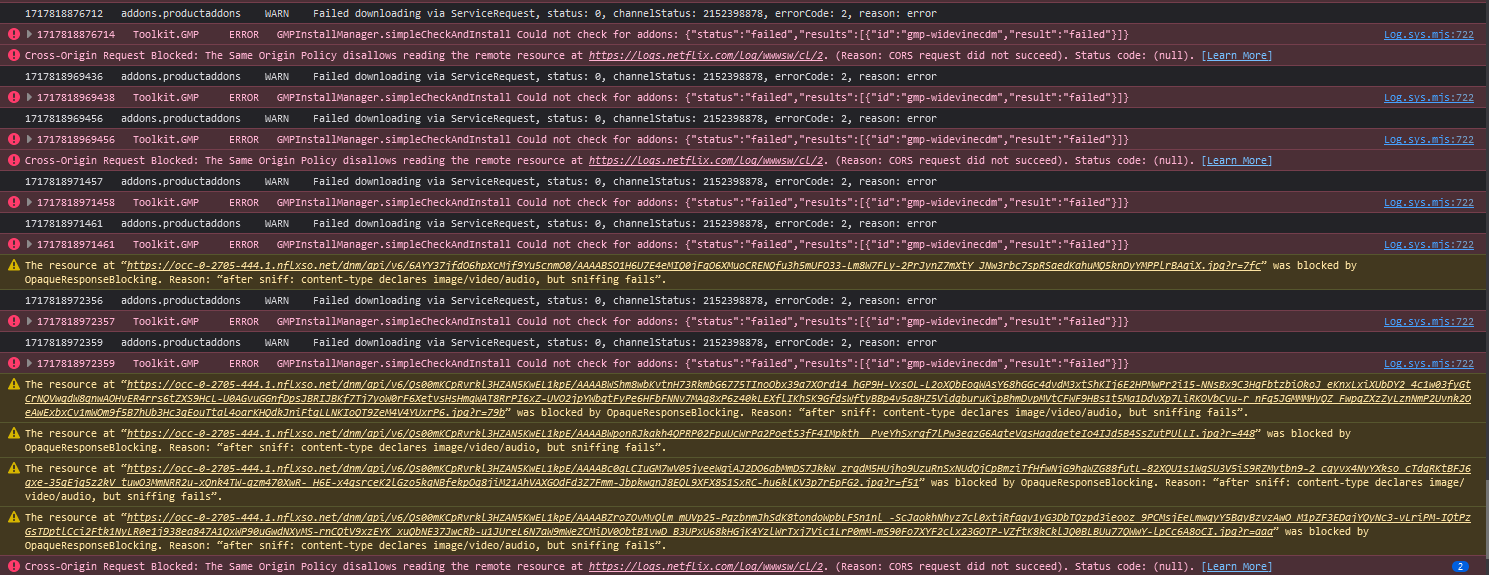
I found out this was due to Widevine not being installed AT ALL on my browser for some reason. The plugins manager has been saying that it will "be installed shortly" for a week now. I already tried toggling DRM off and on multiple times. I already tried using troubleshooting mode. I already checked GMP preferences to make sure nothing relating to Widevine was set to 'false'. I already tried turning off my antivirus long enough to try everything again and still nothing has changed. I do not have any VPNs running either. I am attaching a screenshot of what the browser console shows when I toggle DRM off and on again and try to run Netflix. I am also attaching what the gmp toggles say. Please help me figure out what is wrong!

Επιλεγμένη λύση
I ended up solving it myself thanks to and obscure post on Reddit from 7 years ago.
If you are using Windows, go into your 'hosts' file (located in C:\Windows\System32\drivers\etc) and remove "0.0.0.0 redirector.gvt1.com". This is what Firefox uses to get its updates for widevine and Windows has it automatically blocked for some reason. When editing the file, make sure whatever you use to edit it (notepad or something like that) has administrator privileges at the time of editing.
Προβολή απάντησης εντός συζήτησης 👍 2Όλες οι απαντήσεις (1)
Επιλεγμένη λύση
I ended up solving it myself thanks to and obscure post on Reddit from 7 years ago.
If you are using Windows, go into your 'hosts' file (located in C:\Windows\System32\drivers\etc) and remove "0.0.0.0 redirector.gvt1.com". This is what Firefox uses to get its updates for widevine and Windows has it automatically blocked for some reason. When editing the file, make sure whatever you use to edit it (notepad or something like that) has administrator privileges at the time of editing.