


Windows 10 reached EOS (end of support) on October 14, 2025. For more information, see this article.

Αναζήτηση στην υποστήριξη

Προσοχή στις απάτες! Δεν θα σας ζητήσουμε ποτέ να καλέσετε ή να στείλετε μήνυμα σε κάποιον αριθμό τηλεφώνου ή να μοιραστείτε προσωπικά δεδομένα. Αναφέρετε τυχόν ύποπτη δραστηριότητα μέσω της επιλογής «Αναφορά παραβίασης».

Μάθετε περισσότερα

Αυτό το νήμα αρχειοθετήθηκε. Κάντε νέα ερώτηση αν χρειάζεστε βοήθεια.

Problem with a GIS website

  • 24 απαντήσεις
  • 1 έχει αυτό το πρόβλημα
  • 108 προβολές
  • Τελευταία απάντηση από FireFoxFan1

περισσότερες επιλογές

Until the most recent update of Firefox, I was able to access atrribute data of a GIS map feature on the GIS Open Data, State of Michigan website:

https://gis-michigan.opendata.arcgis.com/datasets/2020-voting-precincts/explore?location=44.909859%2C-86.310800%2C6.97

Now, I can not click on any feature. I can do this, however, using Chrome. What is the issue, here?
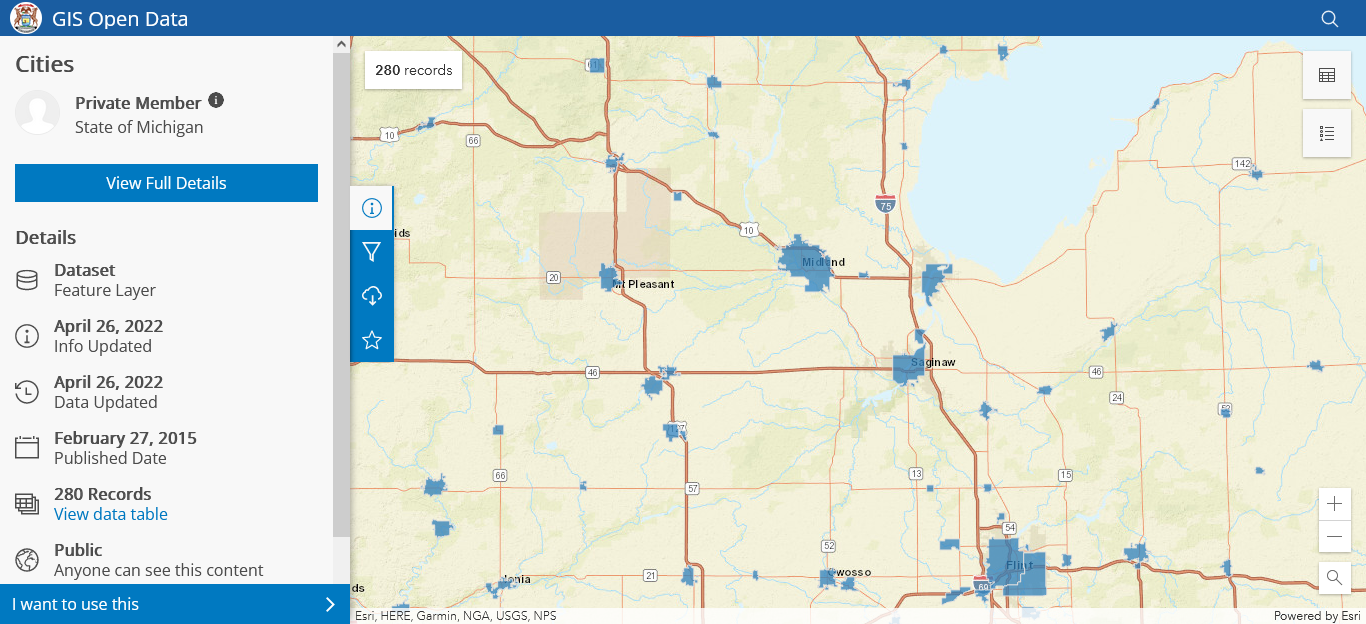
Until the most recent update of Firefox, I was able to access atrribute data of a GIS map feature on the GIS Open Data, State of Michigan website: https://gis-michigan.opendata.arcgis.com/datasets/2020-voting-precincts/explore?location=44.909859%2C-86.310800%2C6.97 Now, I can not click on any feature. I can do this, however, using Chrome. What is the issue, here?
Συνημμένα στιγμιότυπα

Όλες οι απαντήσεις (4)

περισσότερες επιλογές

More context. Here are some screenshots in Firefox and Chrome. As you can see, in Chrome, I don't even have to select a feature to get a preview of its name. In Firefox, I can not select a feature, at all:
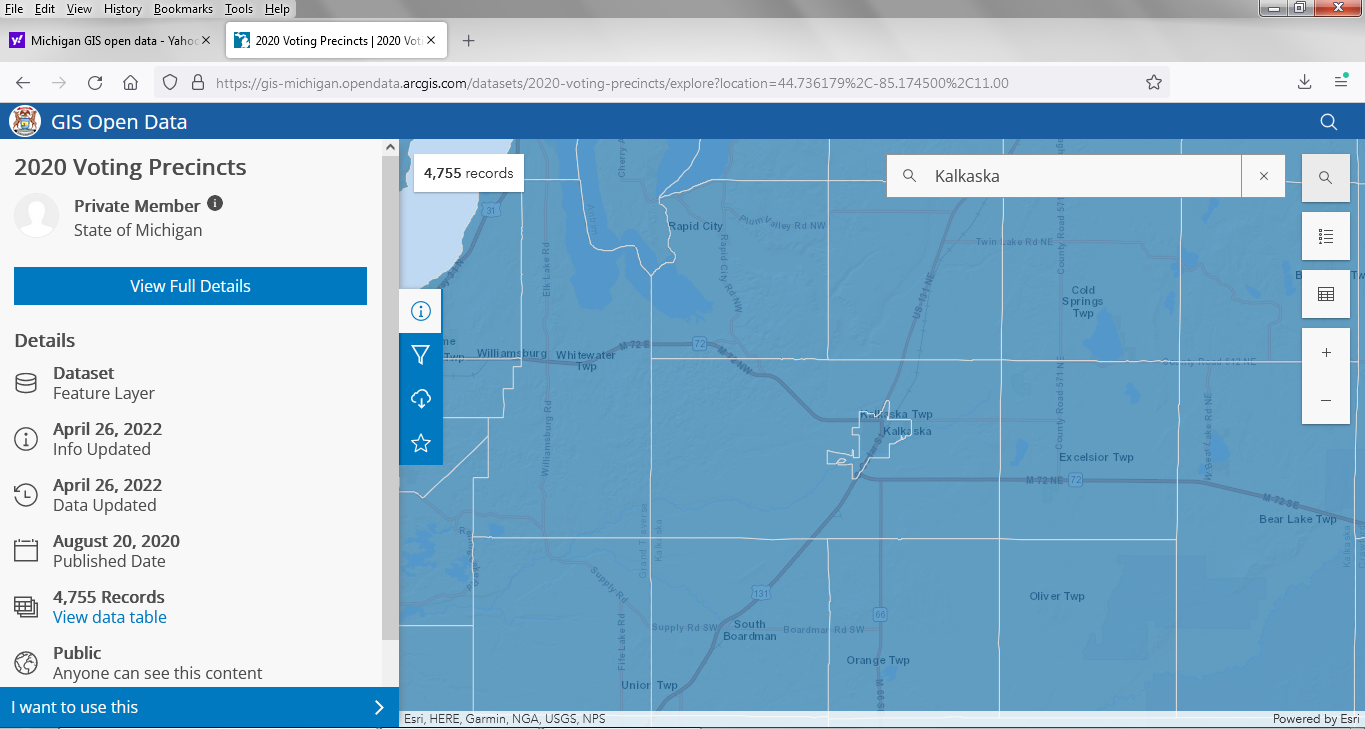
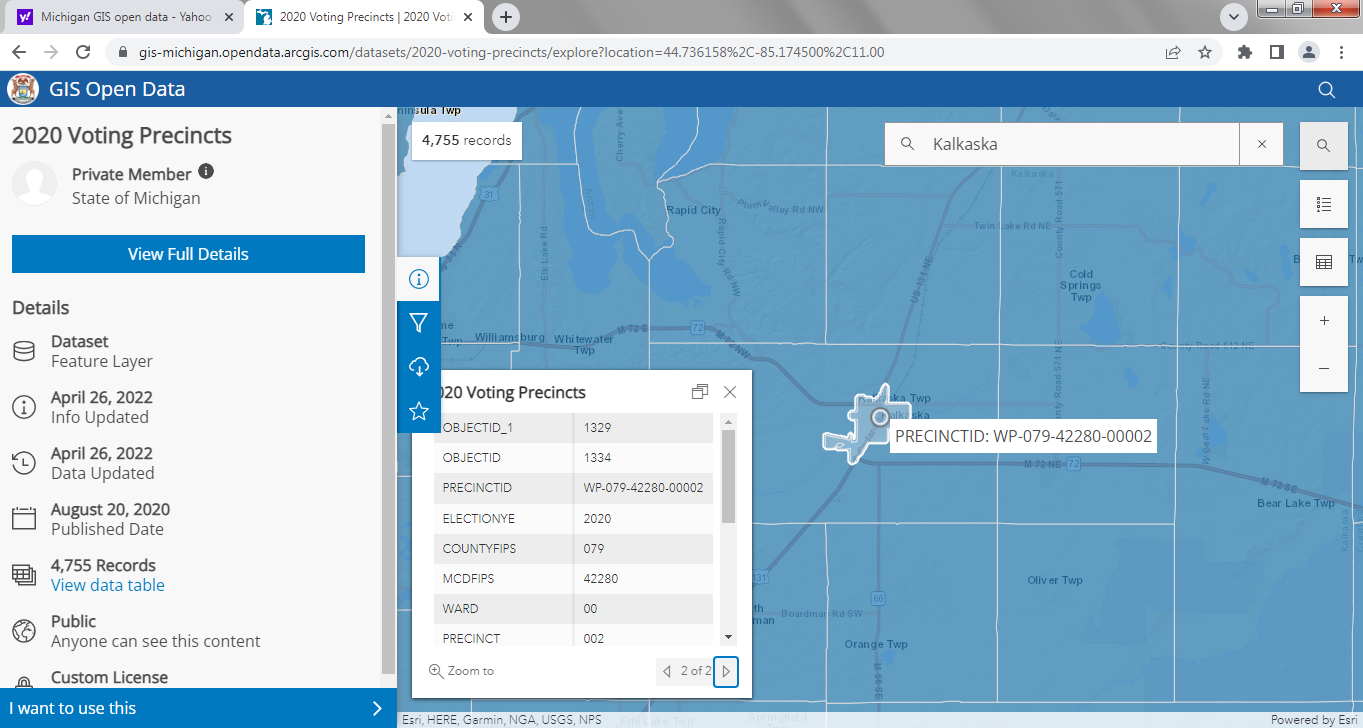
Τροποποιήθηκε στις από τον/την FireFoxFan1

περισσότερες επιλογές

lol Whatever.

περισσότερες επιλογές

Hmmm, after downgrading and now upgrading to v 102.0 (32-bit), I'm still exihibiting the same problem. I even turned off my anti-virus software and tried brand new profiles.

Here's another angle: Is anyone here still using Windows 7? If so, can you check to see if you can access the attributes on the GIS website? I can't think of anything else.

περισσότερες επιλογές

Okay, so I've narrowed things down. Apparently, the last Firefox update or two no longer allows a work-around for my very old, buggy graphics card for WebGL-based pages. Chrome still provides a work-around. But, I'm not sure exactly what or where that is.

  1. 1
  2. 2