Toś ta nitka jo se archiwěrowała.
Pšosym stajśo nowe pšašanje, joli trjebaśo pomoc.

Archiwěrowany
Update
How do I make sure FireFox has current update? If not current how to update FireFox?
How do I make sure FireFox has current update? If not current how to update FireFox?
Wšykne wótegrona (1)
- Click the menu button
 at the right side of the Firefox toolbar, go to Help, and select About Firefox. The About Mozilla Firefox window will open.
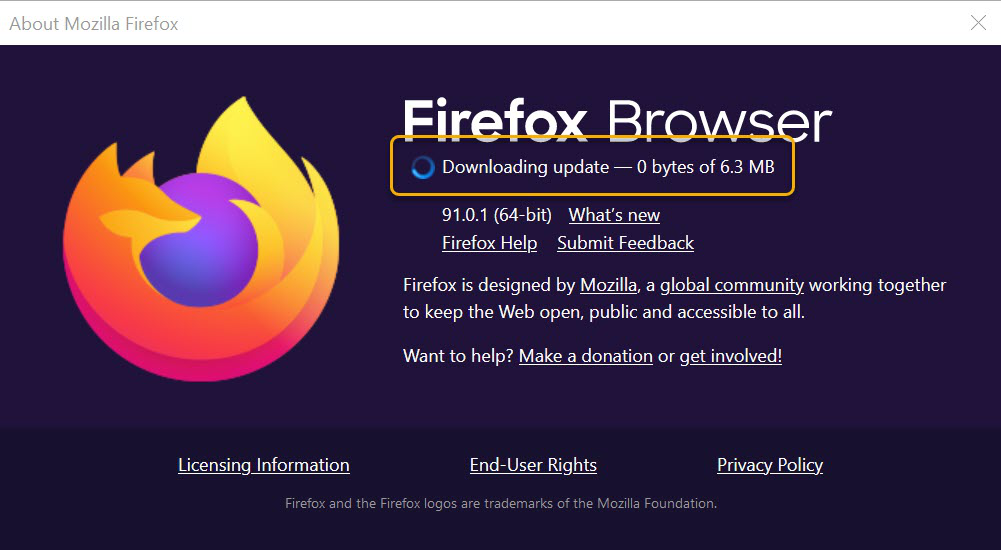
- Firefox will check for updates automatically. If an update is available, it will be downloaded.
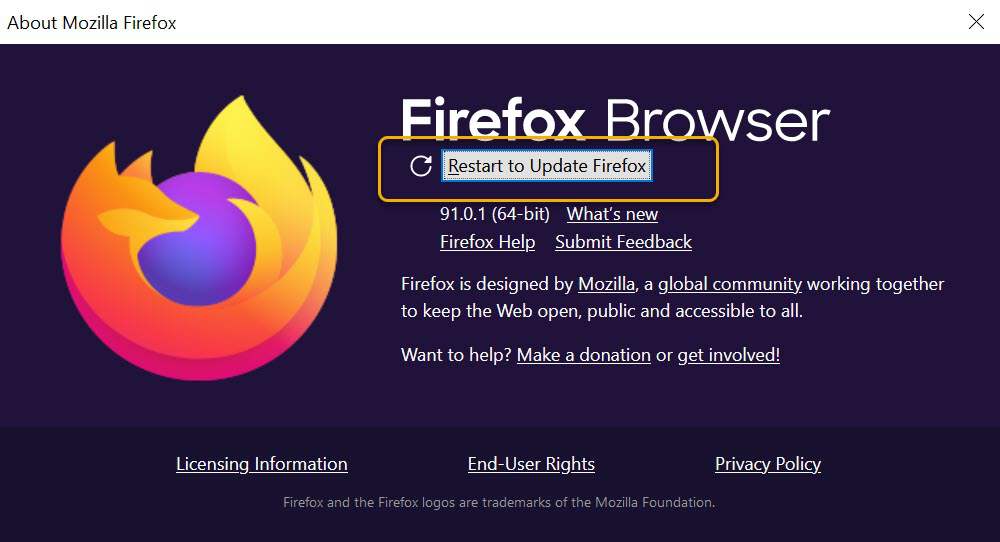
- When the download is complete, click Restart to update Firefox.