


Why is there a line in my open tabs list?

After recent updates there is a line in my open tabs list, currently below the first five open tabs. Why is it there? How can I make it go away? I'm using MacOS 11.7.11, Firefox 158.0.
Ausgewählte Lösung
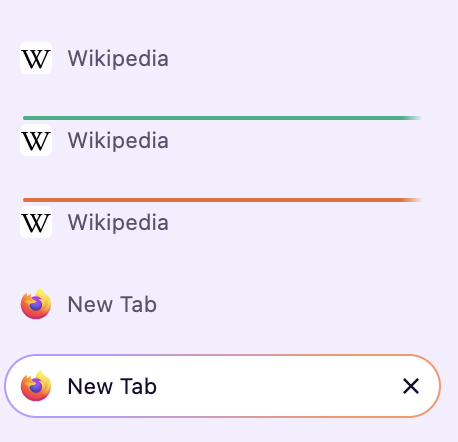
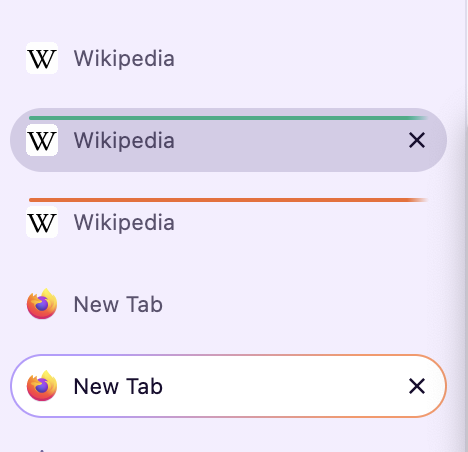
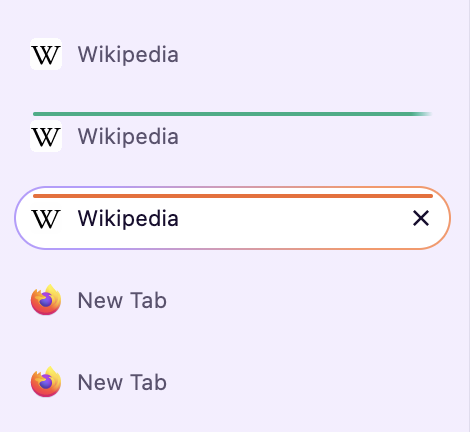
That would appear as How to use Firefox containers — this is how container color–coding is applied on tabs:
Alle Antworten (3)
There's a few places around the app that list open tabs. Can you specify in which menu, list or toolbar this is? (or attach a screenshot?)
If you open a new fresh profile to test, does it behave the same way?
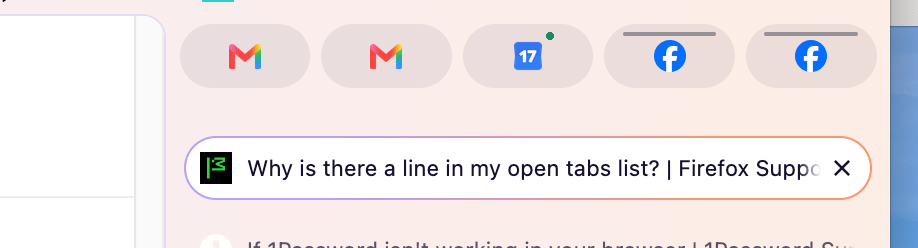
It's no longer there. It was in the open tab list in the right margin. I don't know what made it appear and I don't know why it disappeared. There are still lines in the pinned Facebook tabs. I've added a screenshot showing this.
Ausgewählte Lösung
That would appear as How to use Firefox containers — this is how container color–coding is applied on tabs: