


I want to change the computer name in the Sync setup, without deleting and recreating the whole thing.
I changed my computer's name, so I want it to reflect in all the browsers. Without deleting and setting up the whole thing again, How can this be done economically?
Alle Antworten (4)
Ausgewählte Lösung
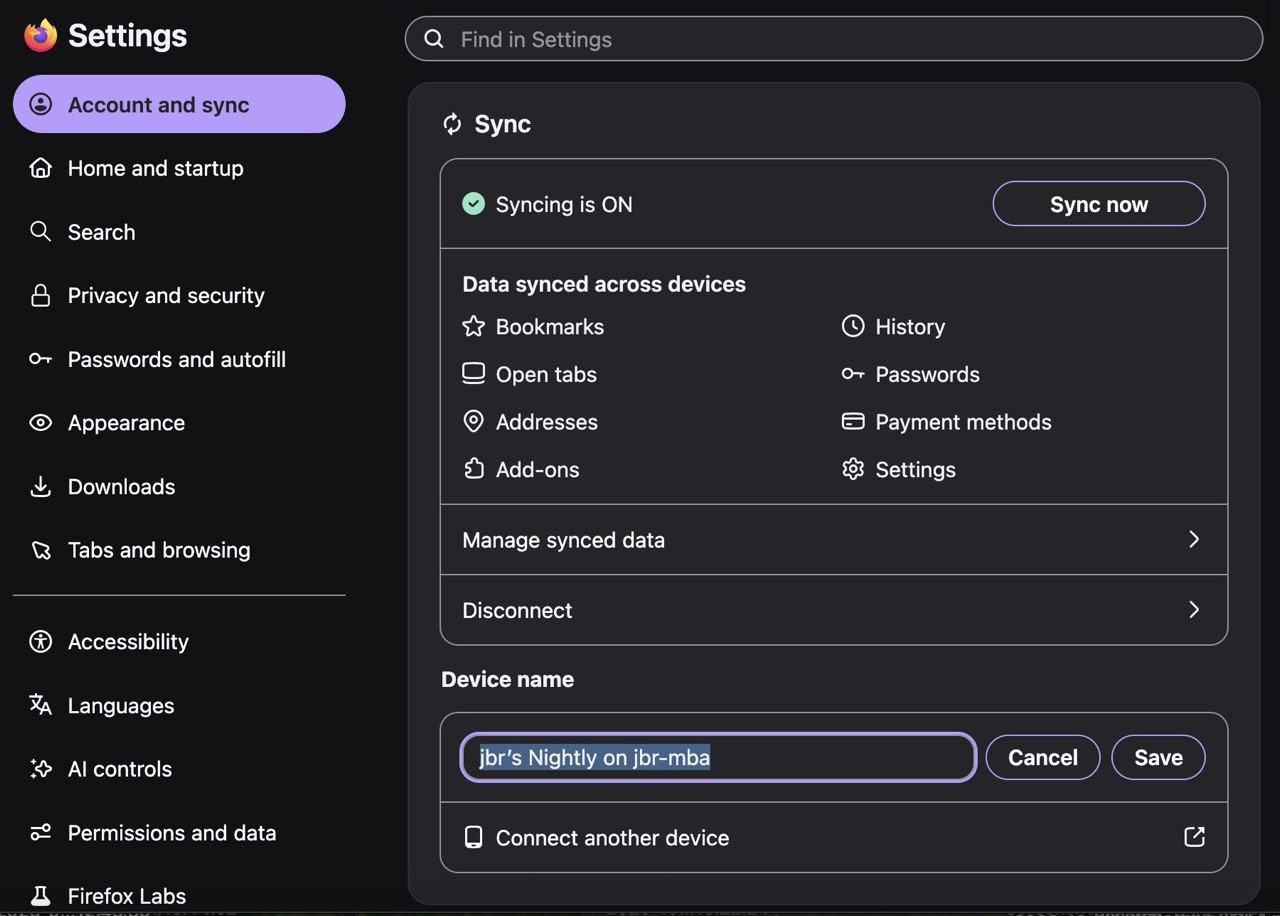
The browser name is in its Sync Settings, easily changed using the "Change Device Name" button:
jbr, if you only knew how I feel. We never see what's right in our face... Thanks so much.
Ms. Butler
No worries! Changing something on one's personal data sync for the first time without any previous experience with the results might be slightly unnerving, and being cautious is the better option here I guess;] Since I've done this a few times in the past week I've already verified it's a trivial thing and there's nothing to worry about when changing it back and forth to one's liking;))
jbr - That's the problem. it's not new, it's as old as Firefox has existed. Been using it too long to have forgotten where it resides...