


how do I remove the tineye context menu entry
Right clicking a pic on the web has a CONTEXT MENU entry of "Search Image on Tineye"
How do I remove this entry?
There are actually many context entries in Firefox I would like to remove. Is there a general way to do so?
Alle Antworten (3)
Ausgewählte Lösung
It's not a default entry. Try to examine your extensions.
Hello
To complement
Is it your question
TinEye Reverse Image Search https://addons.mozilla.org/firefox/addon/tineye-reverse-image-search
About there are actually many context entries in Firefox
A space for users to give product feedback https://support.mozilla.org/en-US/kb/what-mozilla-connect
Ability to edit context menus, remove unnecessary options https://connect.mozilla.org/t5/ideas/ability-to-edit-context-menus-remove-unnecessary-options/idi-p/8003
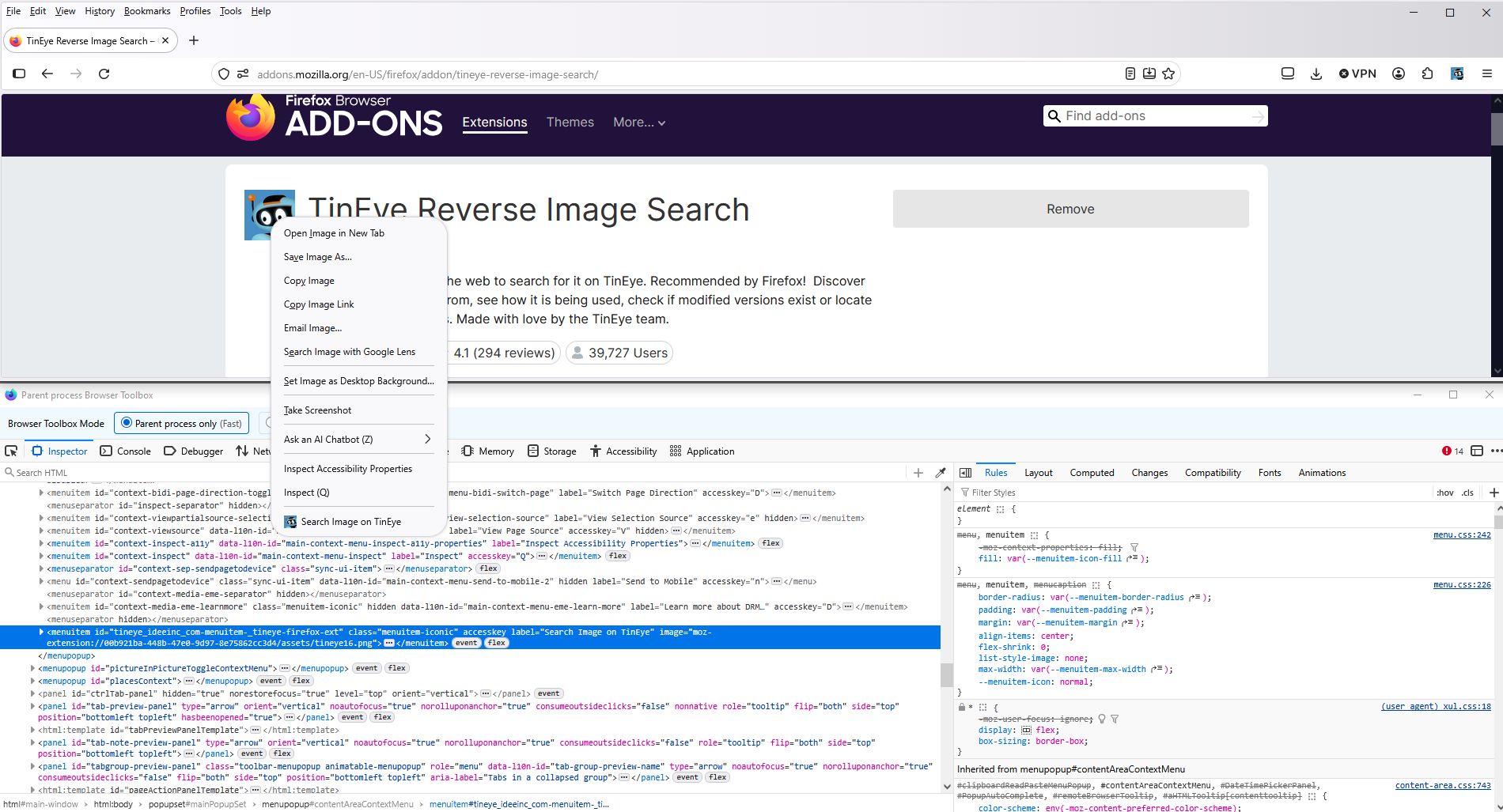
Screenshot 1 with the help of Browser Toolbox https://firefox-source-docs.mozilla.org/devtools-user/browser_toolbox/index.html
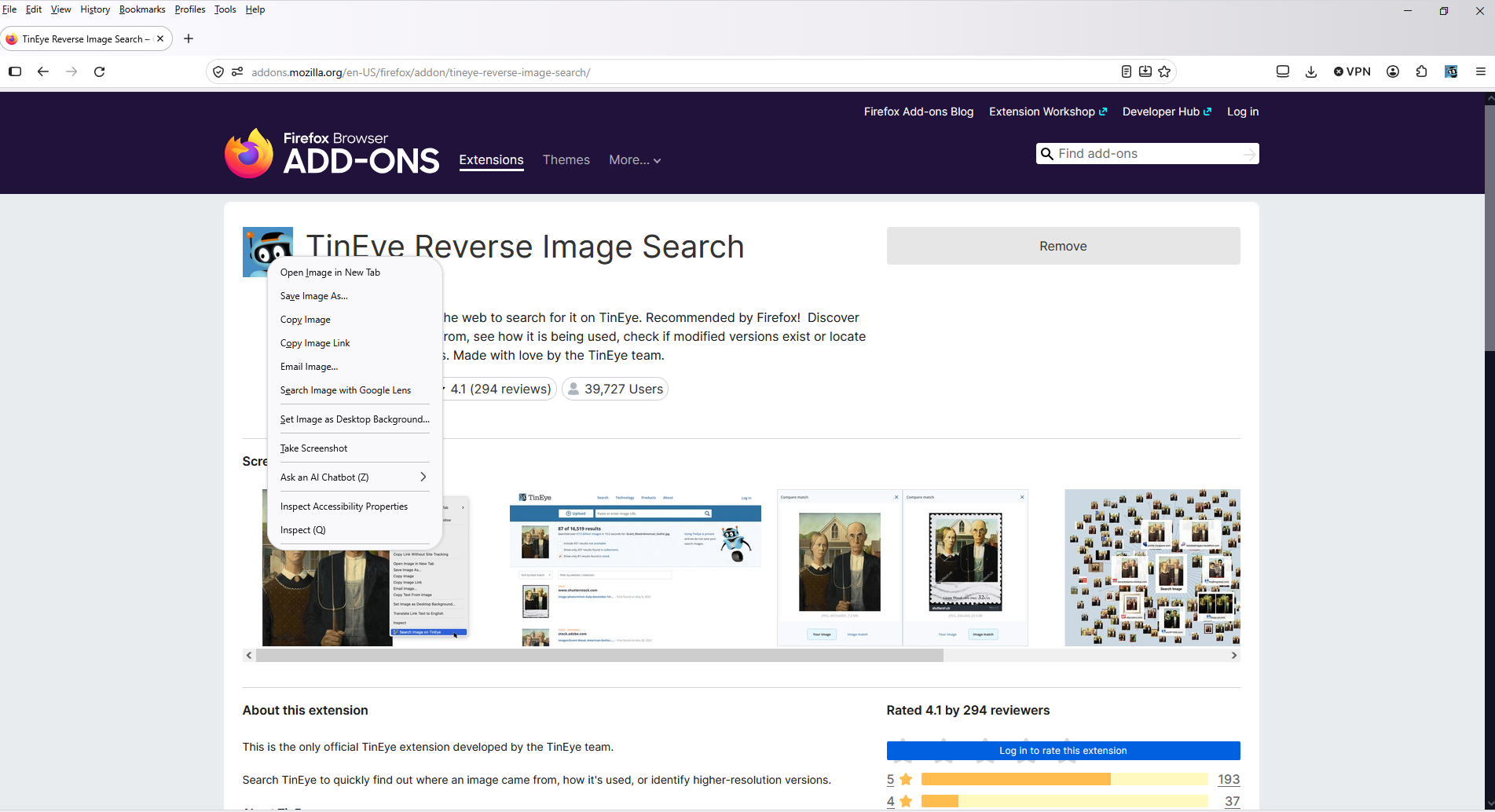
Screenshot 2 a test with the help of userChrome.css
#tineye_ideeinc_com-menuitem-_tineye-firefox-ext{display:none!important;}
thanks @TyDraniu.
You were correct. I found it to be an extension.
I never installed it--to the very best of my knowledge.
I submitted a report about it in the extension's reporting system.
I do use Yandex.com/images. And it is possible this extension has existed for some time. Righit-clicking a web site image THAT SHOWS THIS OPTION has never occurred before.
Geändert am von Joe P