


How can I open an HTML file with Firefox on a Galaxy S24 Plus phone running Android 16.

I apologize for the mess I made entering duplicate requests. The is the latest UPDATED request on 6/24/2026 at 3:30 PM EDT
I'm using Firefox for Android version 152.0.1 (Build #2016167575) on a Galaxy S24 Plus phone running Android 16.
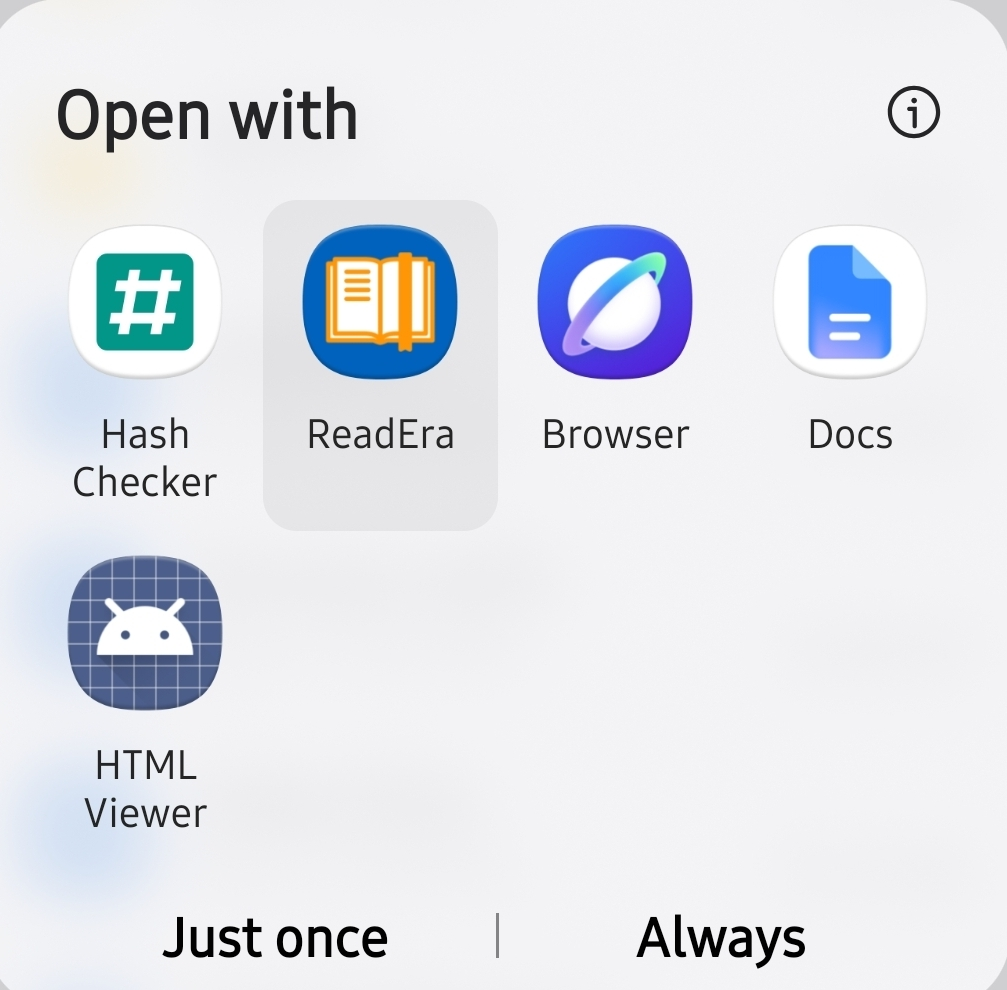
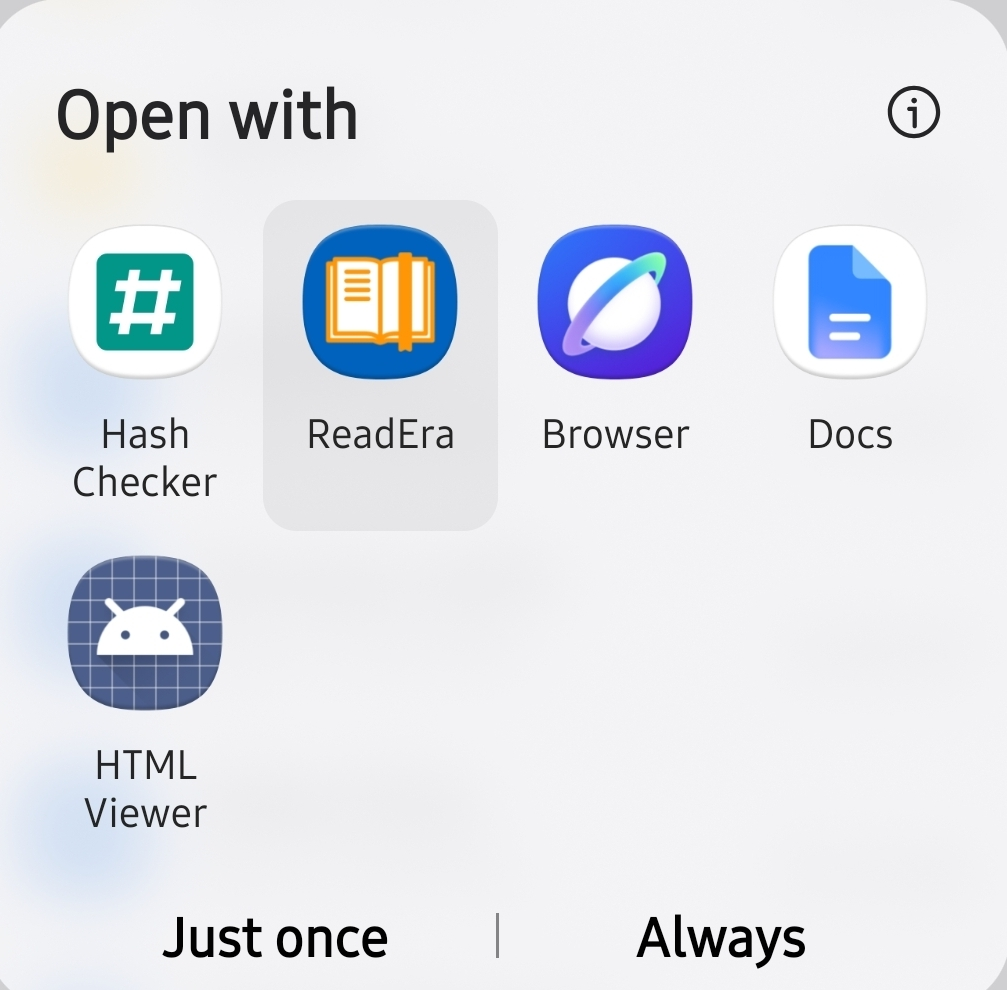
Firefox is set as the default browser. It always opens whenever a task requires a browser. But when I try to open an HTML file by tapping or long pressing it, the dialog window that opens doesn't show Firefox as an option. Screenshot_#1_20260624.jpg
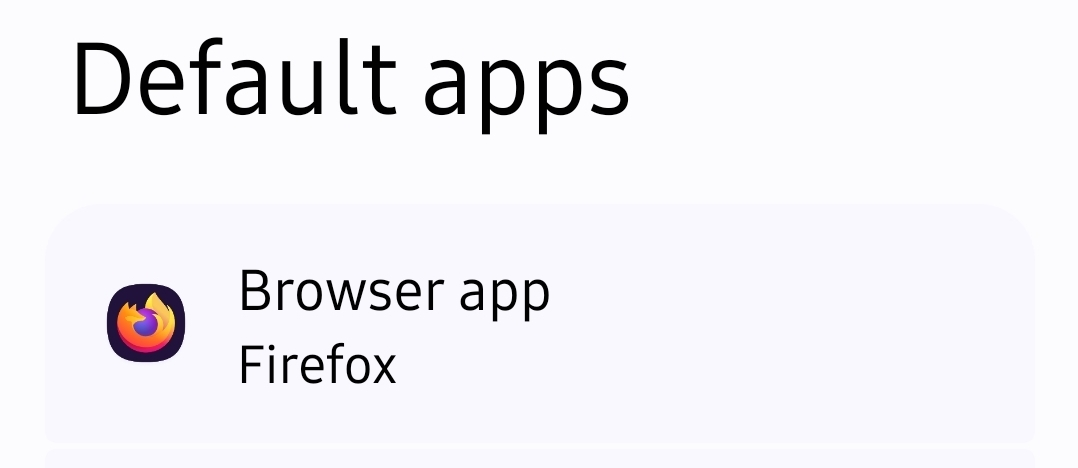
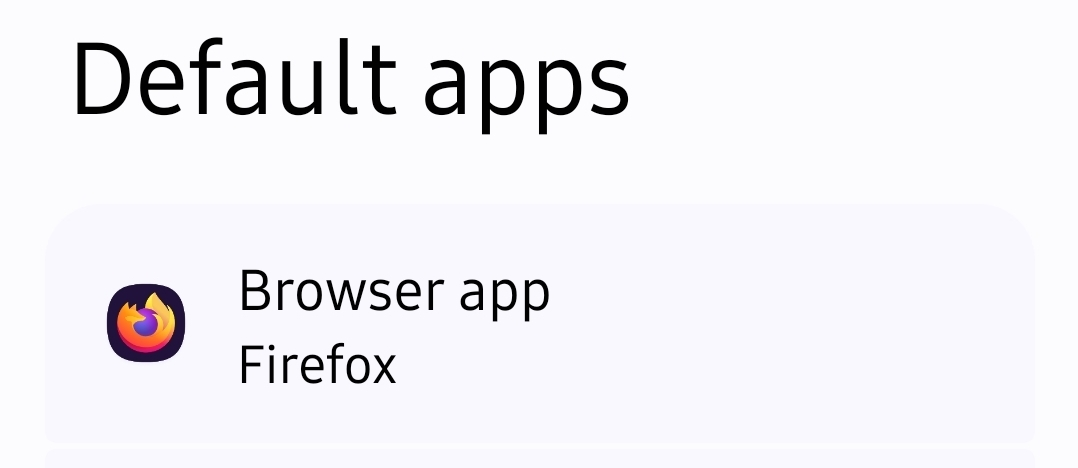
I have checked the settings in "Apps that can open links", all apps there show "In other app" In "Default apps", Firefox is under "Browser app". Screenshot_#2_20260624.jpg
What do I need to do so Firefox is either the default app for HTML files or at least shows up in the "Dialog window"? Screenshot_#1_20260624.jpg
Thank you!
Geändert am von Ezrway
Ausgewählte Lösung
The request is basically this: bugzilla.mozilla.org/1830599 — meaning there's a bigger lift this depends on.
Alle Antworten (5)
I'm not sure it's possible. You need a local html server for that.
Hi, I really appreciate your answer.
It's frustrating trying to find a way to use a preferred app, Firefox, to view an HTML file that I am able to view with a System app, HTML Viewer, shown in the file I attached: AB02_Screenshot_#1_20260624.jpg
Thank you for your reply!
Accessing local files is a whole can of worms in itself.
Adding a handler for PDFs was done some time ago bugzilla.mozilla.org/1815739 so similar path could potentially be taken for HTML, but I can imagine it won't load any subresources either from the filesystem if stored next to it, and even live from web could be a little convoluted.
I'm not sure if there's a bug filed or a connect thread to follow, I haven't found anything right away. Maybe you want to propose that functionality on connect.mozilla.org and if it's already tracked they would merge the threads.
That's a good idea. I never thought about that option. Thanks for letting me know about it!
Ausgewählte Lösung
The request is basically this: bugzilla.mozilla.org/1830599 — meaning there's a bigger lift this depends on.