

Ova tema je arhivirana.
Pitajte drugo pitanje ako vam je potrebna pomoć.

Arhivirano
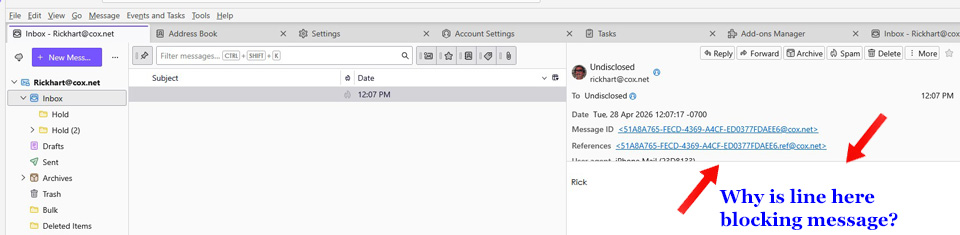
I have split viwing pane, but the preview on the right has an overlap so I can't see / preview the email.

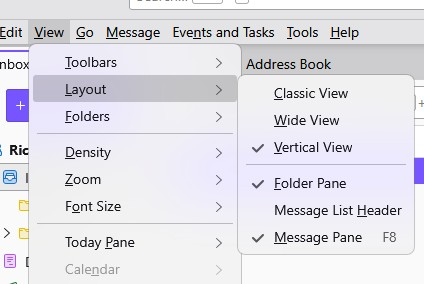
I have split viewing pane, but the preview on the right has an overlap so I can't see / preview the email. I have tried all "layout" choices but still can't get that line to go away so I can view who it is from AND the message. I have tried everything I know but that line remains.
I have split viewing pane, but the preview on the right has an overlap so I can't see / preview the email. I have tried all "layout" choices but still can't get that line to go away so I can view who it is from AND the message. I have tried everything I know but that line remains.
All Replies (1)
Are you using any addons? I suggest trying help>troubleshootmode to see if that identifies the issue.