No new messages alert
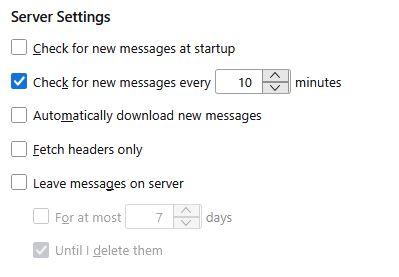
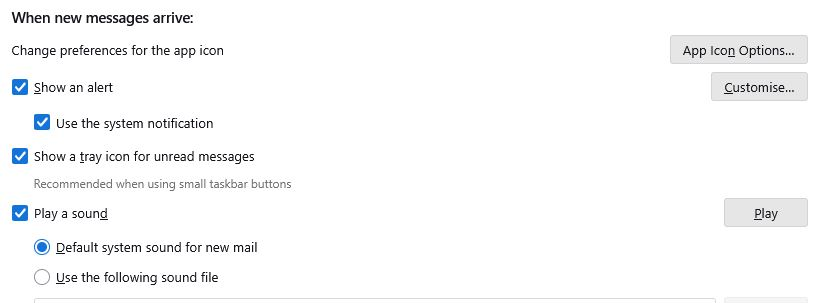
I have TB version 140.11.0esr (64-bit) running on Win 10. I have multiple accounts and each is set to check for new messages every 10 minutes (nothing else is ticked under "Server Settings). Everything is ticked under "When new message arrives" (and default sound is used).
When new messages were available to download, TB used to play alert sound (and I would know to download new messages) but now TB is sounding (the new messages) alert every time it checks for new messages even if there are NO new messages to download! How do I revert to the alert ONLY being sounded when there ARE new messages to download?
I have TB version 140.11.0esr (64-bit) running on Win 10.
I have multiple accounts and each is set to check for new messages every 10 minutes (nothing else is ticked under "Server Settings).
'''''Everything '''''is ticked under "When new message arrives" (and default sound is used).
When new messages were available to download, TB used to play alert sound (and I would know to download new messages) but now TB is sounding (the new messages) alert '''''every '''''time it checks for new messages even if there are '''NO''' new messages to download!
How do I revert to the alert '''''ONLY''''' being sounded when there '''''ARE''''' new messages to download?