Restore tabs on a new computer after the old one died

My computer died when I had many tabs open. Some of them were important. I cannot get back into my old computer to recover them from there. It appears that sync was not enabled. Is there any way I can get them on my new computer?
I can actually see a list of the tabs. When I hit the hamburger icon, the first item is my account. At the bottom of my account is a heading “[username] on [device name]”. Underneath is a list of all my tabs from my last computer.
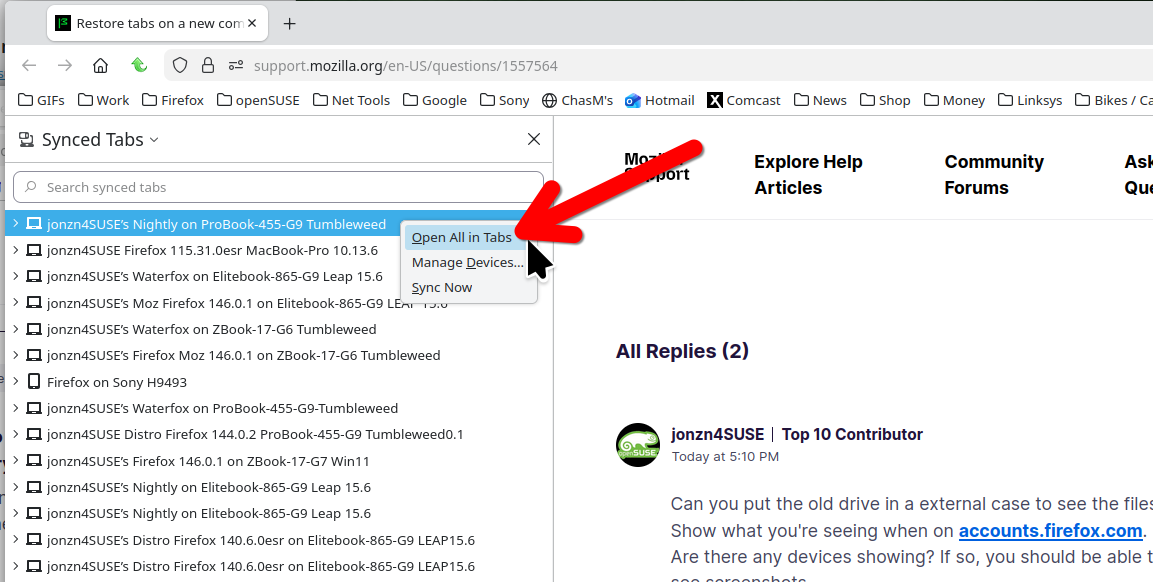
But I have to open them one by one. Is there any way to batch open these pages?
All Replies (3)
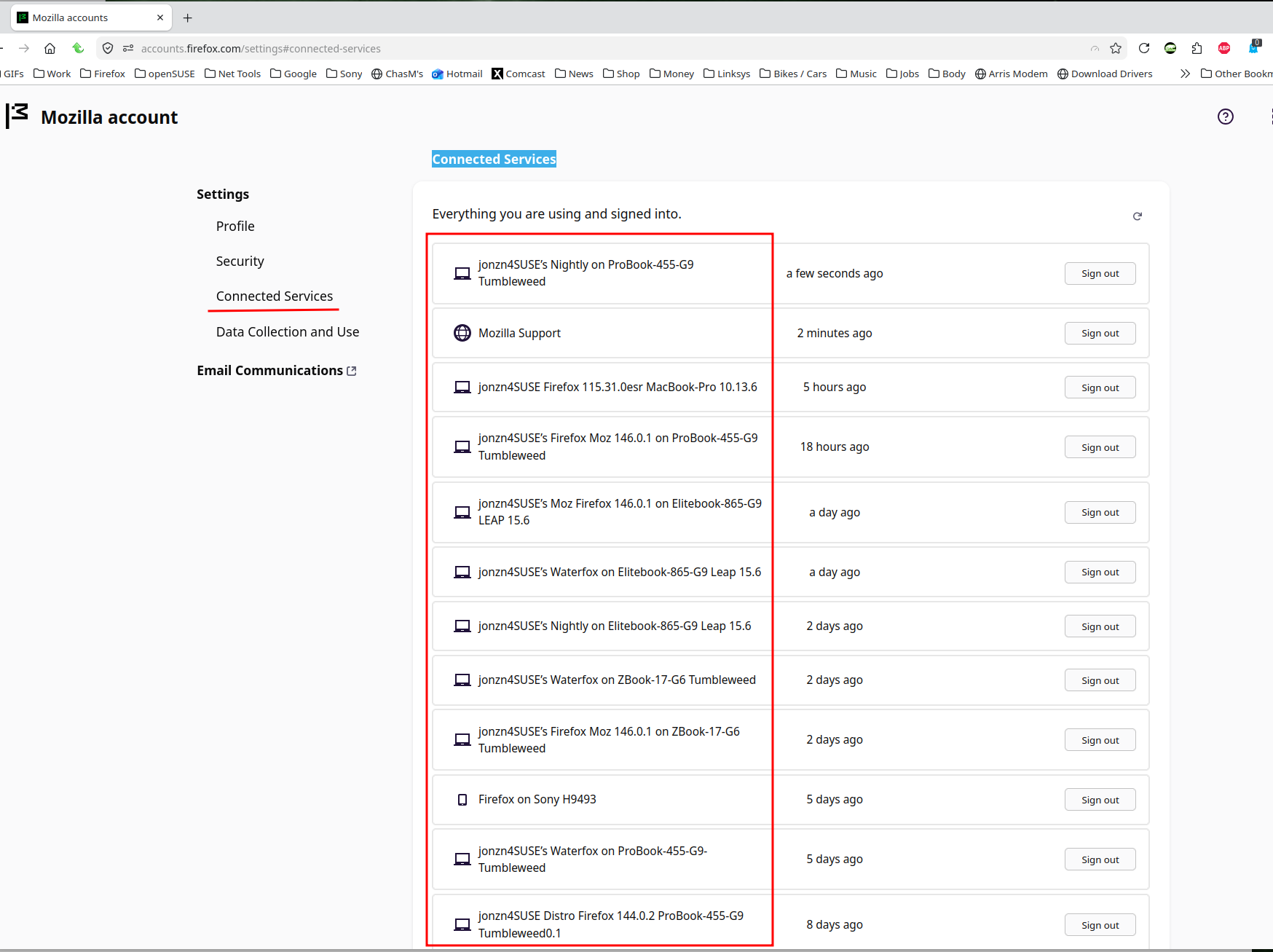
Can you put the old drive in a external case to see the files? Show what you're seeing when on accounts.firefox.com. Are there any devices showing? If so, you should be able to access the tabs from that device. see screenshots The 1st screenshot shows how to see the tabs from other devices. 2nd screenshot show my devices under connected services.
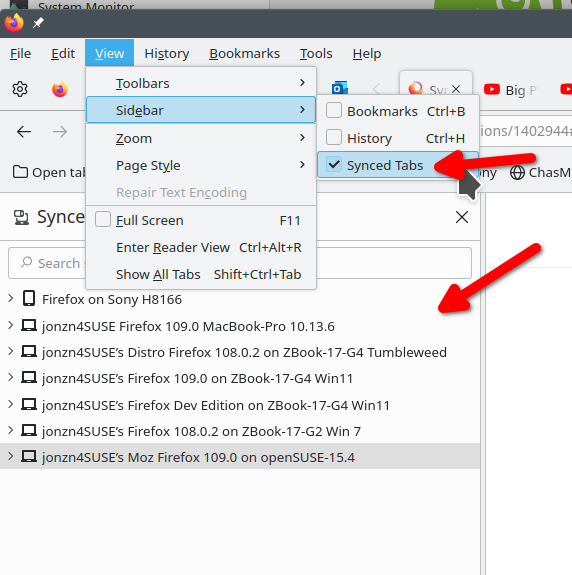
Thank you for your response. I appreciate it. I was able to find the list using your first attachment. It is the same list I can access through the alternative method I wrote about. But now that I see it, can I open all these tabs at once without clicking on each one?