


When playing a video, the screen often fades to black while playing.
Okay posted this into iOS but never got any proper help, so I'm guessing that was the wrong place to put this.
Whilst I'm watching a video, if said video is playing in fullscreen, it'll often fade to black during different parts, as whenever a flash happens or quick cuts (e.g. a film with lightning strikes, causes it to fade to black and it stays like that - then fades back in super slowly). It is SUPER annoying and it causes me to have to rewind if I miss something because of it (only for it to do it again and again)! I don't watch YouTube in fullscreen because of it, but it even does it in streaming services - but worse! I honestly have had enough of this, it is genuinely infuriating.
I'm on MAC air 2022 M2, macOs Tahoe 26.6.2 - and the most recent up-to-date Firefox update: Version 157.0 I usually put off updating Firefox because it signs me out of everything! Meaning I have to resign into all of my school things, streaming, YouTube, and even this page itself!
Now I've gone into a private window and tested it to see if it does the same thing - yes, yes it does do the same thing, I put on the same two YouTube videos and it did the exact same fading in the middle of it at the same exact timestamp!
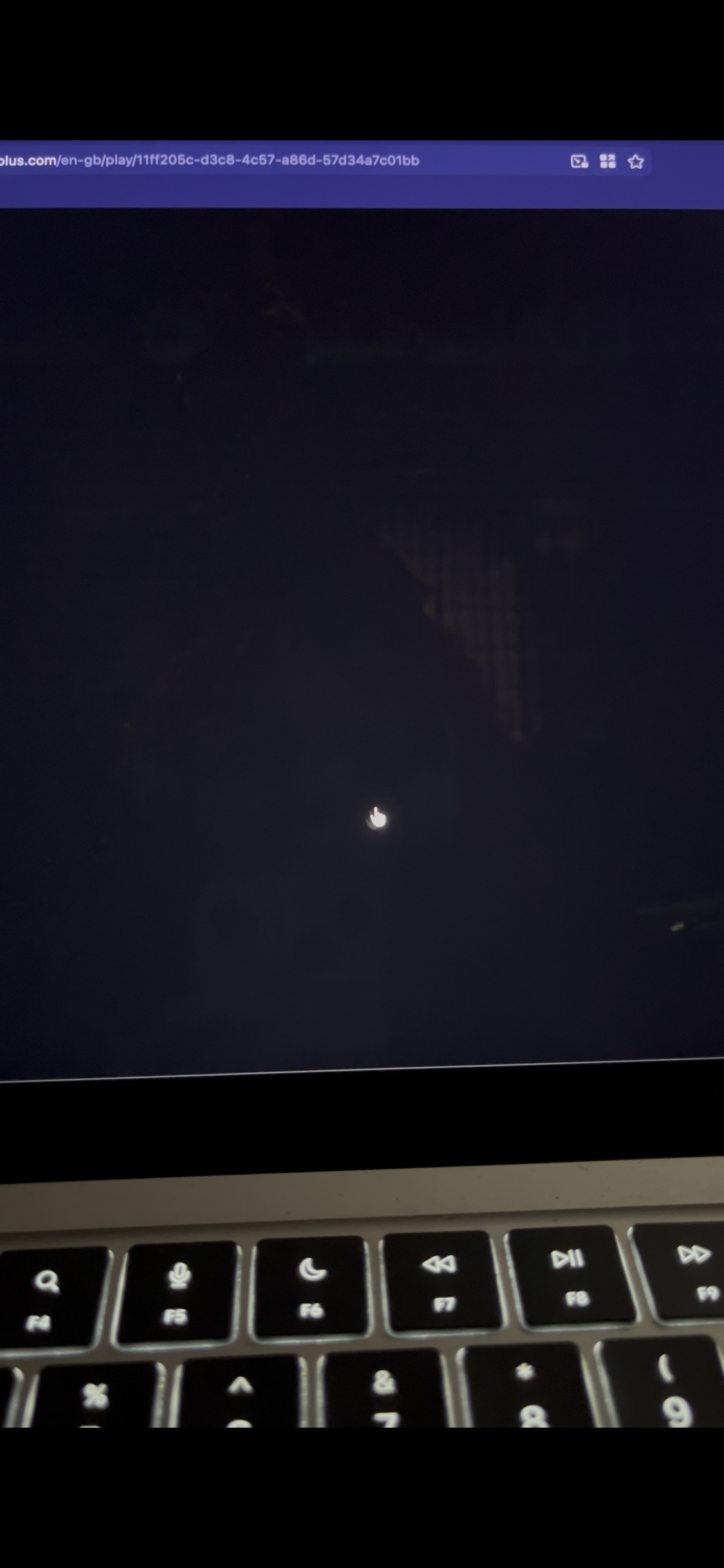
Took this photo of the movie Cruella because I knew there was loads of flashing lights at one scene. You can see that the video is faded but the rest isn't. The second image is when I click multiple times to try and stop it! But it happens again directly after.
Please help me, this is really annoying and I've put up with it for too long :(

All Replies (3)
Chosen Solution
Are you sure your macOS accessibility preferences don't have "Dim flashing lights" feature enabled?
Oh my god I have been trying to fix this for ages why the hell did I never check that! I am legit an idiot, I don't recall ever having a setting for that, so no wonder I didn't check it - I always just assumed it was a setting in Firefox that I couldn't find! Thank you for reminding me about this. I suppose I never checked because it never did movies that I downloaded whenever I played them in full screen, or on Chrome when I used it (before all their dumb AI features).
Thank you, you are a life saver and I am very, very stupid.
No worries. It's an important safety feature for a lot of users so I'm sorta glad it works correctly and as expected across many media formats consumed, which is a good signal per se;)
Take care! —J.