


Tab and button design

Hello everyone.
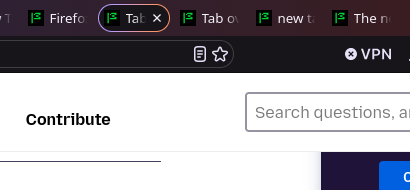
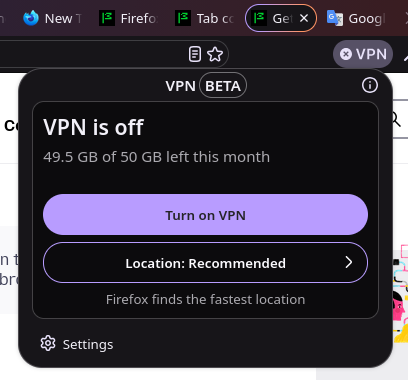
Firefox updated today. I don't know—maybe some people like the new design of the tabs, the buttons in the drop-down menus, and the gradient borders around the active tab and the tab bar itself. But I’d like to revert to the old interface. How can I do that?
Thanks!
Chosen Solution
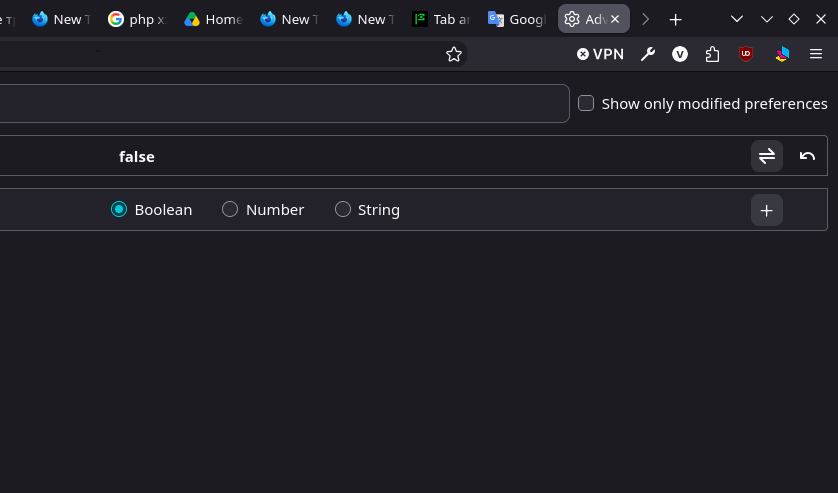
I'm not sure this was supposed to be enabled in Beta already — but the preference is called browser.nova.enabled that you can flip back to false to disable it for now.
WARNING from the moderator team: Changing Firefox preferences from the about:config page can sometimes break Firefox or cause strange behavior. You should only do this if you know what you're doing. Please read Firefox advanced customization and configuration options to learn more.
Modified by Paul
All Replies (7)
Hi
First look at optional themes Secondly you can do what you like via a userChrome.css file

amoun сказал(а)
Hi First look at optional themes Secondly you can do what you like via a userChrome.css file
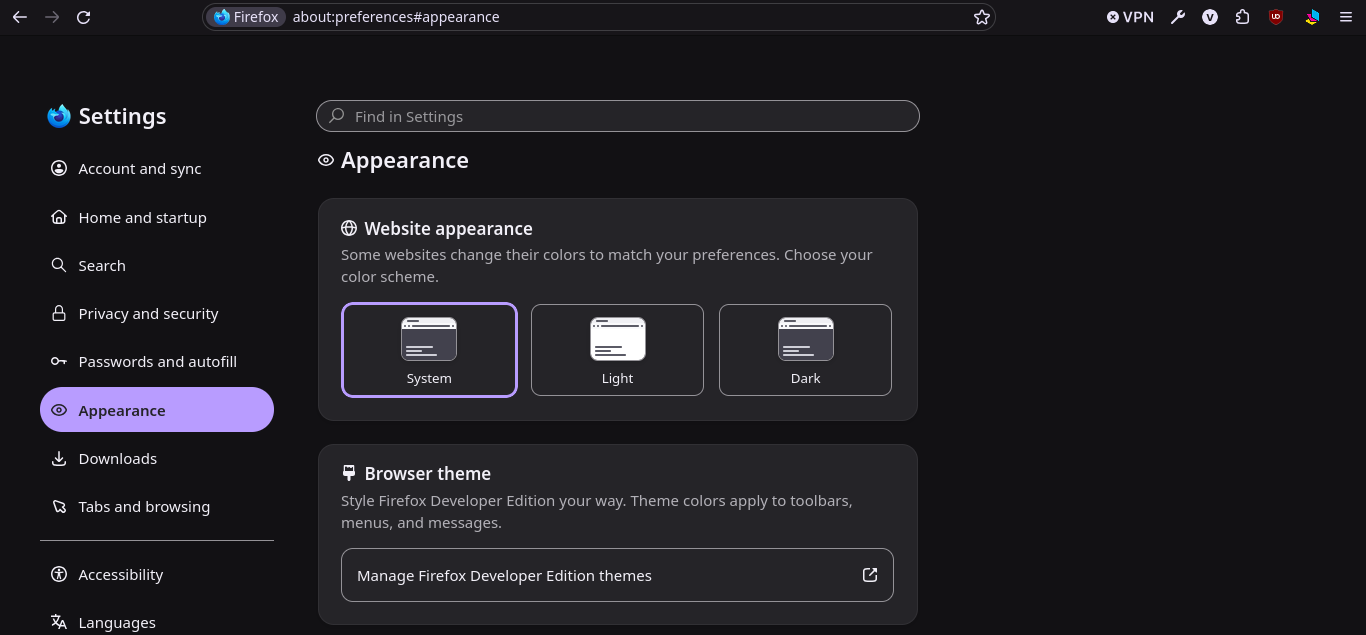
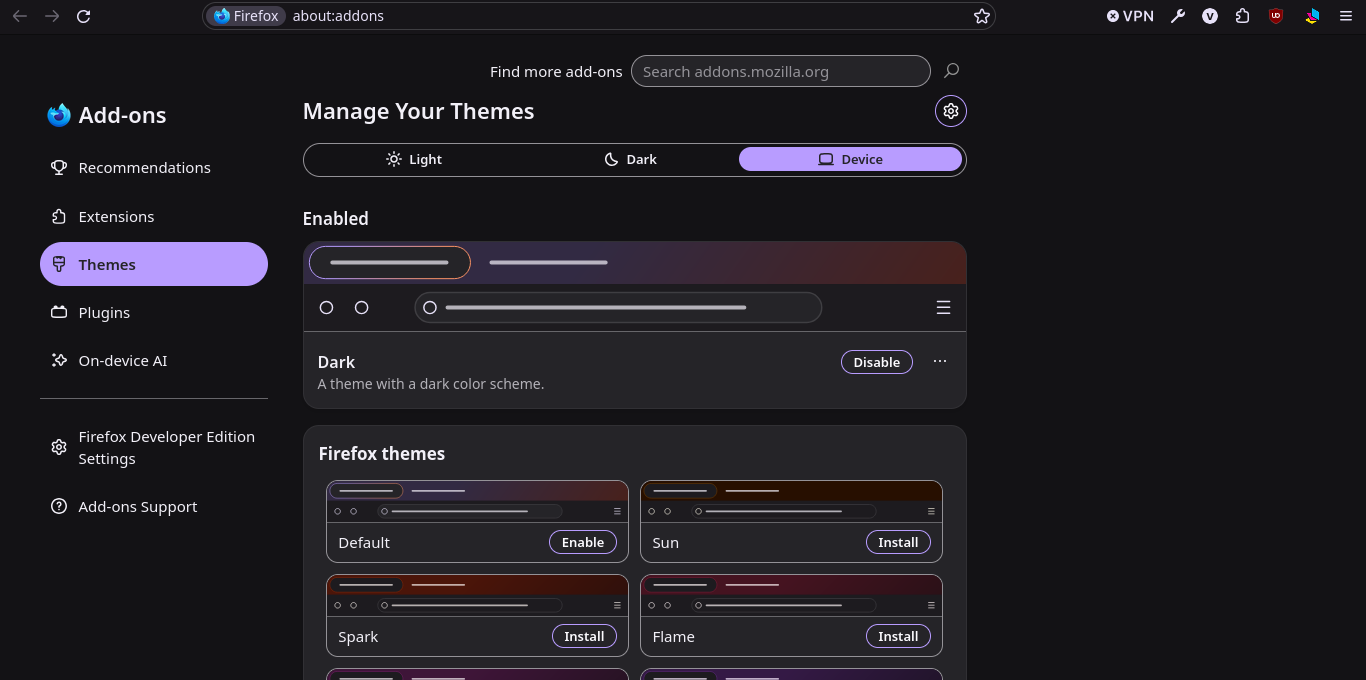
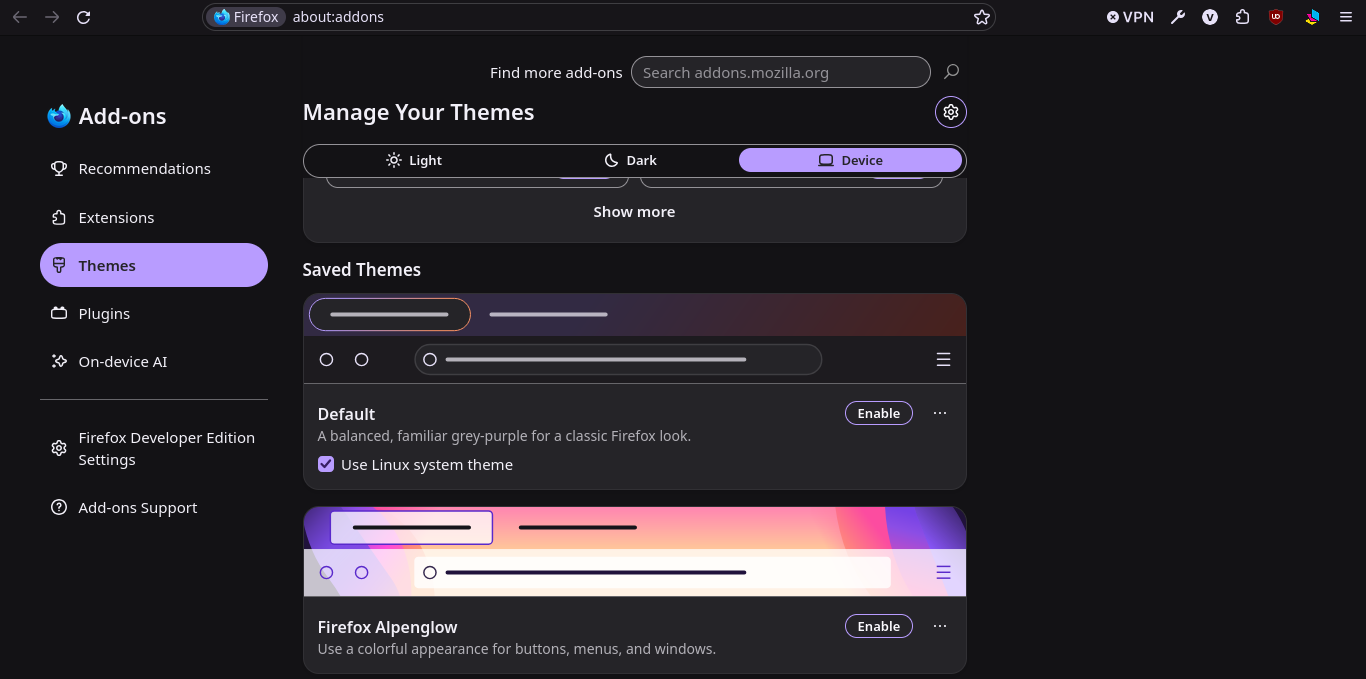
The themes haven't been changed, and no new ones have been installed. In general, switching between system, light, and dark themes doesn't affect the appearance of tabs and buttons.
Regarding custom CSS... where can I read about the selectors used for the elements?
Modified by Val_Ery
Chosen Solution
I'm not sure this was supposed to be enabled in Beta already — but the preference is called browser.nova.enabled that you can flip back to false to disable it for now.
WARNING from the moderator team: Changing Firefox preferences from the about:config page can sometimes break Firefox or cause strange behavior. You should only do this if you know what you're doing. Please read Firefox advanced customization and configuration options to learn more.
Modified by Paul
jbr сказал(а)
I'm not sure this was supposed to be enabled in Beta already — but the preference is called browser.nova.enabled that you can flip back to false to disable it for now.
Yes, exactly! I set the value to "false," and the design elements returned to their usual appearance. Thanks.
Bonjour
A space for users to give product feedback https://support.mozilla.org/en-US/kb/what-mozilla-connect
Hi
I strongly recommend against using about:config to reverse this change as in time that preference will be removed.
You can revert most of the new interface changes in the menu without having to use any hidden config settings.
Paul сказал(а)
Hi I strongly recommend against using about:config to reverse this change as in time that preference will be removed. You can revert most of the new interface changes in the menu without having to use any hidden config settings.
Hi!
In that case, I need the specific path to where I can change the browser's visual settings. To be honest, that design was terrible... I prefer a classic look without embellishments like rounded buttons and gradients.