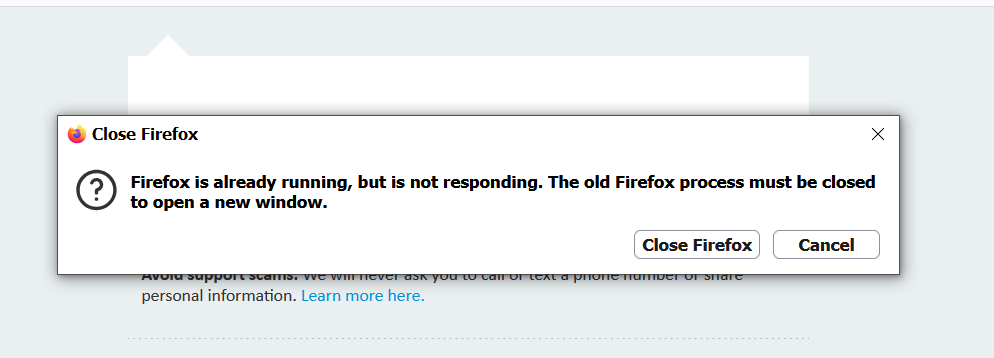
i keepgetting firefox is running but not reponding
whenever i clic omn any app like Facebook YouTube Instagram on my desk top after the newest version get this every tme
All Replies (27)
Please reboot your computer first.
And after doing that, see if using just the browser — no other apps, shortcuts, links, desktop icons etc. — just the browser — works just on its own, before trying to understand what the other icons are trying to do.
yes the browsers works by it self i went t profile and removed parent ock
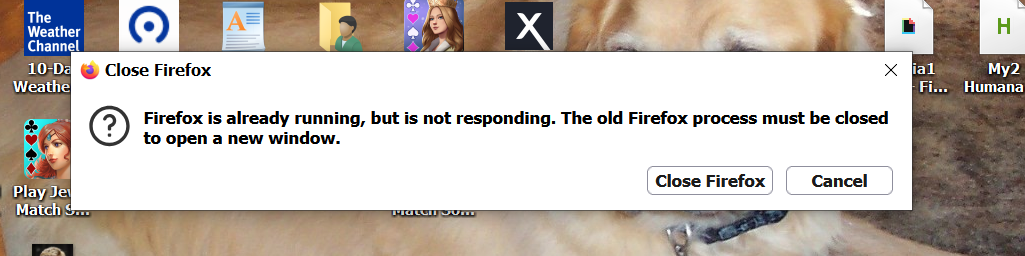
why is this happening it ass corrected until this new update on everything i showed all the updates there were in previous o i did and it still is ruining but not responding then when i click on i hit Instagram or Facebook or YouTube they all even with all adons shut off it still does it say that it is ruining but not responding i do not know what to do all i did was download the new version did not change a thing in Firefox i have turned of and removed some addons and still getting it i do not want to put all new desk top icons and i tied remove and re adding s desktop icons and that did no good either i guess now i will have to go to Chrome because this keep happening please ois ther away to stop seeing this please help or ill have to either sufeer with it runing but no responding or go to Google
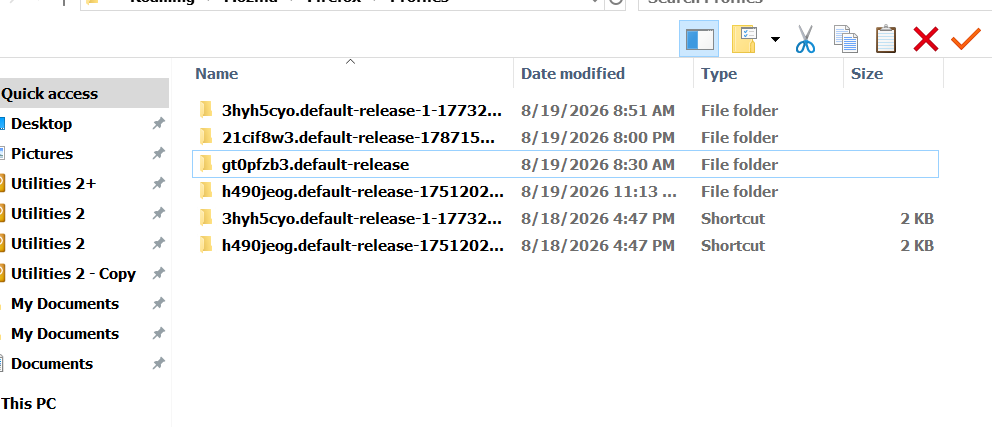
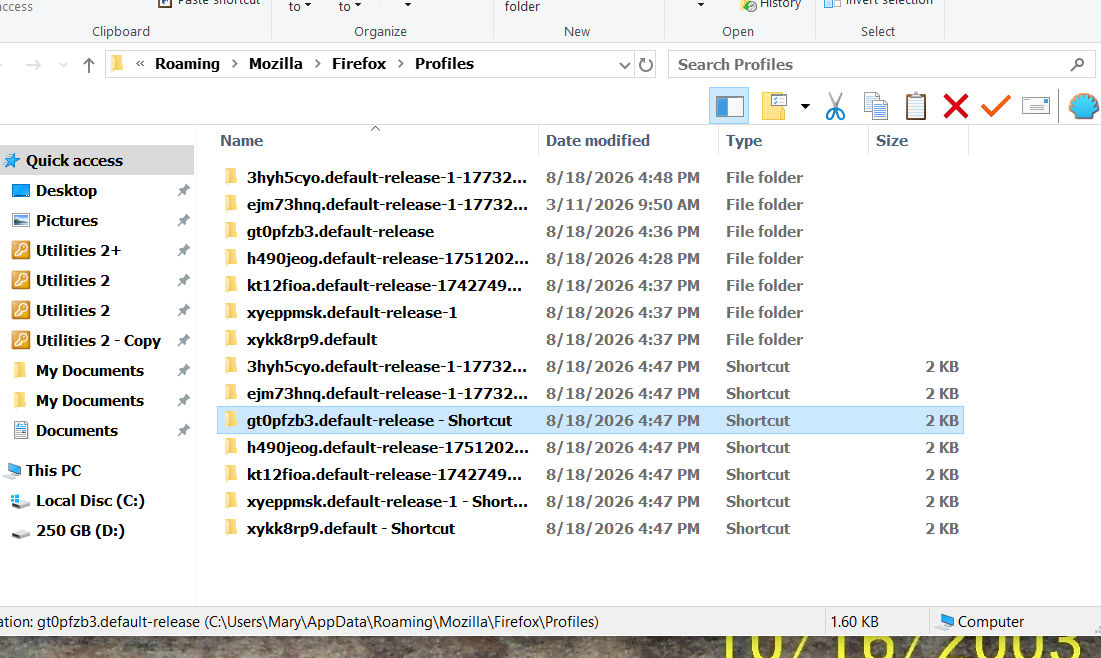
Are you using all the twelve or so profiles you have shown above in your profile directory?
(I don't think it's directly linked, but that's some unexpected profile layout there to be managing and running…)
no i was not sure what ones to remove was afraid to remove ll of them.this is the one that shows up in profile when i click on more trouble shoot mode in FirefoxC:\Users\Mary\AppData\Roaming\Mozilla\Firefox\Profiles\3hyh5cyo.default-release-1-1773237019566C:\Users\Mary\AppData\Roaming\Mozilla\Firefox\Profiles\3hyh5cyo.default-release-1-1773237019566
this is what it shows so what do i doC:\Users\Mary\AppData\Roaming\Mozilla\Firefox\Profiles\3hyh5cyo.default-release-1-1773237019566 i am afraid t remove all those here i s the correct one i think
see what it says
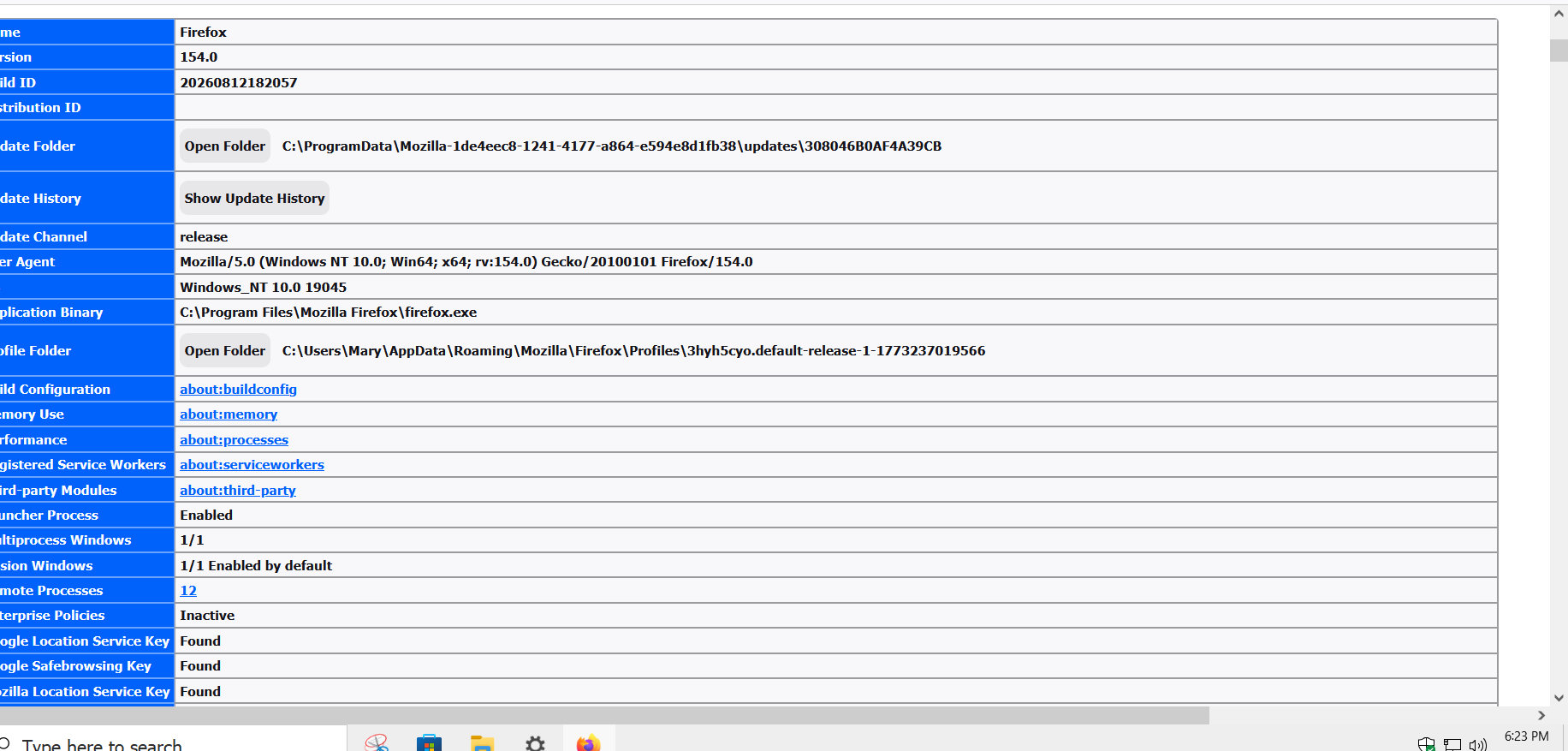
you may be correct so should i remove all of then there are a few with that same profile number itis in here twice with that same number and there are other that say todays date
when i click on both with the dssame number the profile looks the same so what do i do remove them all and lose Firefox
i am crying here i do ot know what to do i do not want to uninstall and reinstall and lse all my book marl ks and addons ansd stuff
  what if i  delete from program c   and reinstall will i be okay
is this just me having this problem or anyone else aswell
am afraid to clean off cookies
i am beside my self here with this not sure anyone else having trouble
so it appears no one want to or an not help me there is a problem i just refreshed it and i am still getting it i swear it is not me it was inning fine earlier today until i saw the update sorry and thanks i guess with help that did not work bu thans and i guess ill never get an answer \
OK in case you're not actually using them all (depending on which ones are actually referenced/usable per se) it's probably not related — that was just to figure out how you potentially use the multiple instances this might trigger.
(If you're not using these, you might wanna consider some sort of professional maintenance, as this seems like accumulating duplicates and leftovers over some time … albeit they mostly look changed during the past 48h so there still might be some interaction going on… but that's for a tech to look into potentially, why these keep cropping up.)
> "whenever i clic omn any app like Facebook YouTube Instagram on my desk top after the newest version get this every tme"
> "yes the browsers works by it self"
What is the functionality that's triggering that error message? Is that "web apps"? These would normally be pinned as taskbar apps, not sure if that's what you have on desktop or how you placed these in there. Or is that just website location shortcuts? Or is it some "command" to be run? What to these icons represent exactly, and what are they supposed to launch? (Apparently everything else works and you should be able to access any site within Firefox normally — just the external desktop icons don't launch?)
I had this problem too after the latest Firefox update. In my case, it was caused by Firefox still running in the background even after I closed it.
Try opening **Task Manager (Ctrl + Shift + Esc)** and look for **Firefox** or **firefox.exe**. End all Firefox processes, then try opening it again.
If that doesn't help, try starting Firefox in **Troubleshoot Mode** to check if an extension is causing the problem. You can also restart your computer and try again.
Since this started right after the latest update, I'd also check for any other Firefox updates, as it could be a bug in the current version.
i have done all than all of what you said and it has not gone yeti have removed many profiles remove parent lock did a new profile removed and moved extensions did it all an noting worked but ill try again . see i knew i was not the only on his happened to Firefox swore it was not them
they are app icons s and shortcuts like everything i click on on the desktop that is powered buy Firefox does it does it on all of them i have reinstalled changed my password added and removed extentions and heck it does it when i click n the Firefox icon the desktop and have it there i also remove parent control did all could now i went into task manager and saw many fireboxes some said separate and some said a number next to it 5 individual and one at very top that says 6 next to it now i have several profiles as well should i remove them i have no idea what happened it was working until yesterday sending you what i have on task bar now keep in mind i already removed 5 singular ones now i get this one that says 6 and i will sen all the profiles i have as well
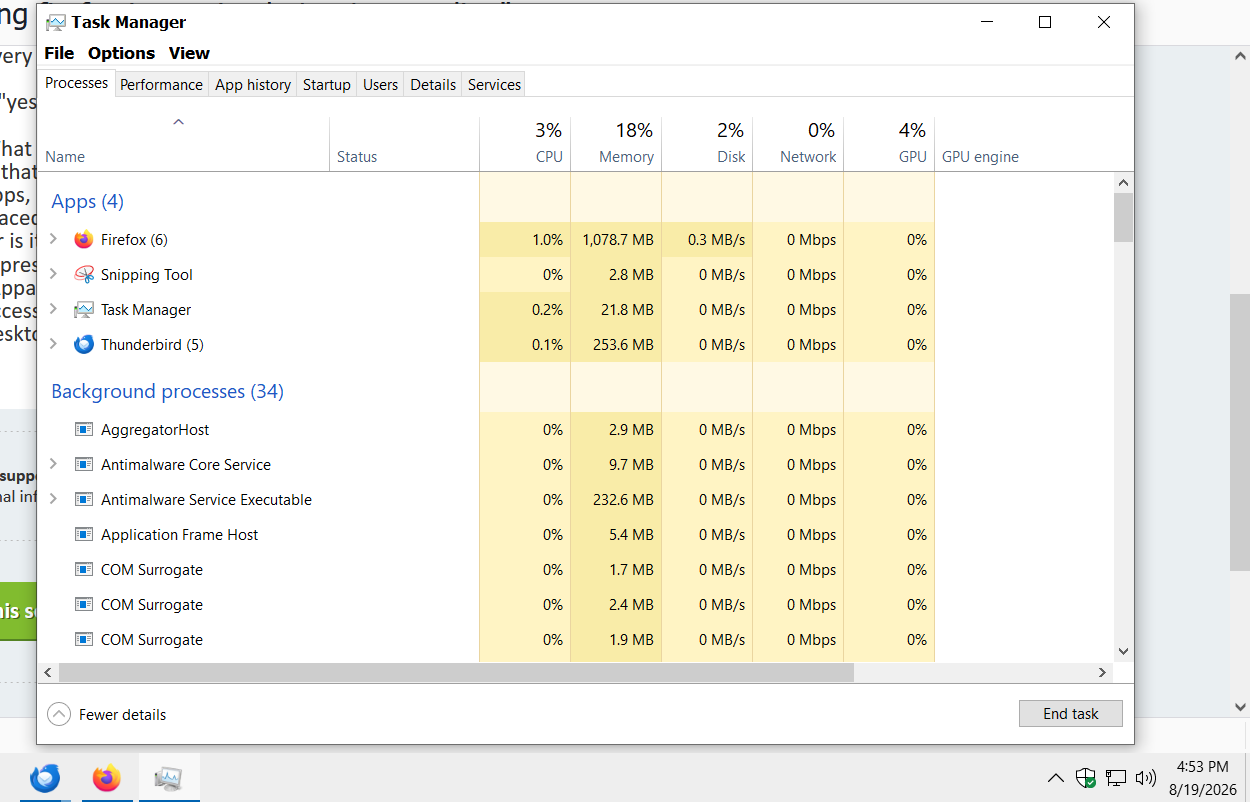
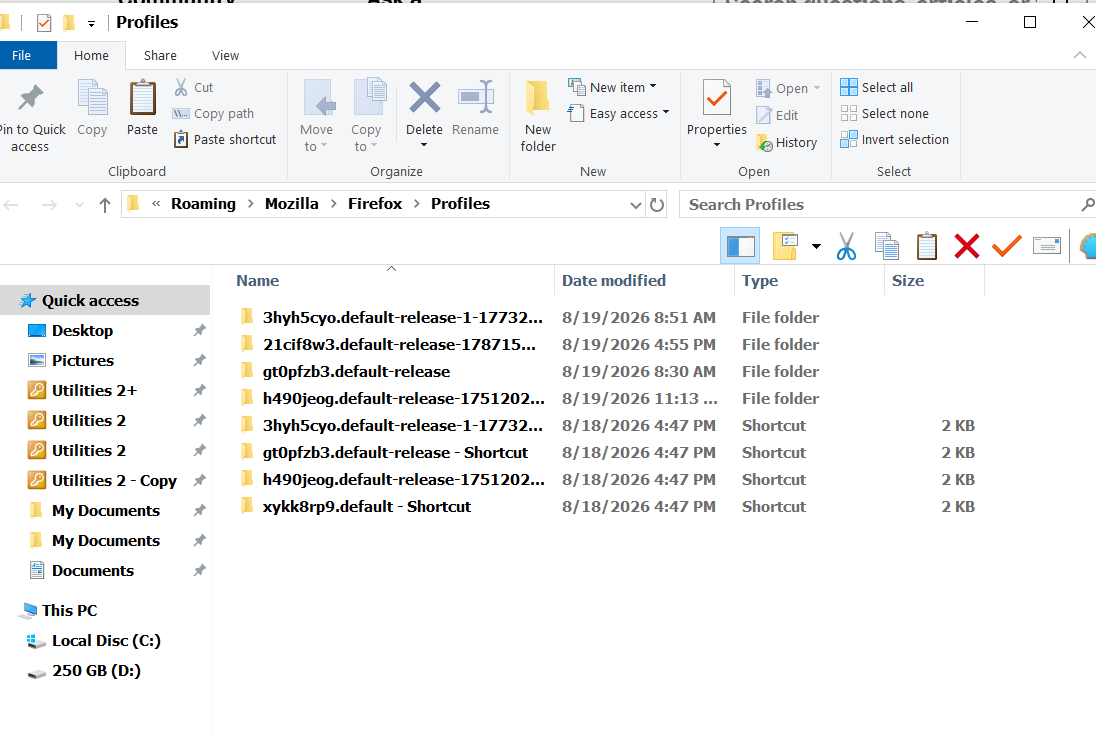
That's why I was asking about multiple profiles, and how the shortcuts are coded — since there was a mention in https://www.reddit.com/r/firefox/comments/1vro8hl/comment/p4gg9zn/
But that doesn't sound like your issue. So your multiple instances, and some/one hanging has yet another reason.
Unless you know how the icons are launching things, I'd advice using bookmarks within Firefox, instead of external shortcuts if you're unsure what they're exactly opening, and if that has any relation to your profile multiplication.
none of this worked
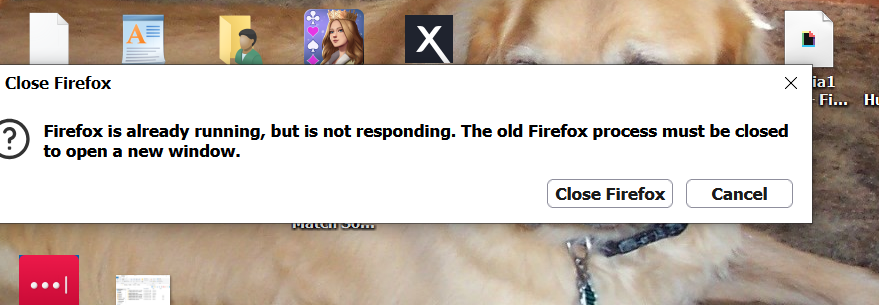
should get rid of the profiles i have a few