Google search: I'm not a robot" with a reCAPTCHA - everytime

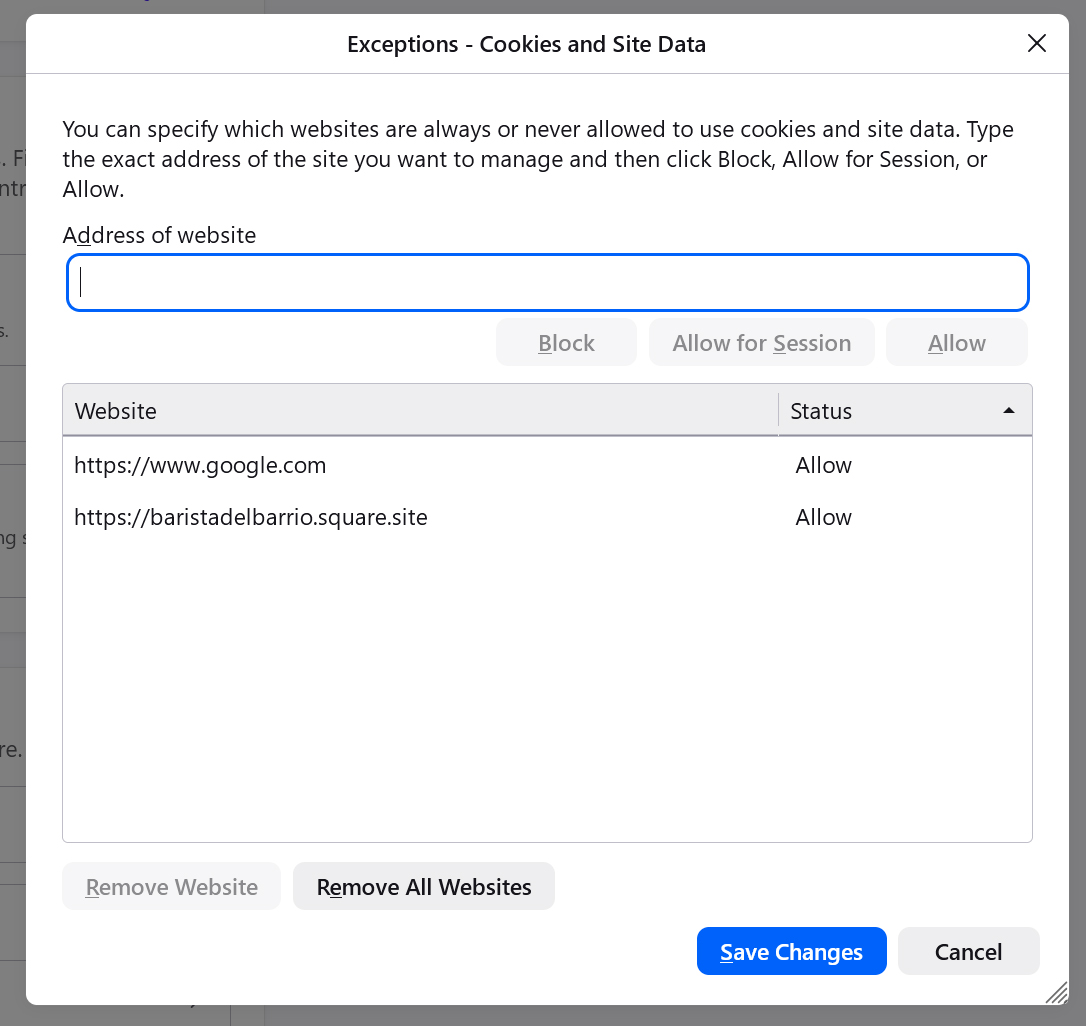
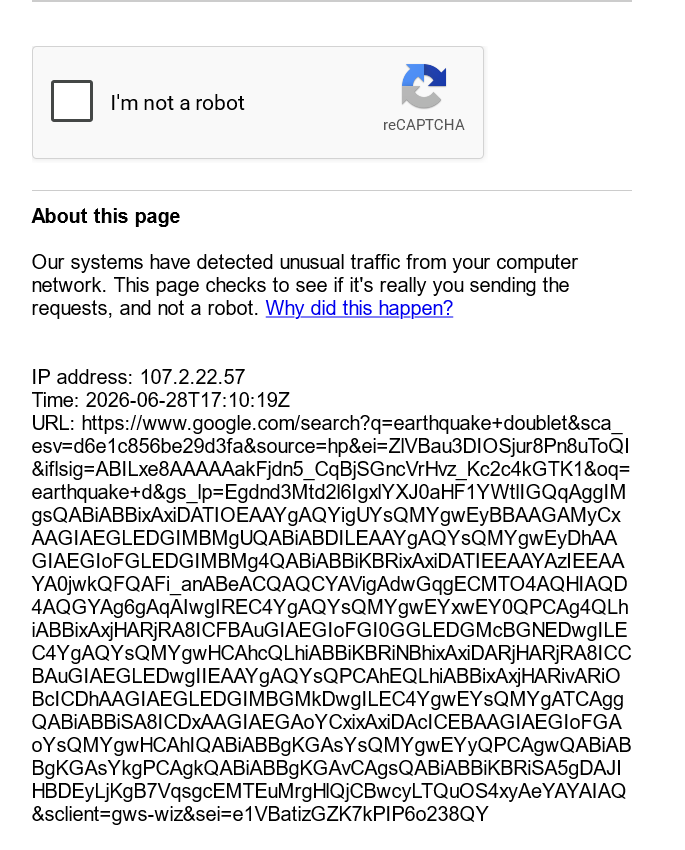
When I try to make a Google search I get the following message, "I'm not a robot" with a reCAPTCHA: "Our systems have detected unusual traffic from your computer network. This page checks to see if it's really you sending the requests, and not a robot. Why did this happen?". This happens on Firefox, but not Chrome or Edge. I have scanned with Malwarebytes, Bitdefender, Hitman Pro, Trend Micro House Call and Microsoft Defender, nothing detected. Running Win 10 (64) with 'Extended Security Updates', Firefox 152.0.3 (64), no additional Extensions or Plugins, no VPN and have run through the troubleshooting suggestions. Also I uninstalled and reinstalled Firefox. Note: currently I do have extensions installed, previously I did not, however with or without the problem exists Attached screenshots
All Replies (2)
Chosen Solution
This is the same as support.mozilla.org/questions/1560093
For some it's extensions support.mozilla.org/questions/1560076 — for others either signing in or not clearing site data repeatedly support.mozilla.org/questions/1586735 — for me what worked is to set a different Google URL query as a custom search engine support.mozilla.org/questions/1587084
Yes I understand that if I clear site data the reCAPTCHA will occur every time. Doesn't setting www.google.com to 'Allow' in Exceptions - Cookies and Site Data suppose to save the site data permanently? Apparently it is not. What am I missing?