Issues in Firefox - Missing Reset Firefox to it's Default State

Got a few quirks with Firefox (font issues) after installing some add ons. Restarting disabling the add ons does not fix the issue.
Wanted to reset Firefox preferences. Went to "Help>Troubleshooting Information". It brought up a screen with all kinds of information on it, but there is no "reset" button in the upper right (or anywhere that I can see) on the page.
I running under Linux desktop (Fedora 17). The version of Firefox is 18.0.
All Replies (6)

Update to Firefox 18.0.1 and give a try...
You only have the Reset button if you have started Firefox with the profile that is marked as Default=1 in the profiles.ini file.
You can delete the prefs.js file and possible numbered prefs-##.js files and a possible user.js file to reset all prefs to the default values.
Can you attach a screenshot to show the font problems?
- http://en.wikipedia.org/wiki/Screenshot
- https://support.mozilla.org/kb/how-do-i-create-screenshot-my-problem
Use a compressed image type like PNG or JPG to save the screenshot.
I saw that in my earlier searches (before I posted).
I'm not working with multiple profiles.
from my home directory ~/.mozilla/firefox/profiles.ini
[General] StartWithLastProfile=1
[Profile0] Name=default IsRelative=1 Path=jhn3pg5a.default Default=1
Only 1 profile defined and the default flag is set.
Should I be looking somewhere else as to where it's getting it's information from?
Accidentally hit that the 18.1 upgrade solved the problem. Not sure if it will or need. I'm updating from Fedora's yum repositories and it hasn't hit there yet.
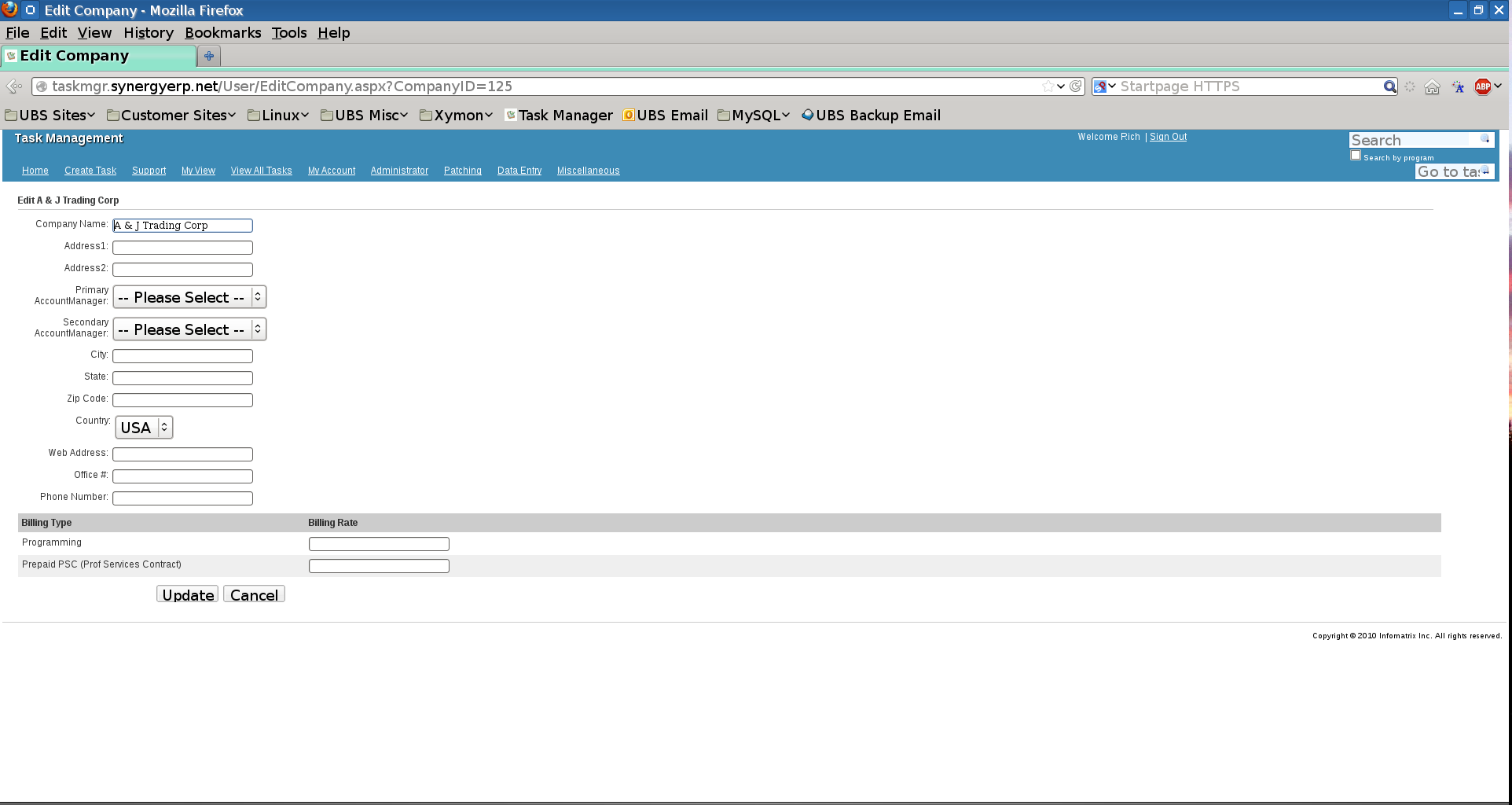
Image attached. I was fooling with the add-on Theme Font and Size Changer which really helps with high resolution screens (1920x1080). What I noted though is some (and only some) of the buttons and text boxes took on a larger size as well. Resetting them in the tool and even disabling all add-ons does not fix the problem.